Description
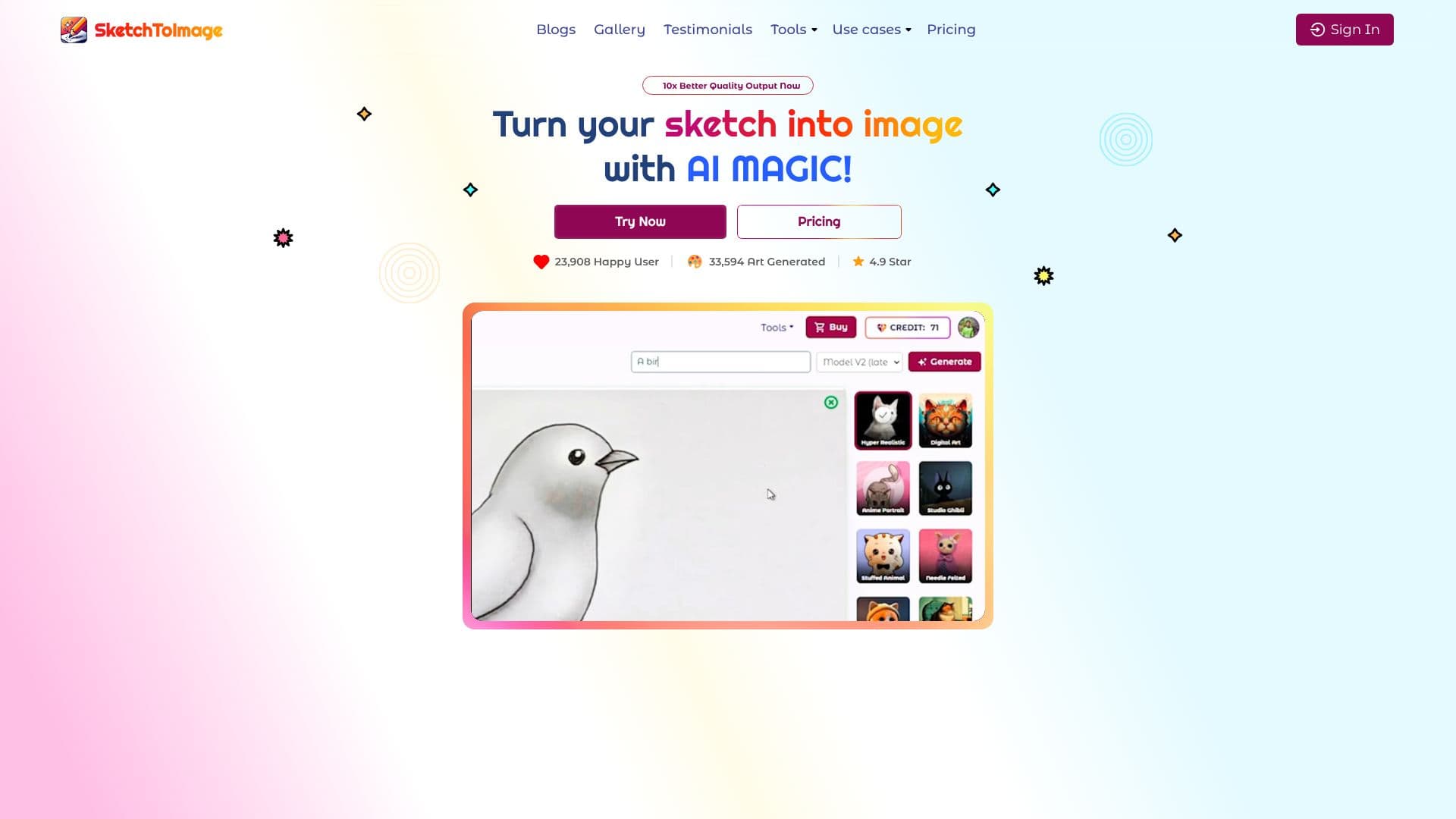
Sketch To Image is an AI-powered application designed to convert hand-drawn or digital sketches into diverse artistic styles with remarkable ease. The platform leverages advanced AI models to bring your creative visions to life, offering a seamless workflow from initial concept to final artwork.
Read More
Users can begin by either painting directly on the app's canvas or uploading an existing sketch. The tool supports both hand-painted and digitally created sketches, providing flexibility for different creative processes. Once a sketch is provided, users can add a descriptive prompt to guide the AI and then select from a wide array of artistic styles. These styles range from Digital Art, Anime, and Hyper Realistic to Retro Comic, Studio Ghibli, and Cyberpunk, among others, allowing for extensive creative exploration.
Beyond sketch-to-image conversion, Sketch To Image offers additional powerful features. The Upscale Image tool enhances and enlarges any image using cutting-edge AI technology, improving clarity and detail up to 8x. Furthermore, the Image to Video feature animates static images into dynamic videos in mere seconds, utilizing the latest AI models to give art a new dimension. This comprehensive suite of tools caters to a wide range of creative needs.
The application boasts a user-friendly interface and has garnered positive feedback from a growing community of users. Testimonials highlight its ability to transform simple doodles into masterpieces and its utility for various professional and personal projects. The platform also emphasizes the commercial usability of generated art, stating that all artwork is copyright-free.
Sketch To Image is ideal for artists, designers, marketers, and hobbyists looking to quickly generate unique visuals, visualize concepts, or add an artistic flair to their projects. Its intuitive design and powerful AI capabilities make it accessible to users of all skill levels, democratizing the creation of high-quality digital art.
- CategoryAI Image Generators
- Pricing ModelFreemium
- DeploymentCloud
- PlatformsWeb
Sketch To Image AI's Core Features
Transform sketches into various art styles using AI
Supports both hand-painted and digital sketches
Image upscaling up to 8x for enhanced detail
Animate images into videos with AI
Wide selection of artistic styles including Anime, Hyper Realistic, and Studio Ghibli
User-friendly interface for easy creation
Copyright-free artwork for commercial use
Prompt-based image generation guidance
How to use Sketch To Image AI?
Paint or Upload Sketch: Use the app's canvas or upload your existing sketch.
Add Prompt: Describe your desired output to guide the AI.
Select Style: Choose from numerous artistic styles.
Generate Art: Click to transform your sketch into a unique image.
Upscale Image: Enhance resolution and clarity of generated images.
Create Video: Animate your images into videos.
Sketch To Image AI's Use Cases
- Reimagine Kids' Art
- Architectural Design
- Interior Design Visualization
- 3D Model Texturing
- Digital Art Creation
- Marketing Visuals
- Character Design