Description
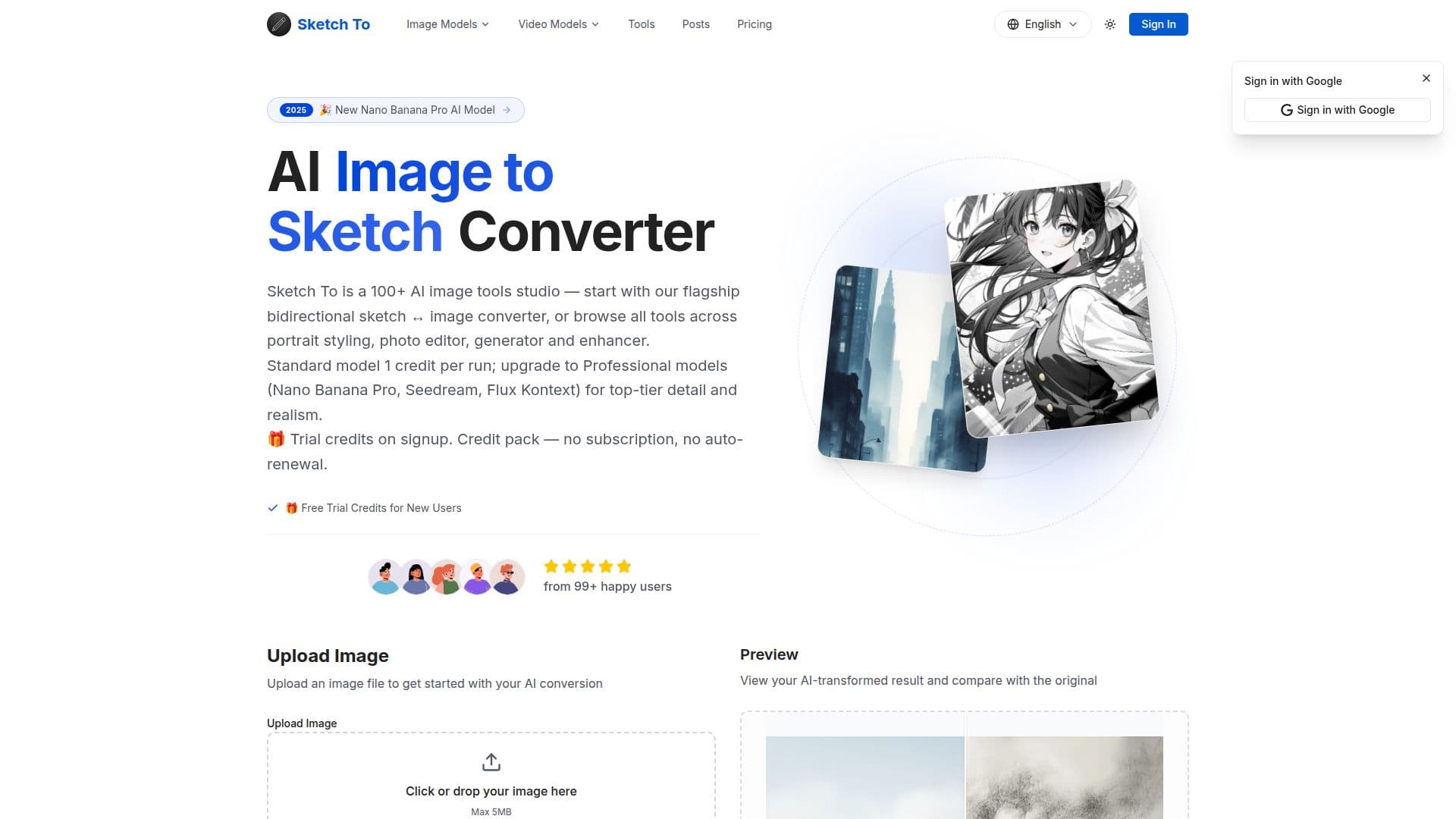
Sketch To is an AI platform that converts images to sketches and sketches to images, alongside more than 100 AI tools for editing, generating, styling, and enhancing visuals. It offers Standard and Professional models, with new users receiving trial credits.
Read More
The Standard model is aimed at general use such as social media posts, creative hobbies, and school projects, while the Professional model uses more advanced AI for superior detail, texture, and realism suited to commercial projects and client work. The Standard model uses one credit per conversion, and the Professional model uses a flexible pay-as-you-go credit system with no subscription required.
Sketch To supports major image formats including JPG, PNG, and WEBP, with uploads up to 10MB, and most conversions finish within seconds. For best results, the tool recommends clear, well-lit, high-resolution photos with strong contrast. The Professional model is designed for commercial use.
- CategoryAI Photo Editors
- Pricing ModelFreemium
- DeploymentCloud
- PlatformsWeb
Sketch To's Core Features
Image-to-sketch conversion
Sketch-to-image generation
Standard and Professional AI models
AI image editing, portrait styling, and enhancement
Flexible credit system with trial credits for new users
Supports JPG, PNG, and WEBP up to 10MB
Fast processing, typically within seconds
Commercial use with the Professional model
How to use Sketch To?
Upload an image: Add a photo or sketch to convert.
Choose a model: Pick Standard for general use or Professional for detail.
Convert: Let the AI transform the image or sketch.
Preview and download: Compare with the original and save the result.
Sketch To's Use Cases
- Photo to sketch
- Sketch to image
- Portrait styling
- Commercial artwork