
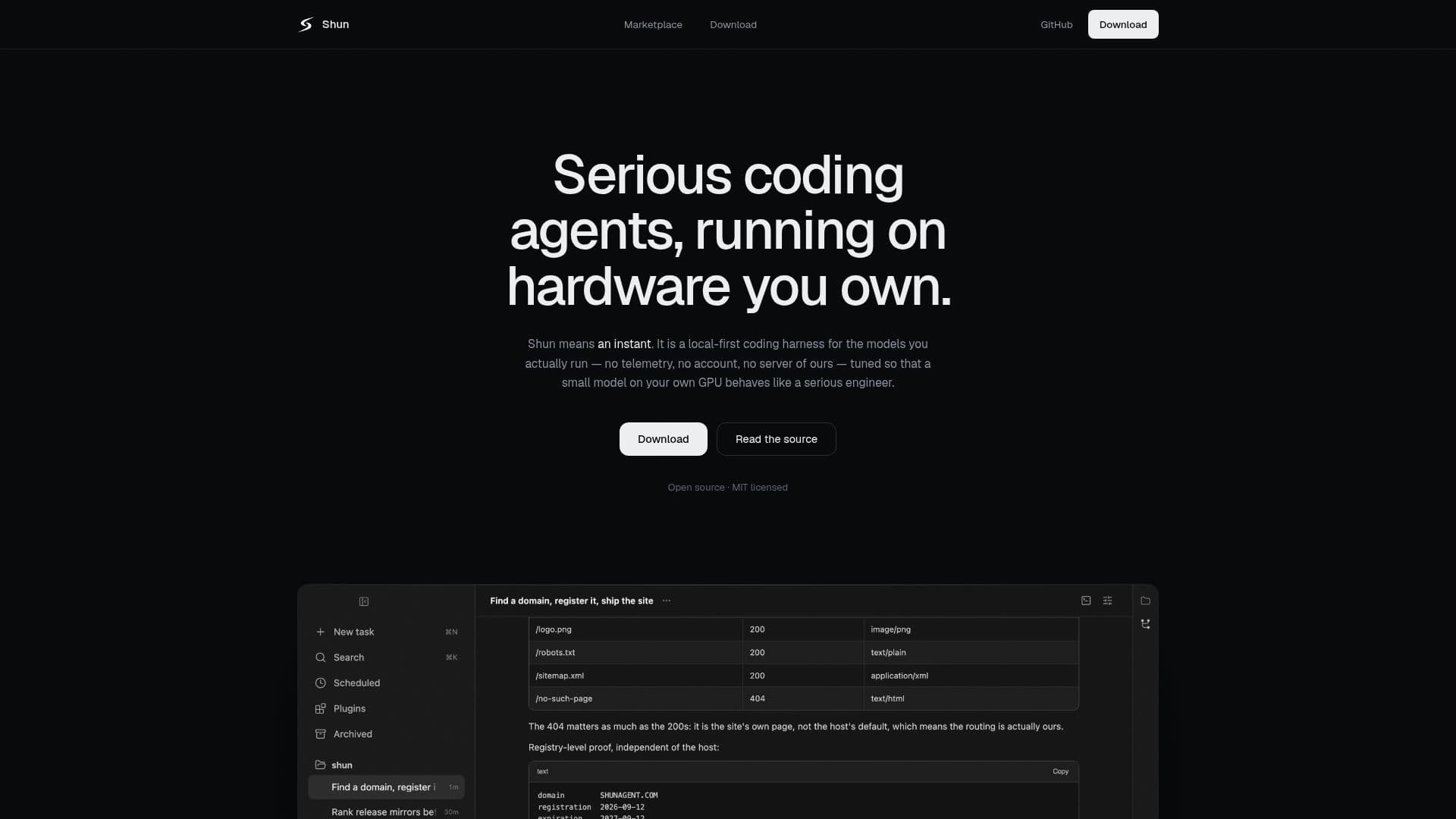
Description
Shun is a local-first desktop coding harness designed for capable models running on consumer GPUs. It emphasizes privacy and control, with no telemetry, no account requirements, and no external servers involved. The application is built to run entirely on the user's hardware, ensuring that all code, transcripts, and files remain local. This approach eliminates the need for cloud services unless explicitly chosen by the user.
Shun is designed to work with small models, which are considered a constraint rather than a compromise. The harness is optimized to manage the limited context budget of small models, ensuring that they function effectively without the need for large-scale cloud resources. The application provides a calm interface that supports long coding sessions, with features like durable context, real tools, and parallel task management.
The platform supports plugins that carry their own interfaces and runtimes, allowing users to extend functionality without leaving the Shun environment. Plugins can declare their own permissions, ensuring that users are aware of what each plugin requires before enabling it. This transparency is a key aspect of Shun's design philosophy.
Shun is free to use, with no cost associated with its installation or operation. It is available for multiple platforms, including macOS, Windows, and Linux, with installers that do not require additional developer tools. The application is signed and notarized for security, providing users with a reliable and trustworthy coding environment.
Overall, Shun is aimed at developers who value privacy, control, and efficiency in their coding workflows. It offers a robust set of features designed to enhance productivity while maintaining a focus on user autonomy and data security.
Shun's Core Features
Local-first operation
No telemetry or accounts
Runs on consumer GPUs
Durable context management
Real tool integration
Parallel task execution
Explicit permission management
Plugin support with declared permissions
Atomic edits and validated arguments
Measured context windows
How to use Shun?
Install: Download and install on your machine
Configure: Set up your local environment
Use: Run models and manage tasks locally
Optimize: Extend functionality with plugins
Shun's Use Cases
- Local Development
- Plugin Development
- Parallel Task Management
- Privacy-focused Coding
- Small Model Optimization