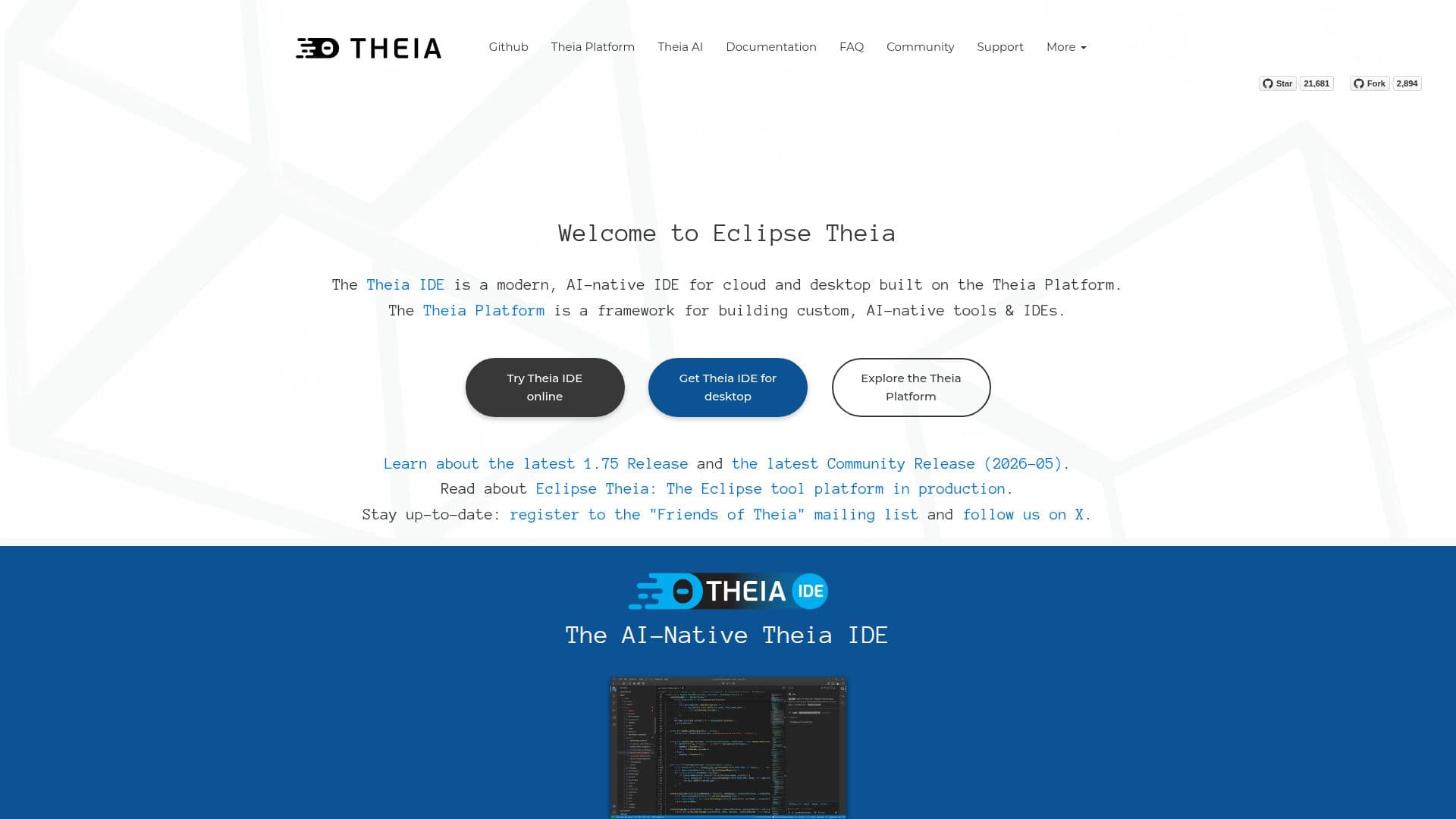
Description
Theia IDE is a modern, AI-native, open-source integrated development environment (IDE) designed for both desktop and cloud use. Unlike a fork of VS Code, Theia offers a transparent AI assistance feature that gives developers full control over their data. It supports the Language Server Protocol (LSP) and is fully compatible with VS Code extensions, making it a versatile tool for developers.
Built on the Theia Platform, the IDE is designed with transparency, control, and data ownership in mind. It is an open alternative to VS Code and provides AI features that serve as an open alternative to tools like GitHub Copilot. Theia's architecture is modular, allowing for deep customization and flexibility, which is not possible with VS Code.
Theia IDE is governed by the vendor-neutral Eclipse Foundation, ensuring open governance and diverse community input. It is built from scratch using modern web technologies such as TypeScript and Node.js, and it can run as a desktop application or fully in the browser. This flexibility allows developers to build custom and tailored cloud and desktop IDEs and tools without forking.
The IDE supports most VS Code extensions via the Open VSX registry, although it does not support proprietary Microsoft extensions like Live Share. Theia prioritizes user privacy with zero telemetry by default and offers features like customizable toolbars, detachable views, and multiple extension registry support.
Theia IDE is suitable for developers looking to create their own IDE or domain-specific tool with full control over UI, features, AI integration, branding, and packaging. It is open-source under the Eclipse Public License 2.0, allowing for commercial use and distribution without license fees.
Theia IDE's Core Features
AI-native development environment
Open-source and vendor-neutral
Supports Language Server Protocol (LSP)
Compatible with VS Code extensions
Runs on desktop and in the cloud
Modular architecture for customization
Zero telemetry by default
Built with modern web technologies
How to use Theia IDE?
Download: Access Theia IDE from the official website
Install: Follow installation instructions for your platform
Configure: Set up AI features and extensions as needed
Use: Start developing with AI assistance and VS Code extensions
Theia IDE's Use Cases
- Custom IDE Development
- AI-Assisted Coding
- Cross-Platform Development
- VS Code Extension Compatibility
- Privacy-Focused Development