
Description
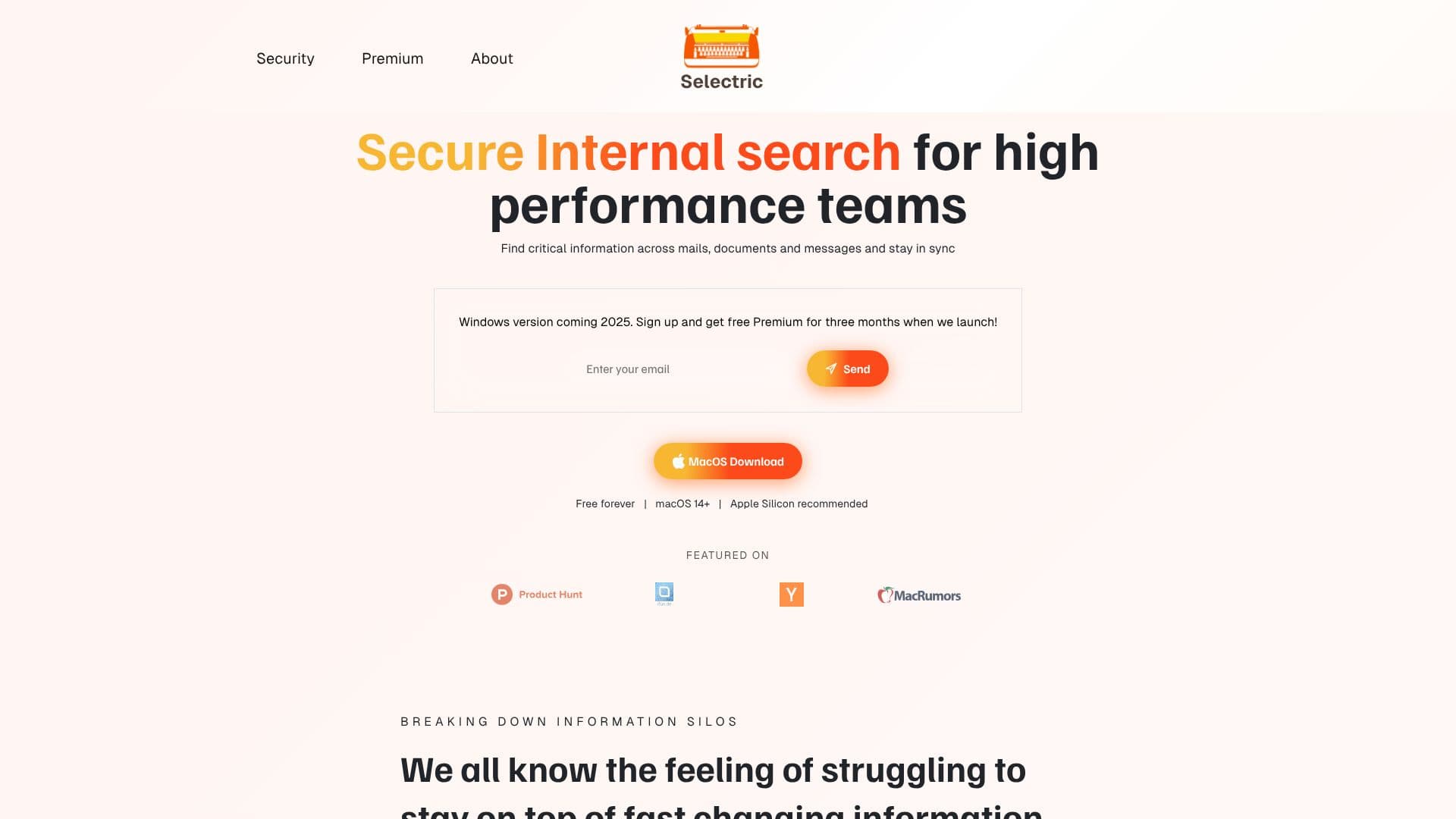
Selectric addresses the challenge of information overload faced by fast-moving teams. It provides a secure, internal search solution that consolidates information from various sources like emails, documents, and messages into a single, searchable index. This allows users to quickly locate critical data without wasting time hunting through different platforms or pinging colleagues.
Read More
Built with security and privacy at its core, Selectric ensures that each user has a personal index generated solely from data they have access to. This prevents information leakage, as data never leaves the user's infrastructure and is not used to train AI models. The tool offers real-time savings, with the average user reportedly saving two hours per week, translating to over 100 productive hours annually per employee.
Setting up Selectric is designed to be effortless, requiring zero configuration and taking just minutes to get started. Users can download and install the application, connect their most-used accounts, and begin searching instantly using a keyboard shortcut. The platform supports a wide range of integrations, including Google Workspace (Gmail, Drive, Calendar), Microsoft 365 (Outlook, OneDrive, Calendar), collaboration tools like Slack and Teams, and cloud storage services such as Dropbox and Box.
Selectric is ideal for busy knowledge workers who frequently deal with rapidly changing information. Its private search capabilities ensure that confidential company data remains secure and under the user's control. The tool is available for macOS with a Windows version planned for 2025. Users can sign up to receive free Premium access for three months upon launch.
- CategoryAI Search Engines
- Pricing ModelFreemium
- DeploymentLocal
- PlatformsmacOS
Selectric's Core Features
AI-powered internal search
Secure data indexing
Cross-platform information retrieval (email, documents, messages)
Personalized user indexes
Data privacy: no data leaves user infrastructure
Data not used for AI model training
Real-time information access
Instant search capabilities
Easy setup and zero configuration
Integration with Google Workspace
Integration with Microsoft 365
Integration with Slack and Teams
Integration with Dropbox and Box
Local data storage and search
How to use Selectric?
Download & Install: Download and install the Selectric package.
Connect Account: Sign in to your most-used account to begin indexing.
Start Searching: Press ⌘+Shift+K and type your query to find information instantly.
Selectric's Use Cases
- Find lost documents
- Retrieve email threads
- Access team messages
- Consolidate work information
- Boost productivity
- Secure internal search
- Generate email replies