
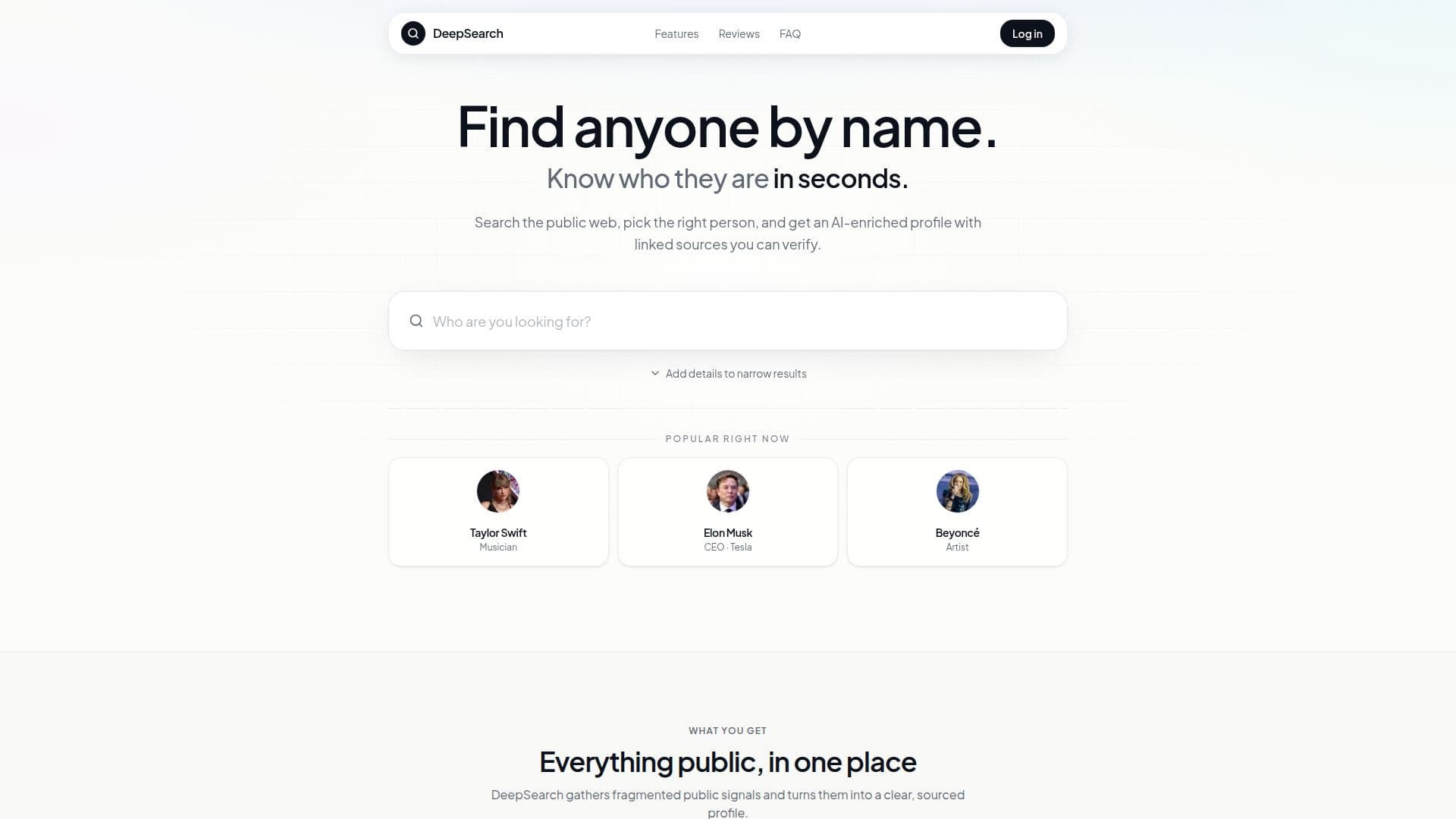
Description
DeepSearch is designed to help users find people by name, leveraging publicly available web data to create AI-enriched profiles. This tool is particularly useful for recruiters, founders, and professionals who need to conduct research quickly and efficiently. By entering a name, users can select the correct individual from matching profiles, and DeepSearch will generate a structured profile complete with a summary and follow-up questions.
Read More
The process is straightforward: users input a name and can enhance their search by adding optional details such as location, company, or job title. This helps narrow down results, especially when dealing with common names. The profiles generated by DeepSearch include a wealth of information, such as social media accounts, professional backgrounds, education, and web mentions, all linked to their sources for verification.
Privacy is a key feature of DeepSearch; searches are confidential, and individuals are not notified when someone looks them up. This makes it an ideal tool for pre-outreach research, allowing recruiters and sales professionals to gather insights without alerting their targets. The AI summary provides a concise overview of the individual, making it easier to prepare for meetings or calls.
DeepSearch operates on a subscription model, with plans starting at $7.99 per week. Users can cancel their subscriptions at any time, and the service includes unlimited lookups for normal professional use, with a fair-use cap to prevent abuse. This tool is not intended for background checks and should not be used as the sole basis for employment or other regulated decisions. Instead, it serves as a powerful research tool for those looking to gain insights into individuals based on publicly available information.
- CategoryAI Search Engines
- Pricing ModelSubscription
- DeploymentCloud
- PlatformsWeb
DeepSearch's Core Features
AI-enriched profiles
Unlimited people lookups
Private searches
Follow-up chat on profiles
Structured profiles with source links
Search history saved
Subscription plans available
User-friendly interface
How to use DeepSearch?
Enter a name: Start by typing the name of the person you want to search for.
Select a profile: Choose the correct individual from the list of matching profiles.
Review the profile: Explore the structured profile generated by DeepSearch.
Ask follow-up questions: Use the chat feature to inquire about specific details.
Verify sources: Click on linked sources to confirm the information provided.
Narrow results: Add location, company, or job title if initial searches yield too many results.
Save profiles: Keep track of important profiles by saving them to your account.
Cancel subscription: Manage your subscription easily through your account settings.
DeepSearch's Use Cases
- Recruiter Research
- Investor Preparation
- Sales Research
- Journalist Verification
- Market Analysis