
Description
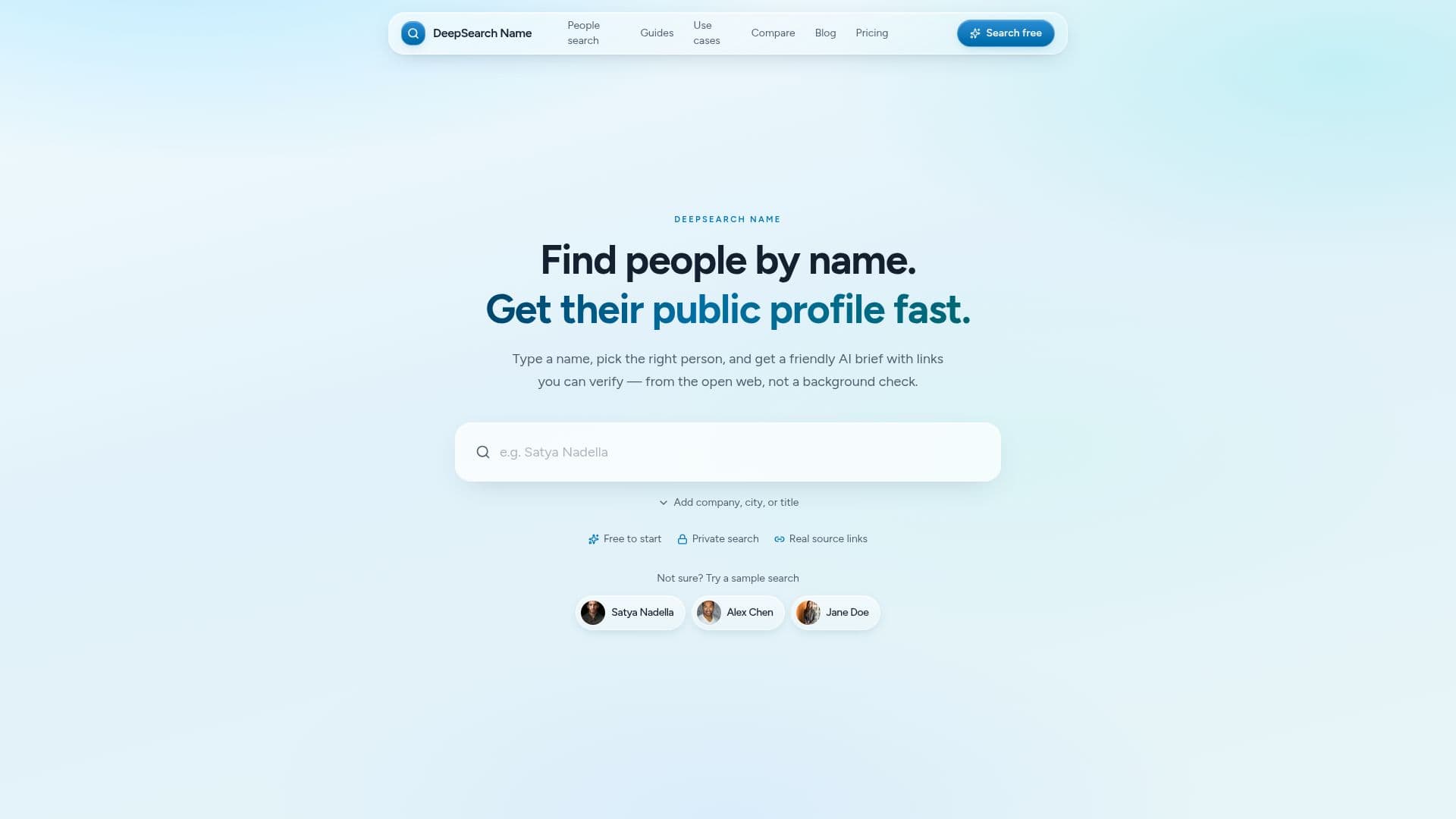
DeepSearch Name is a powerful tool designed to help professionals find and research individuals using publicly available information. By simply entering a name, users can generate a sourced public profile that includes links to verify the information. This tool is particularly useful for recruiters, journalists, sales teams, and investors who need to gather context about a person before engaging in conversations.
Read More
The process is straightforward: users enter a name and can add filters such as company or location to narrow down results. Once the right candidate is identified, DeepSearch Name generates a structured profile that aggregates data from various public web sources. Each summary point is linked back to its original source, ensuring transparency and allowing users to verify claims before making decisions.
Privacy is a key feature of DeepSearch Name. Searches remain confidential, meaning that individuals will not be notified when someone looks them up. This aspect is crucial for professionals who need to conduct research without alerting the subjects of their inquiries. Furthermore, the tool is not a background check service and does not comply with FCRA regulations, making it a safe option for public web research.
DeepSearch Name also provides a chat feature that allows users to ask follow-up questions about the profiles generated. This interactive element enhances the research experience, enabling users to clarify details or seek additional context based on the sourced information. The tool is designed to streamline the research workflow, making it efficient and user-friendly for anyone needing to verify identities or gather professional insights.
- CategoryAI Search Engines
- Pricing ModelSubscription
- DeploymentCloud
- PlatformsWeb
DeepSearch Name's Core Features
Private Searches
Sourced Profiles
Follow-up Chat
Public Web Aggregation
Candidate Confirmation
Structured Profiles
Fast Lookups
No Notifications to Subjects
How to use DeepSearch Name?
Enter a name: Start by typing the full name of the person you want to research.
Add filters: Use optional filters like company, location, or job title to narrow down results.
Confirm the right person: Review candidate cards and select the correct match before generating a profile.
Generate a sourced profile: Receive a structured profile with links to verify the information.
Ask follow-up questions: Use the chat feature to inquire about specific details or gaps in the profile.
DeepSearch Name's Use Cases
- Recruiting
- Sales Research
- Journalism
- Investor Preparation
- Professional Networking