
Description
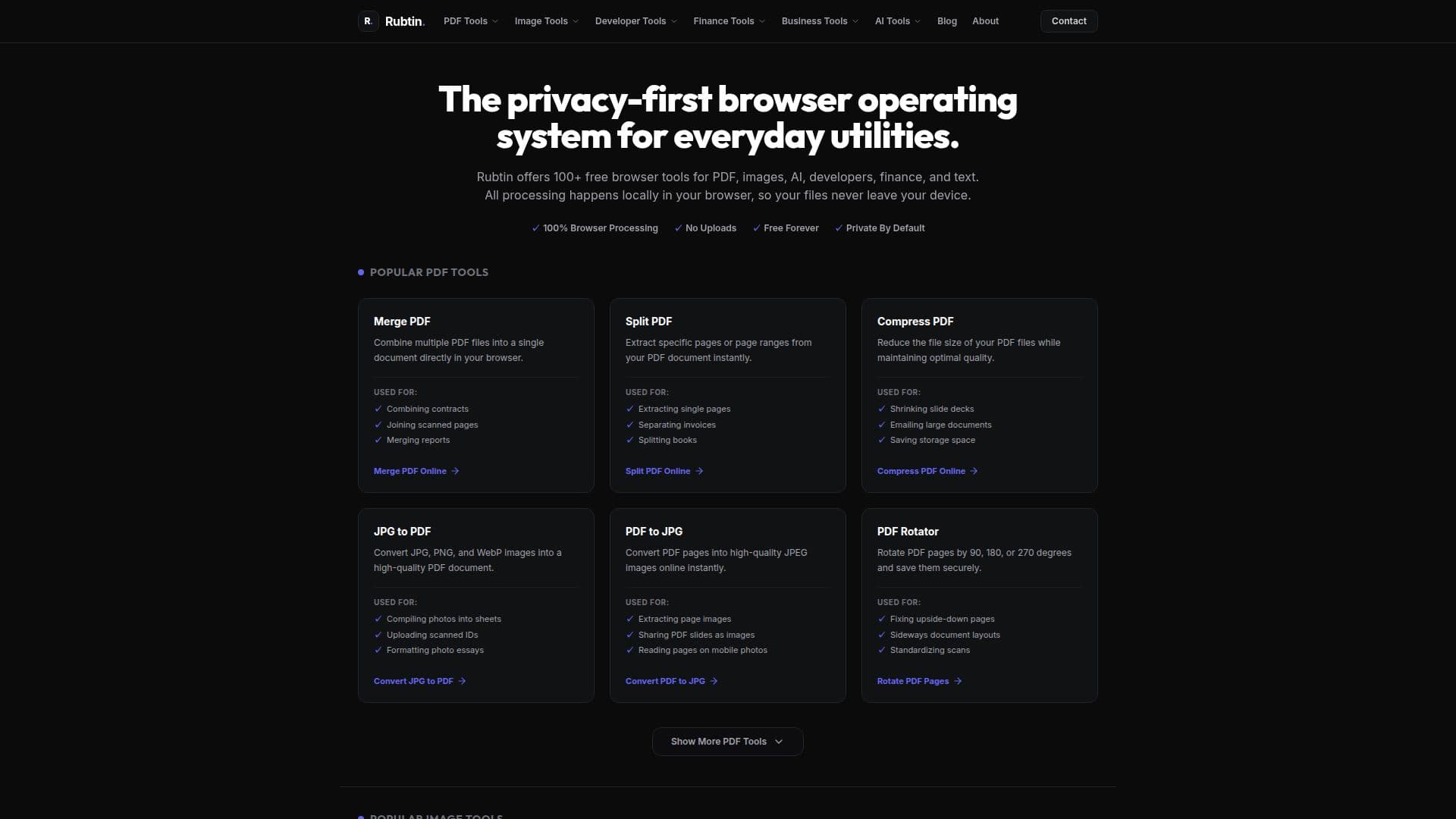
Rubtin is a privacy-first utility platform designed to offer a suite of over 100 free browser tools that cater to various needs, including PDF operations, image editing, developer utilities, financial calculations, and AI functionalities. The core philosophy of Rubtin is to ensure that all processing happens locally within the user's browser, meaning that files never leave the device. This approach not only enhances privacy but also improves performance by eliminating the need for file uploads to remote servers.
Read More
The platform includes popular tools for managing PDFs, such as merging, splitting, compressing, and converting files. Users can combine multiple PDF documents into one, extract specific pages, or reduce file sizes while maintaining quality. Additionally, Rubtin offers image tools that allow users to compress, resize, crop, and convert images between formats like PNG, JPG, and WebP. These features are particularly useful for individuals and businesses looking to optimize their digital documents and images without compromising on security.
For developers, Rubtin provides essential utilities such as JSON formatters, Base64 encoders/decoders, and QR code generators. These tools are designed to streamline workflows by allowing developers to format and validate code securely within their browser. Furthermore, financial tools like mortgage calculators, loan calculators, and ROI calculators help users manage their finances effectively, all while ensuring that sensitive data remains confidential.
Rubtin's commitment to privacy is evident in its operational model, which avoids any reliance on cloud storage or third-party processing. This means that users can perform tasks without worrying about data breaches or unauthorized access. The platform is ideal for anyone who values privacy and efficiency in their digital tasks, making it a go-to solution for everyday utilities.
- Pricing ModelFree
- DeploymentWeb
- PlatformsBrowser
Rubtin's Core Features
100+ free tools
Client-side processing
PDF merging
Image compression
JSON formatting
Base64 encoding
Mortgage calculations
Invoice generation
How to use Rubtin?
Access the Rubtin website: Navigate to rubtin.com.
Select a tool: Choose from the various categories like PDF, images, or developer tools.
Upload your file: Drag and drop or select files directly from your device.
Process your file: Use the selected tool to perform the desired operation.
Download your result: Save the processed file directly to your device.
Rubtin's Use Cases
- PDF Management
- Image Optimization
- Financial Calculations
- Developer Utilities
- AI Text Extraction