Description
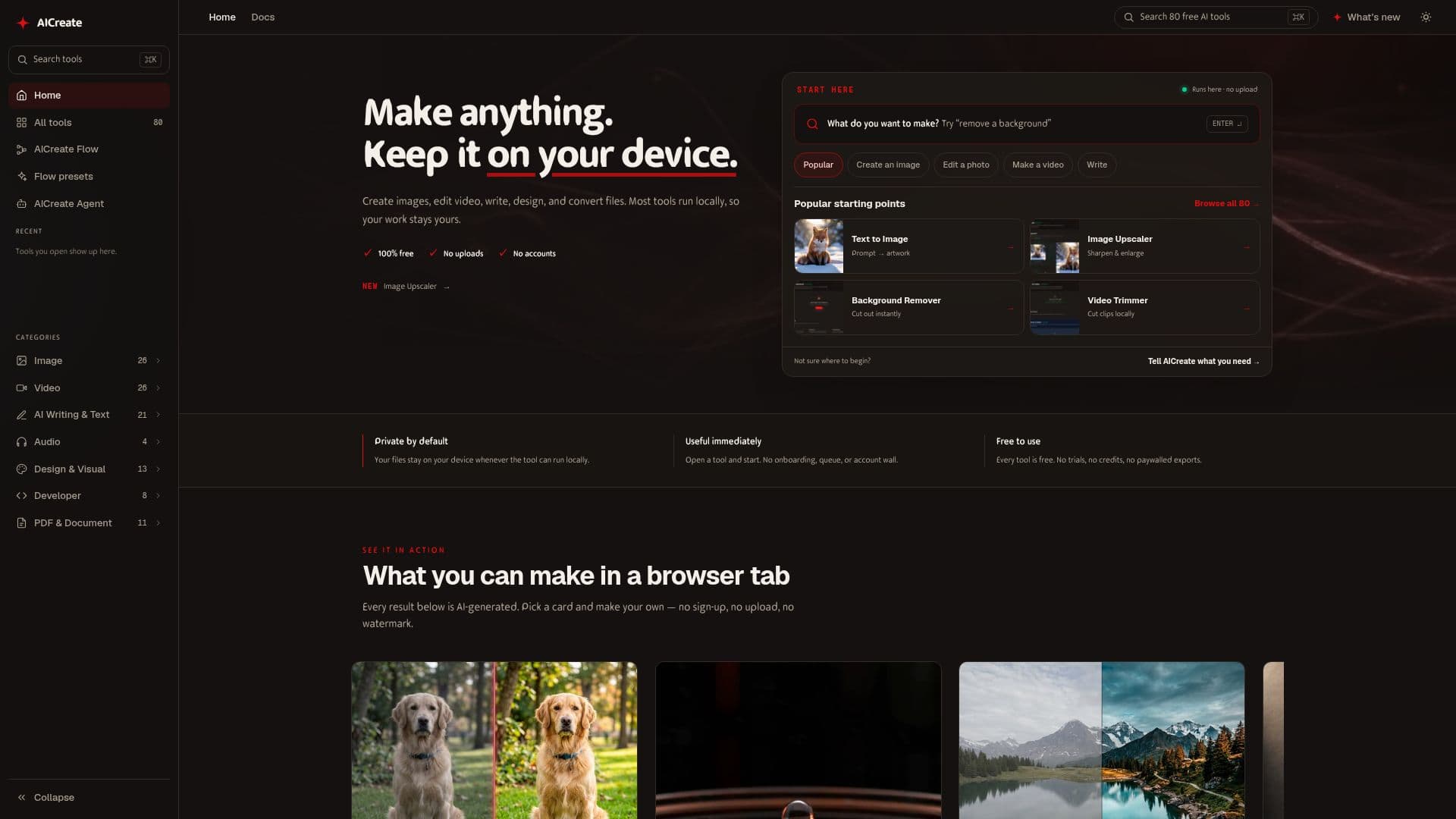
AICreate is a collection of around 80 free AI tools for creators that run directly inside the browser. It covers making and editing images, video, audio, text, and documents, with most tools processing files on the user's own device so work stays private.
Read More
Because many tools run locally using the browser's GPU, files are not uploaded to a server, processing is instant, and some tools even work offline after the first load. There are no daily limits, no account walls, and no watermarks or paywalled exports. Featured tools include a text-to-image generator, image upscaler and enhancer, video collage and speed tools, a LUT generator, and design tools for banners and social graphics.
Technically, AICreate uses open-source models and libraries with WebGPU and ONNX Runtime to run inference in the browser, plus smart caching so models download once and start instantly on return visits. Chrome and Edge give the best results. A Flow feature lets users open and improve preset workflows.
- CategoryOther AI Tools
- Pricing ModelFree
- DeploymentCloud
- PlatformsWeb
AICreate's Core Features
Around 80 free AI tools for images, video, audio, text, and documents
Runs locally in the browser with no file uploads
Local GPU processing via WebGPU for instant results
Works offline after the first load for many tools
No accounts, daily limits, watermarks, or paywalled exports
Tools including text-to-image, upscaler, LUT generator, and design
Smart caching so models load instantly on return visits
How to use AICreate?
Browse tools: Pick a tool by category such as image, video, audio, writing, or documents.
Open and start: Open the tool and begin immediately, with no onboarding or account.
Select your file: Choose a file that stays on your device when the tool runs locally.
Create and download: Generate or edit your result and download it without watermarks.
AICreate's Use Cases
- Image editing
- Video creation
- Design work
- Private processing