Description
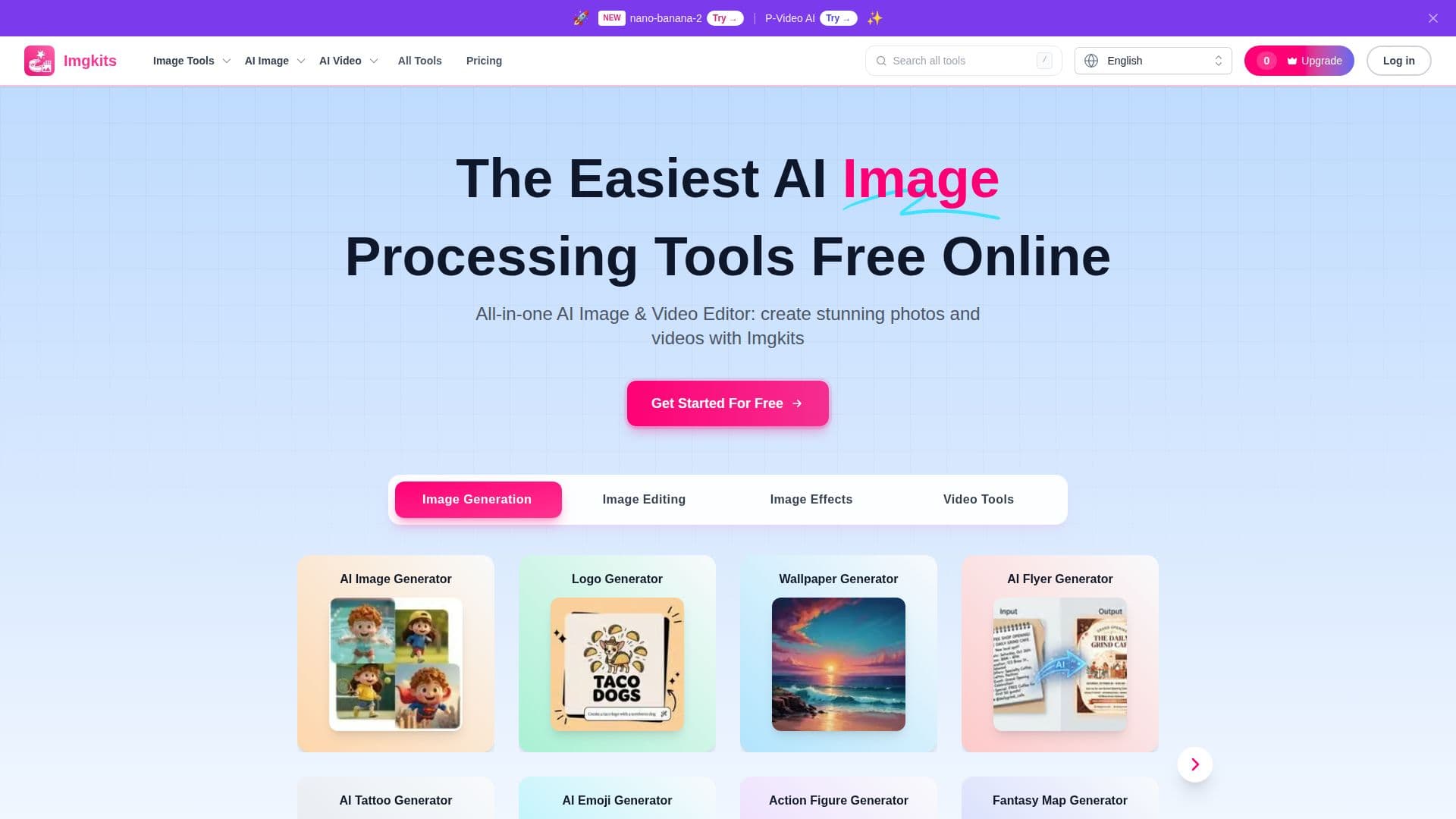
Imgkits is a browser-based AI image and video platform that bundles online tools for image generation, editing, enhancement, style transfer, and video generation. Users choose a tool, upload an image or video when required, adjust settings, and download the processed result, with no desktop software to install and support for mobile browsers.
Read More
The platform covers a wide range of tasks. Image tools include an AI image editor with natural-language instructions, a background remover and changer, a photo enhancer, an image upscaler, photo restoration, colorization, and unblur. Generators create images from text, plus logos, wallpapers, flyers, tattoos, emojis, action figures, and fantasy maps. Video tools include image-to-video and text-to-video, and photo-to-cartoon and art filters offer creative styles. Batch processing lets users handle multiple HD images at once.
Imgkits offers limited free trial access, with pay-as-you-go credits and Pro monthly and yearly subscriptions that add more credits, HD exports, faster generation, and priority support. It supports common formats such as JPG, JPEG, PNG, and WebP, with limits depending on the tool.
- CategoryImage Generation & Editing
- Pricing ModelFreemium
- DeploymentCloud
- PlatformsWeb
Imgkits's Core Features
AI image generator and editor with natural-language instructions
Background remover and changer
Photo enhancer, upscaler, and unblur
Photo restoration and colorization
Text-to-video and image-to-video generation
Logo, flyer, wallpaper, and fantasy map generators
Photo-to-cartoon and art filters
Batch processing of multiple HD images
How to use Imgkits?
Choose a tool: Browse by task or describe what you want to create or edit.
Upload your file: Add an image or video when the tool requires it.
Adjust settings: Configure the available options for your task.
Process and download: Let Imgkits process, then preview and download the result.
Imgkits's Use Cases
- Product photo editing
- Photo restoration
- Social media content
- AI video creation