Description
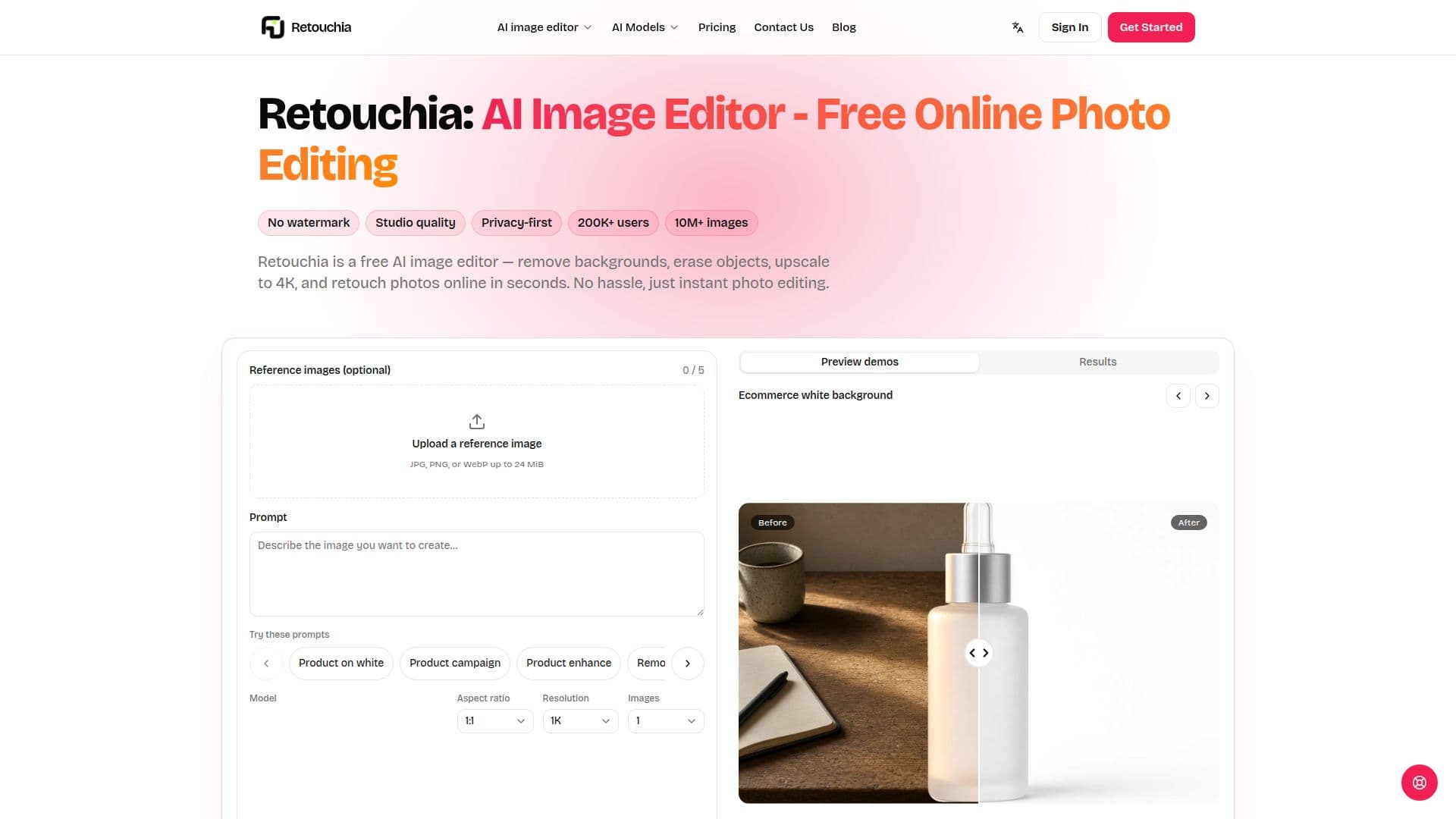
Retouchia is an online AI image editor designed to provide instant, hassle-free photo editing capabilities. It allows users to transform everyday photos into polished visuals suitable for various purposes, including product listings, social media posts, and marketing campaigns. The platform focuses on ease of use, enabling anyone to achieve professional-grade results without requiring expensive subscriptions or steep learning curves.
Read More
The editor supports a range of powerful features, such as one-click background removal, object erasure, skin and blemish retouching, and image enhancement. Users can also upscale low-quality images to high resolutions, including 4K, ensuring crisp and clear outputs. Retouchia supports common image formats like JPG, PNG, and WebP, and allows users to simply drag and drop files into the editor to begin.
To use Retouchia, users upload an image and then provide a simple AI instruction, such as "remove background" or "enhance quality." The AI processes the request and delivers a high-resolution image in seconds, ready for download. This process is designed to be intuitive, understanding user intent to perform complex edits automatically.
Retouchia operates on a freemium model, offering 5 free credits to start, with additional credit packages available for purchase. It promises studio-quality output without watermarks, a feature often locked behind paywalls in other tools. The platform also emphasizes user privacy, automatically deleting uploaded reference images after 1 hour and generated images after 7 days. It explicitly states that user inputs are not used to train models without separate, explicit consent.
The tool is beneficial for a diverse audience, including e-commerce businesses needing consistent product photos, content creators aiming for polished visuals, and individuals looking to restore old family photos or preview new hairstyles. It streamlines workflows by handling common photo edits efficiently, saving time and effort compared to traditional manual editing processes.
- CategoryAI Photo Editors
- Pricing ModelFreemium
- DeploymentCloud
- PlatformsWeb
Retouchia's Core Features
AI Image Editor
Background Removal
Object Erasure
Image Upscaling to 4K
Photo Retouching
No Watermark on Downloads
Studio Quality Output
Privacy-First Data Handling
Supports JPG, PNG, WebP formats
AI Instruction-Based Editing
High-Resolution Image Downloads
Commercial Use Allowed
Credit-Based System
One-Time Credit Purchases
Web-Based Editor (No Install)
How to use Retouchia?
Upload Image: Drag and drop your JPG, PNG, or WebP file into the editor.
Enter AI Instruction: Type a command like “remove background” or “enhance quality” to guide the AI.
Generate Image: Click generate to let the AI process your request and perform the edits.
Review & Download: Examine the result and download your high-resolution, polished image.
Retouchia's Use Cases
- E-commerce Product Photos
- Social Media Content
- Marketing Campaign Visuals
- Hairstyle Previews
- Photo Restoration
- Image Enhancement
- Layout Flexibility
- Background Removal for Design