
Description
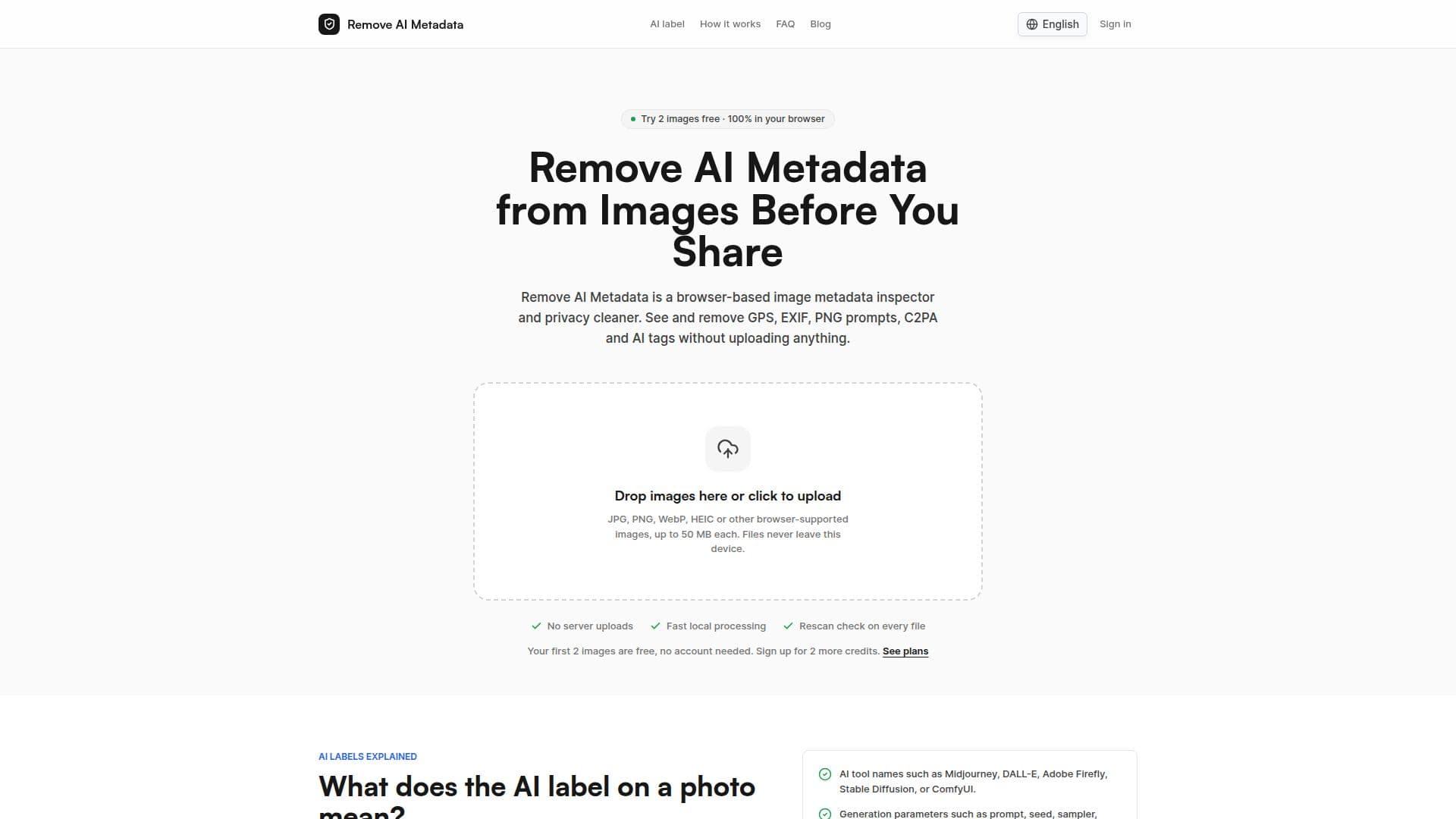
Remove AI Metadata is a browser-based application designed to inspect and clean metadata from images generated by AI tools such as ChatGPT, Gemini, Midjourney, and Firefly. The tool focuses on removing stored metadata like C2PA Content Credentials, EXIF data, GPS location, and AI generation tags. Users can upload JPG, PNG, WebP, or HEIC images directly into their browser, where the tool scans and cleans the metadata without uploading the files to any server, ensuring complete privacy.
Read More
The application offers a freemium pricing model, allowing users to clean two images for free without an account. A free account provides an additional two credits, and further image cleaning requires credits purchased through Credit Packs or a Pro plan. Each cleaned image uses one credit, and paid plans allow batch cleaning of up to 50 images per run.
Remove AI Metadata is particularly useful for photographers, social media managers, and privacy-conscious users who need to remove metadata that could reveal private details or editing history. It is also beneficial for AI creators who want to strip prompts and workflow metadata before sharing images. However, the tool does not remove invisible watermarks like Google's SynthID, which are embedded in the image pixels.
The tool launched on July 7, 2026, and is independent of major AI companies like OpenAI, Google, and Adobe. It operates entirely within the user's browser, using open-source libraries to inspect and clean metadata. This ensures that no image data is sent to the server, maintaining user privacy. The tool is available in multiple languages, including English, Chinese, Japanese, and more.
- CategoryAI Privacy Tools
- Pricing ModelFreemium
- DeploymentBrowser
- PlatformsWeb
Remove AI Metadata's Core Features
Browser-based metadata inspection
Local image processing
Removes C2PA, EXIF, GPS data
Supports JPG, PNG, WebP, HEIC
Freemium pricing model
Batch cleaning with Pro plan
No image upload required
Available in multiple languages
How to use Remove AI Metadata?
Upload: Drop a photo onto the upload box
Inspect: Review hidden metadata signals
Clean: Choose redraw or lossless mode
Download: Save the cleaned image
Remove AI Metadata's Use Cases
- Photographers
- Social Media Managers
- AI Creators
- Privacy-Conscious Users
- Etsy Sellers