
Description
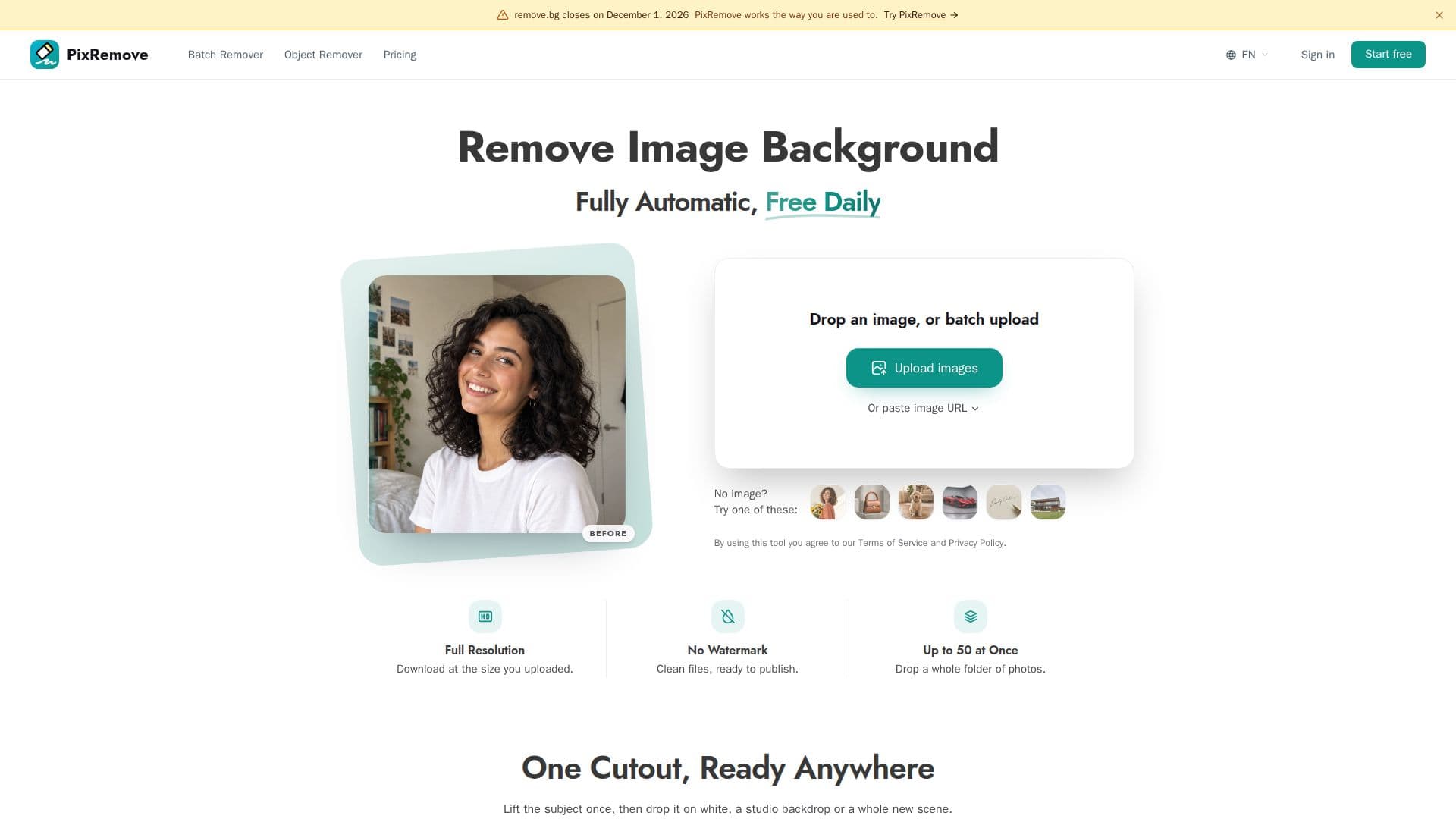
PixRemove is an AI-driven tool designed to simplify the process of removing image backgrounds and unwanted objects. It offers users the ability to download high-definition transparent PNGs without any watermarks, ensuring that the original image resolution is preserved. The platform is free to use, allowing users to remove up to two backgrounds per day without signing up. For those requiring more extensive use, PixRemove offers credit packs starting at $2.99 and monthly plans from $4.99. Each image processed equates to one credit, and users can choose between one-time credit purchases or monthly subscriptions.
Read More
PixRemove supports various image formats, including JPG, PNG, and WebP, with a maximum file size of 30 MB and 30 megapixels. The tool ensures privacy by automatically deleting uploaded originals after 24 hours and does not use images for AI model training. Additionally, PixRemove offers a desktop application for Mac and Windows, enabling batch processing of entire folders and seamless continuation after interruptions.
The platform also features an Object Remover tool, allowing users to erase photobombers, text, logos, and other unwanted objects from photos. PixRemove's built-in editor provides options for adding backgrounds, blurs, shadows, outlines, text, filters, and resizing, making it suitable for various workflows, including creating avatars, stickers, social media posts, and marketing assets.
PixRemove is particularly beneficial for photographers, designers, marketers, online sellers, publishers, auto dealers, and real estate teams, offering batch processing capabilities for up to 50 images at once. The tool is a viable alternative to remove.bg, especially for users looking for browser-based batch processing without installation requirements.
- CategoryBackground Removers
- Pricing ModelFreemium
- DeploymentCloud, Desktop app
- PlatformsWeb, Mac, Windows
PixRemove's Core Features
AI-driven background removal
Object removal tool
Batch processing up to 50 images
HD transparent PNG downloads
Privacy-focused image handling
Desktop app for Mac and Windows
Built-in editor for image enhancement
Commercial rights for downloaded images
How to use PixRemove?
Upload: Drop or paste your image
Process: Remove background or objects
Edit: Use built-in editor for enhancements
Download: Save as HD transparent PNG
PixRemove's Use Cases
- E-commerce
- Photography
- Design
- Marketing
- Real Estate