Description
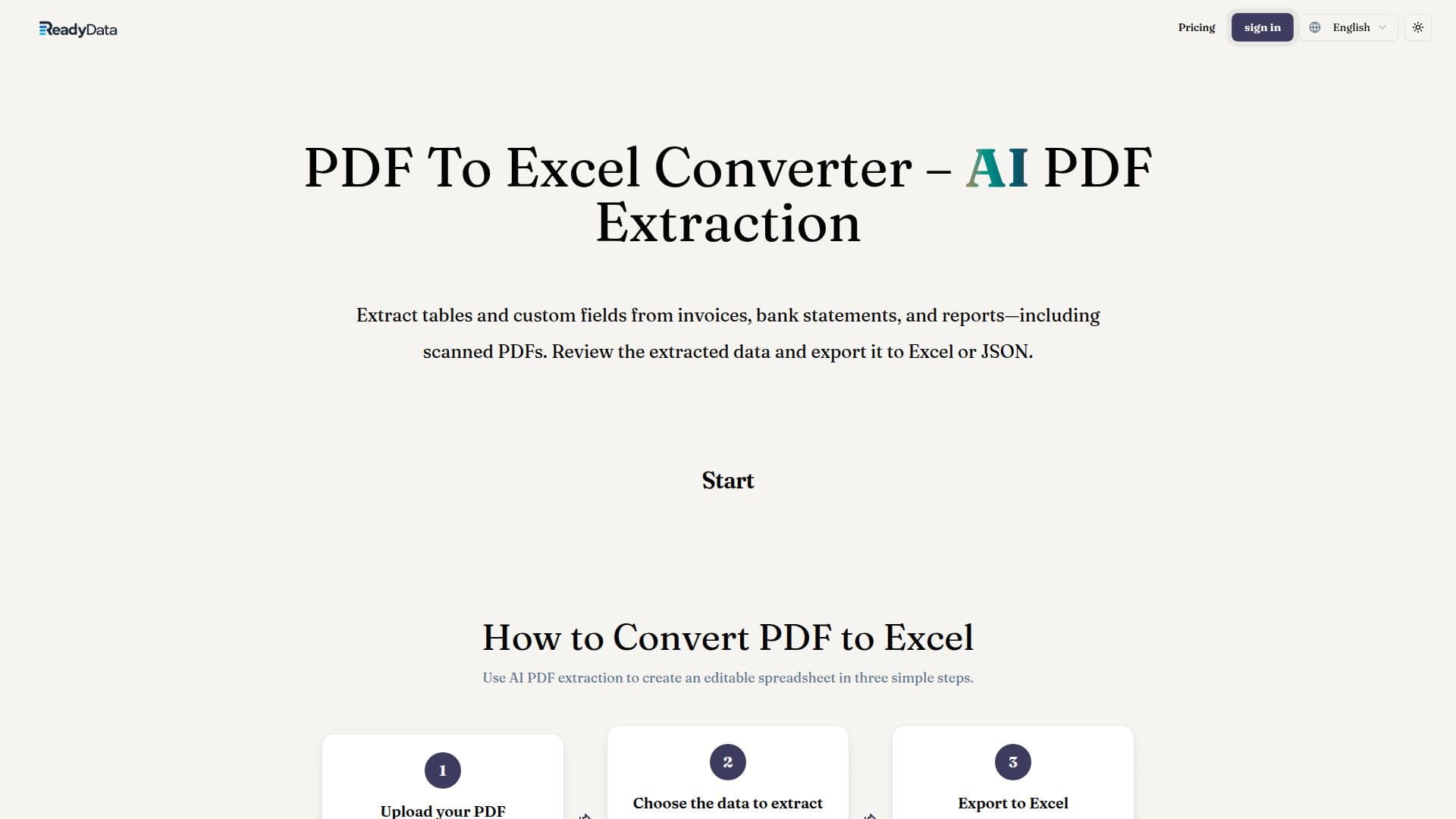
ReadyData provides an advanced AI PDF extraction tool designed to convert complex PDF documents into structured, editable Excel spreadsheets. This solution addresses the common challenge of extracting data from PDFs, which are typically optimized for viewing rather than analysis, often leading to extensive manual data entry and cleanup.
Read More
The platform utilizes AI PDF extraction to intelligently read document content and structure, organizing extracted values into spreadsheet-ready records. It supports the extraction of rows, column headers, and line items from tables, as well as custom fields from various document types, including invoices, bank statements, receipts, and reports. A key capability is its ability to process scanned and image-based PDFs, making it versatile for diverse document sources.
Users can define and save field preferences as reusable templates, which guides the extraction process for similar documents and enhances efficiency. The tool also supports batch processing, allowing users to upload and process multiple PDFs simultaneously, with individual results available for review. After extraction, users can compare the extracted tables with the original PDF, make necessary corrections, and adjust number or date formats directly within the exported XLSX workbook.
ReadyData aims to significantly reduce the time spent on data cleanup, enabling users to focus more on data analysis and utilization. It offers various subscription plans, including Lite, Starter, Pro, and Platinum, each providing a different number of credits per month and supporting specific document sizes and page counts. A Business Plan is also available for larger volumes and custom workflow needs. The credit system is transparent, with costs estimated before processing files, ensuring users understand their usage.
- CategoryAI Document & PDF Tools
- Pricing ModelSubscription
- DeploymentCloud
- PlatformsWeb
ReadyData's Core Features
AI PDF extraction for tables
Custom field extraction from PDFs
Supports digital and scanned PDF documents
Extracts data from invoices, bank statements, and reports
Review and export extracted data to Excel (XLSX)
Export extracted data to JSON
Save field preferences as reusable templates
Batch processing for multiple PDF files
Credit-based usage system
Adjust number and date formats in Excel
Up to 200 MB per document (Lite Plan)
Up to 200 pages per PDF, DOCX, or PPTX (Lite Plan)
How to use ReadyData?
Upload PDF: Add your digital or scanned PDF document, such as an invoice or report.
Choose Data: Select table extraction and describe the specific fields you need, like invoice numbers or dates. Save preferences for future use.
Export to Excel: Compare the extracted data with your PDF, then download the XLSX workbook. Make any necessary corrections or format adjustments.
ReadyData's Use Cases
- Invoice Data Extraction
- Bank Statement Analysis
- Report Data Conversion
- Receipt Management
- Batch Document Processing