
Description
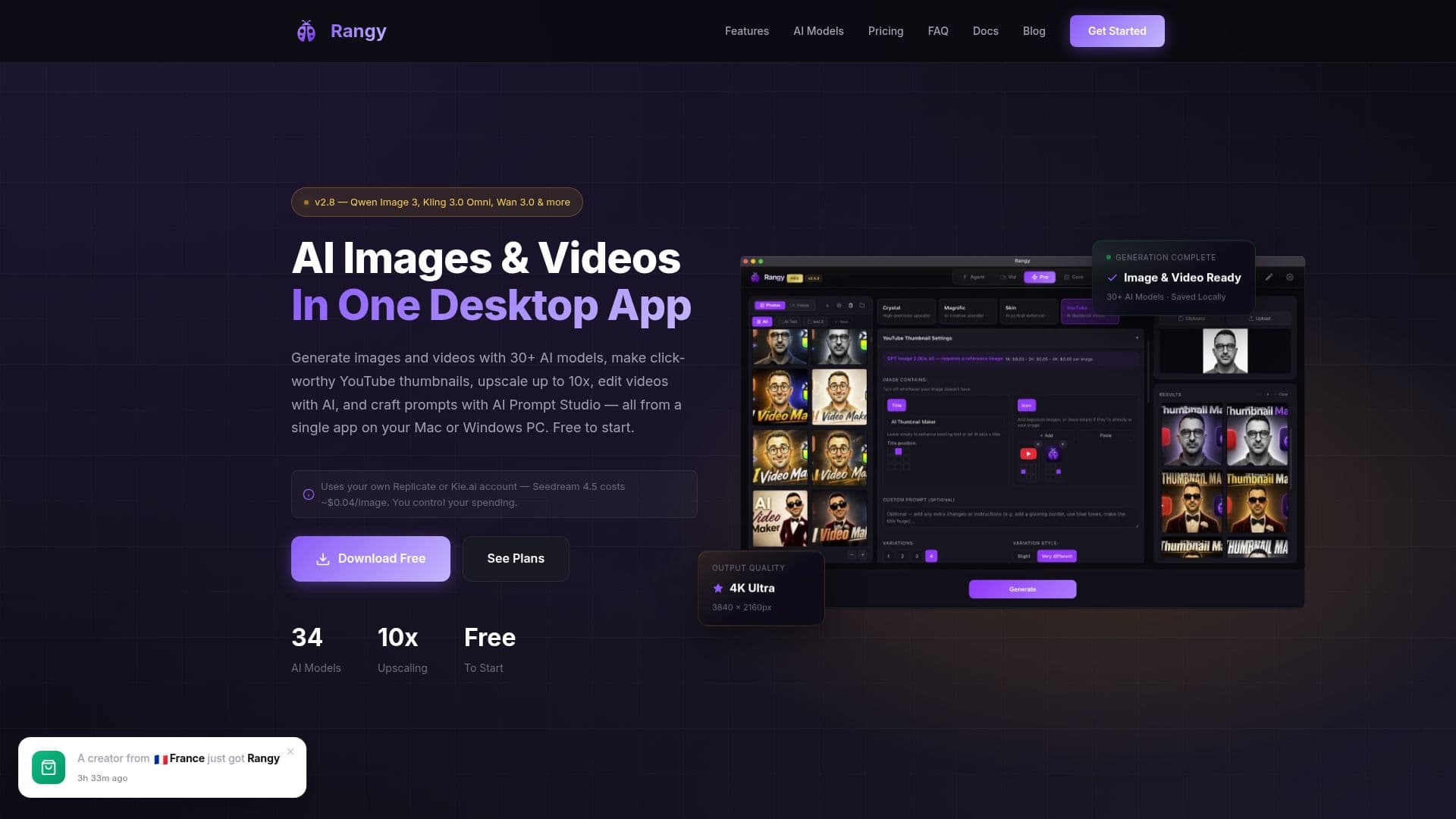
Rangy is a powerful desktop application designed for AI-driven image and video generation, available for both Mac and Windows platforms. It supports over 30 AI models, including Qwen Image 3, Grok Imagine 2.0, and Seedream 5 Pro, enabling users to create high-quality images and videos. The app also offers features like upscaling images up to 10x, video editing, and an AI Prompt Studio for crafting detailed prompts.
Rangy integrates seamlessly with popular editing software such as Affinity and Photoshop, allowing users to incorporate AI-generated content directly into their workflows. The app can be driven by AI assistants like Claude and Codex through its built-in MCP server, providing a versatile tool for creative professionals.
The pricing model for Rangy includes a free tier that requires no credit card, offering limited daily generations. Users can upgrade to Core or Pro plans for additional features, such as Fast Actions for image restoration and the Crystal Upscaler for ultra-high-resolution outputs. The Pro plan also includes priority support and advanced upscaling capabilities.
Rangy requires an API key from either Replicate or Kie.ai for AI processing, with costs varying based on the model and provider. This pay-per-use system allows users to control their spending directly through their provider's dashboard. The app supports macOS 12.0 or later and Windows 10 64-bit or later, making it accessible to a wide range of users.
Overall, Rangy is ideal for content creators, designers, and video editors seeking a comprehensive AI tool for generating and enhancing visual content. Its integration capabilities and extensive model support make it a valuable asset for professional workflows.
Rangy AI Image & Video Generator's Core Features
AI Image Generation
AI Video Generation
Image Upscaling up to 10x
Photo Restoration
Photo Colorization
34 AI Models
MCP Server for AI Assistants
Affinity and Photoshop Integration
Batch Processing
Fast Actions for Image Restoration
Crystal Upscaler
Magnific AI Upscaling
Skin Enhancement
Prompt Library
Prompt Extractor
How to use Rangy AI Image & Video Generator?
Install: Download and install Rangy on Mac or Windows
Activate: Enter your license key to activate the app
Configure: Set up API keys for Replicate or Kie.ai
Use: Generate images and videos using AI models
Integrate: Use with Affinity and Photoshop for editing
Optimize: Control spending via provider dashboard
Rangy AI Image & Video Generator's Use Cases
- YouTube Thumbnails
- Photo Restoration
- Video Editing
- Image Upscaling
- AI Prompt Studio