
Description
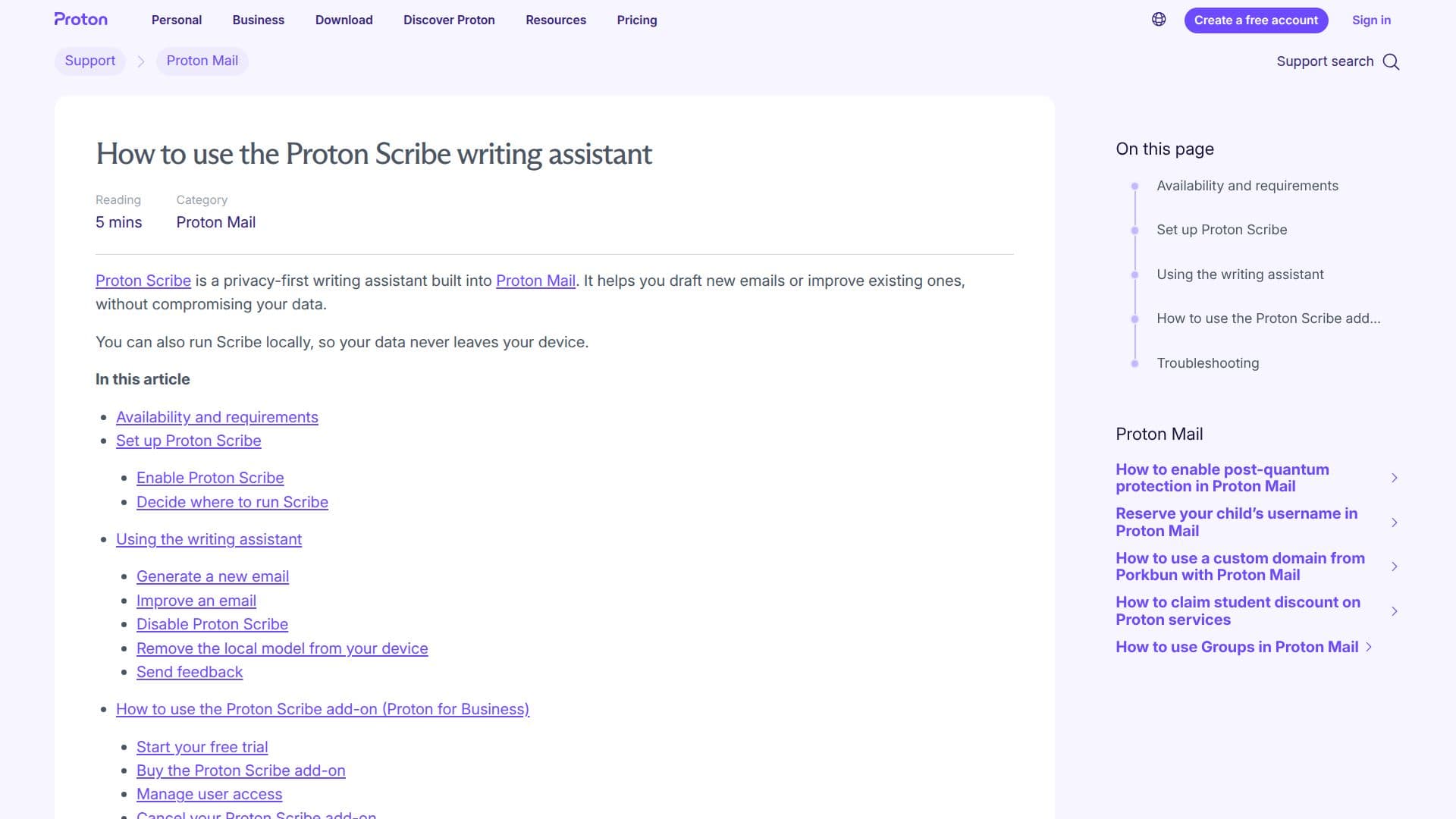
Proton Scribe is a writing assistant designed to enhance email composition within Proton Mail. Emphasizing privacy, it allows users to draft and refine emails without compromising data security. Proton Scribe can operate in two modes: server-side and local. The server-side mode runs on Proton's secure servers, offering faster performance and support for multiple languages including English, French, German, Spanish, Italian, Portuguese, Russian, Chinese, and Japanese. In contrast, the local mode runs directly on the user's device, ensuring that data never leaves the device, although it is limited to English.
Read More
Proton Scribe is included with Proton Duo, Family, Visionary, and Lifetime plans, and is available as a paid add-on for Proton for Business. Users on other Proton Mail plans can try Scribe for free for 14 days. The tool is accessible via the Proton Mail web interface and the desktop app on macOS.
To use Proton Scribe, users simply enable it in their account settings and decide where to run it. The assistant can generate new emails or improve existing drafts by offering options like proofreading, expanding, shortening, formalizing, or making the text friendlier. Users can also provide feedback on the generated drafts to help improve the tool.
Proton Scribe is particularly beneficial for users who prioritize privacy and need assistance in drafting professional emails. Its integration into Proton Mail ensures a seamless experience, while its privacy-first approach aligns with Proton's commitment to data security.
- CategoryAI Email Assistants
- Pricing ModelFreemium
- DeploymentCloud, Runs locally
- PlatformsProton Mail web, macOS desktop
Proton Scribe's Core Features
Privacy-first email drafting
Server-side and local operation modes
Supports multiple languages
Integration with Proton Mail
Proofreading and text improvement options
Feedback mechanism for draft improvement
Available on various Proton Mail plans
14-day free trial for new users
How to use Proton Scribe?
Enable: Toggle Proton Scribe in settings
Choose Mode: Select server-side or local
Draft: Use the pencil icon to start
Improve: Select options like Proofread or Expand
Proton Scribe's Use Cases
- Email Drafting
- Email Proofreading
- Language Support
- Privacy Assurance
- Business Integration