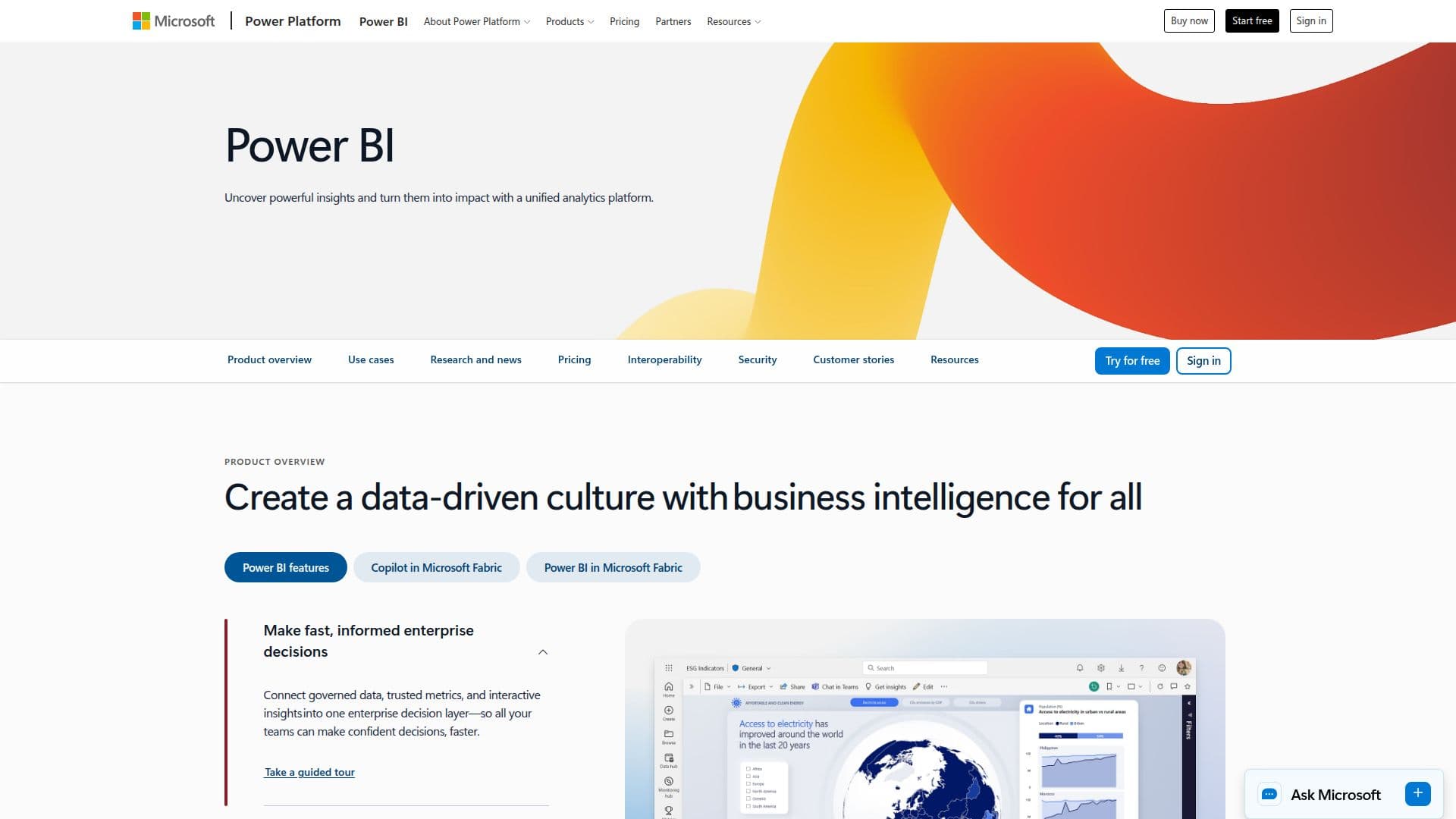
Description
Microsoft Power BI is a comprehensive business intelligence platform designed to help organizations visualize their data and derive actionable insights. By integrating seamlessly with Microsoft 365 apps, Power BI empowers users to create a data-driven culture across their organizations. With its intuitive interface, Power BI caters to users of all skill levels, from analysts to decision-makers, ensuring that everyone can access and utilize data effectively.
Read More
One of the key features of Power BI is its ability to connect to data from any source, whether cloud-based or on-premises. This capability allows organizations to consolidate their data into a single source of truth, enhancing decision-making processes. The platform also supports Microsoft Fabric, which reshapes how organizations manage and act on data, providing a unified experience for users.
Power BI's Copilot feature further enhances user experience by allowing users to ask questions about their data in natural language. Copilot can pull the relevant data and generate visualizations and reports automatically, eliminating the need for manual report building. This feature also enables users to create instant text summaries and narratives, making it easier to identify key trends and insights from their data.
Moreover, Power BI accelerates analytics by simplifying complex data modeling through an AI-assisted experience. This allows teams to build trusted, business-ready semantic models more efficiently. The platform also ensures consistent security and governance across all reports and datasets, providing a centralized data foundation with OneLake.
Power BI offers various licensing options, including a free tier, Power BI Pro, and Power BI Premium, allowing organizations to choose the plan that best suits their needs. Additionally, Power BI Embedded enables app developers to integrate interactive reports into their applications without the need for extensive coding.
In summary, Microsoft Power BI is a powerful tool that transforms data into meaningful insights, driving productivity and informed decision-making within organizations. Its user-friendly features and robust integration capabilities make it an essential platform for businesses looking to leverage their data effectively.
- CategoryBusiness Intelligence
- Pricing ModelFreemium
- DeploymentCloud
- PlatformsWeb, Mobile
Power BI's Core Features
Natural Language Queries
Data Connectivity
AI-Assisted Analytics
Interactive Dashboards
Data Governance
Custom Visualizations
Mobile Access
Integration with Microsoft 365
Embedded Analytics
Real-Time Data Monitoring
How to use Power BI?
Connect: Integrate data from various sources into Power BI.
Visualize: Create interactive dashboards and reports using the data.
Analyze: Use Copilot to ask questions and generate insights.
Share: Distribute reports and dashboards to team members.
Monitor: Track real-time data and performance metrics.
Power BI's Use Cases
- Sales Analysis
- Financial Reporting
- Customer Insights
- Operational Efficiency
- Market Research