Description
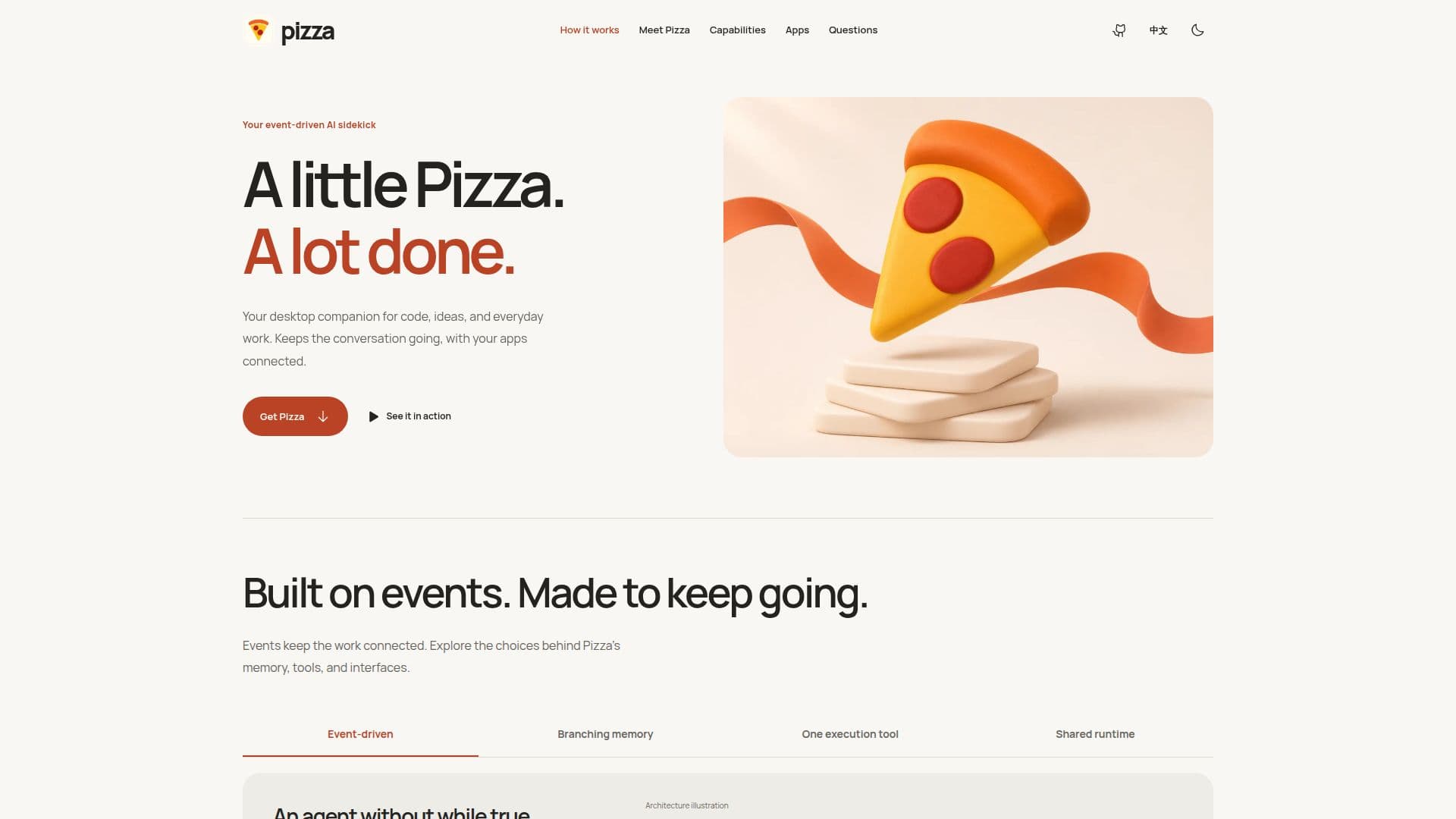
Pizza is an open-source desktop AI companion that works alongside users to streamline code development, brainstorm ideas, and manage everyday work. It functions as an event-driven AI sidekick, designed to keep conversations going by connecting with your applications and allowing you to select your AI model of choice. The core of Pizza's architecture is its event-driven state machine, named Reactor, which advances each turn. An immutable SQLite event log serves as the single source for the interface, model context, and history tree, ensuring that state is easy to rebuild and inspect.
Read More
This unique architecture allows for different views of the same history, handling interrupts, retries, and parallel tool calls with explicit handlers. Users can fork from any message in the past, continuing along a new branch while retaining the original path for comparison and revisitation. Pizza manages conversational context efficiently through compaction, ensuring that useful context is retained while old tool results are masked when no longer needed, reducing the burden on the AI model in subsequent turns.
Pizza utilizes a single CLI tool for execution, with commands for reading, writing, editing, and workspace messaging. Its small tool schema minimizes repeated definitions in the model context, allowing extra instructions and capabilities to be loaded as required. The platform offers multiple interfaces, including a desktop GUI, a terminal UI, JSON-RPC, and a one-shot print mode, all consuming the same SessionFacade event stream. This enables interactive use, task automation, or embedding within custom tooling, as all interfaces share the same agent runtime.
Collaboration is facilitated by connecting workspaces through messages while each workspace maintains its own project context. Pizza supports remote work by allowing connections over SSH, deploying the agent to the remote host to work with local project files and tools. It also integrates with popular messaging platforms like Slack, Discord, Telegram, and Lark, as well as voice and webhooks, allowing users to interact with the same agent from their preferred communication channels. Recurring tasks, checks, and summaries can be scheduled, with the persistent assistant picking them up on a regular basis.
Pizza is designed to be highly extensible, supporting over 40 model providers including Anthropic, OpenAI, Google, DeepSeek, GLM, and Kimi. Users can bring their own API keys or supported subscription logins. The platform allows for adding capabilities through MCP, including skills, hooks, extensions, and themes, or building upon its SDK, JSON-RPC, and FS-RPC interfaces. As an open-source project, Pizza offers transparency, customization, and community-driven development.
- CategoryAI Companions
- Pricing ModelOpen Source
- DeploymentDesktop Application
- PlatformsmacOS, Windows, Linux
Pizza's Core Features
Open-source AI companion
Desktop application
Command-line interface (CLI)
Event-driven architecture
Immutable SQLite event log
Branchable conversation history
Context compaction for ongoing conversations
Single CLI tool for execution
Small tool schema for capabilities
Multiple interfaces: GUI, terminal, JSON-RPC, one-shot print
Remote access via SSH
Integrates with messaging platforms (Slack, Discord, Telegram, Lark)
Voice and webhook integration
Scheduled recurring tasks
Supports 40+ AI model providers
Extensible with skills, hooks, extensions, themes
How to use Pizza?
Download Installer: Obtain the appropriate installer for macOS, Windows x64, or Linux x64 from the releases page.
Install Application: Run the installer and follow the instructions to install Pizza on your desktop.
Launch Pizza: Open the Pizza application or run the CLI command `npm install -g pizza && pizza` from your terminal.
Connect Apps & Models: Configure your preferred AI model provider using an API key or subscription login, and connect your desired applications.
Start Conversation: Begin interacting with Pizza by giving your personal assistant a goal or starting a new project in a workspace.
Manage Workflows: Utilize the event log, branching history, and context management features to guide your projects and tasks.
Extend Capabilities: Add new skills, hooks, or extensions, or integrate with other tools via SDK or RPC interfaces.
Pizza's Use Cases
- Code Development
- Idea Generation
- Research Assistance
- Writing & Editing
- Task Automation
- Project Management
- Remote Development
- Cross-Platform Communication