
Description
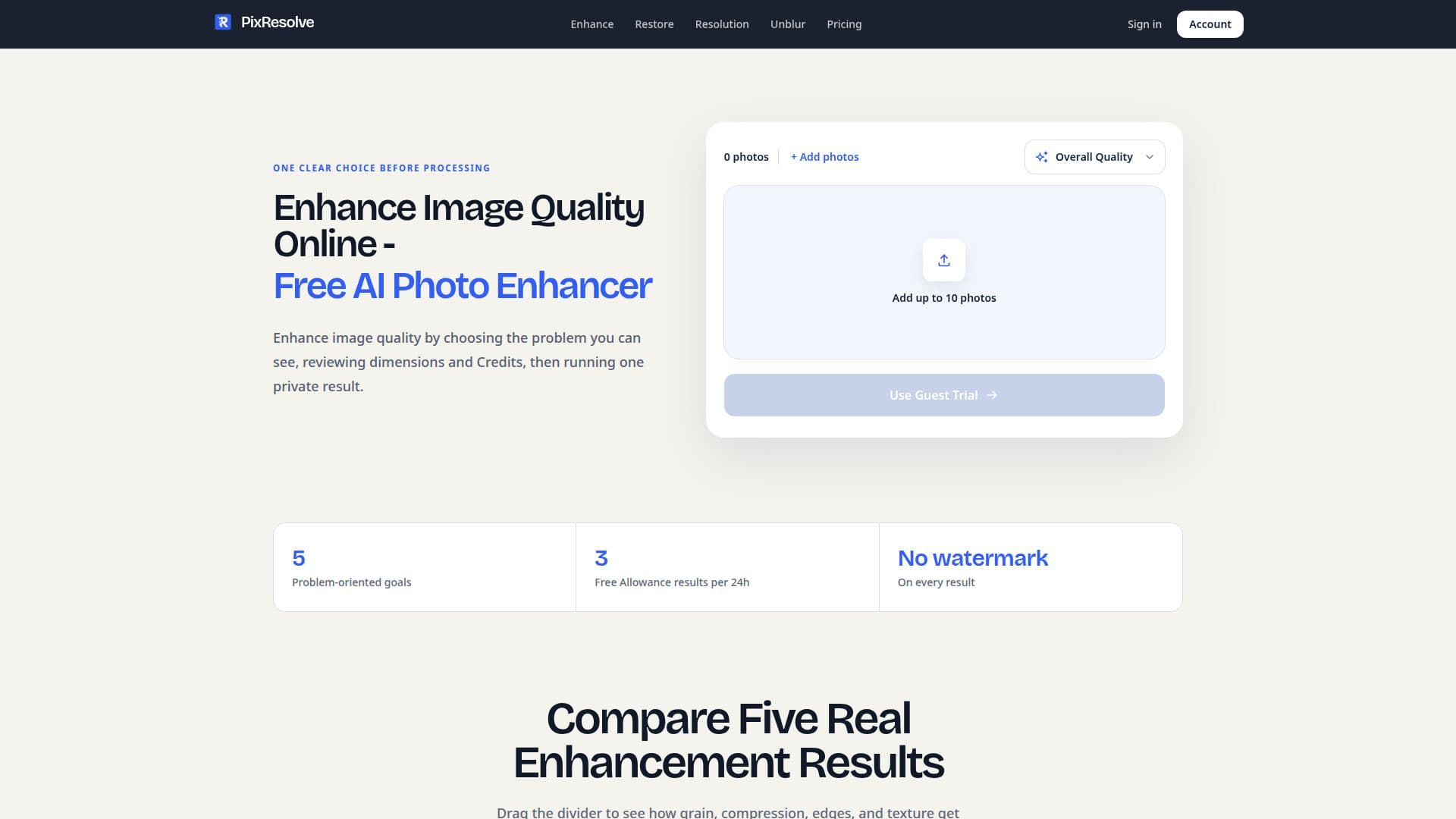
PixResolve is an AI-driven platform designed to enhance image quality online. It provides a range of features including noise reduction, resolution improvement, and the restoration of old photos. Users can start with a one-time Guest Trial that allows for the enhancement of a single image up to 2 MP. After signing up, users receive a Free Allowance that covers Quick Enhance and eligible Standard Resolution results. PixResolve offers various resolution targets such as 2K, 4K, and 8K, while maintaining the original proportions of the image. The platform also provides options for unblurring images affected by camera shake or motion blur.
Read More
The pricing model includes a free tier with 35 welcome credits upon signup, which can be used for various enhancements. Pro users receive 500 credits monthly, with options to purchase additional Image Packs that never expire. PixResolve ensures user privacy by not using customer images for AI training and deleting uploaded photos after 24 hours.
PixResolve is ideal for photographers, designers, and anyone needing to enhance image quality without manual editing. It offers a straightforward process: users select the problem, upload the image, and review the results. The platform is particularly useful for improving old or scanned photos, reducing noise, and fixing JPEG artifacts. However, it does not reconstruct missing faces or guarantee the recovery of identity details. Overall, PixResolve provides a comprehensive solution for enhancing image quality with AI technology.
- CategoryAI Image Upscalers
- Pricing ModelFreemium
- DeploymentCloud
- PlatformsWeb
PixResolve's Core Features
AI image enhancement
Noise reduction
Resolution improvement
Old photo restoration
Unblur images
Free Guest Trial
Pro Credits system
Image Packs purchase
Privacy-focused
No watermark results
2K, 4K, 8K resolution targets
Quick Enhance feature
Standard Resolution option
Specialist Enhance goals
Overall Quality enhancement
How to use PixResolve?
Choose problem: Select the visible issue in the photo
Upload image: Add the image to the platform
Review dimensions: Check the dimensions and credits required
Process image: Run the enhancement process
Compare results: Compare the enhanced image with the original
Download: Save the enhanced image without a watermark
PixResolve's Use Cases
- Photo enhancement
- Resolution improvement
- Old photo restoration
- Unblur images
- JPEG artifact removal