
Description
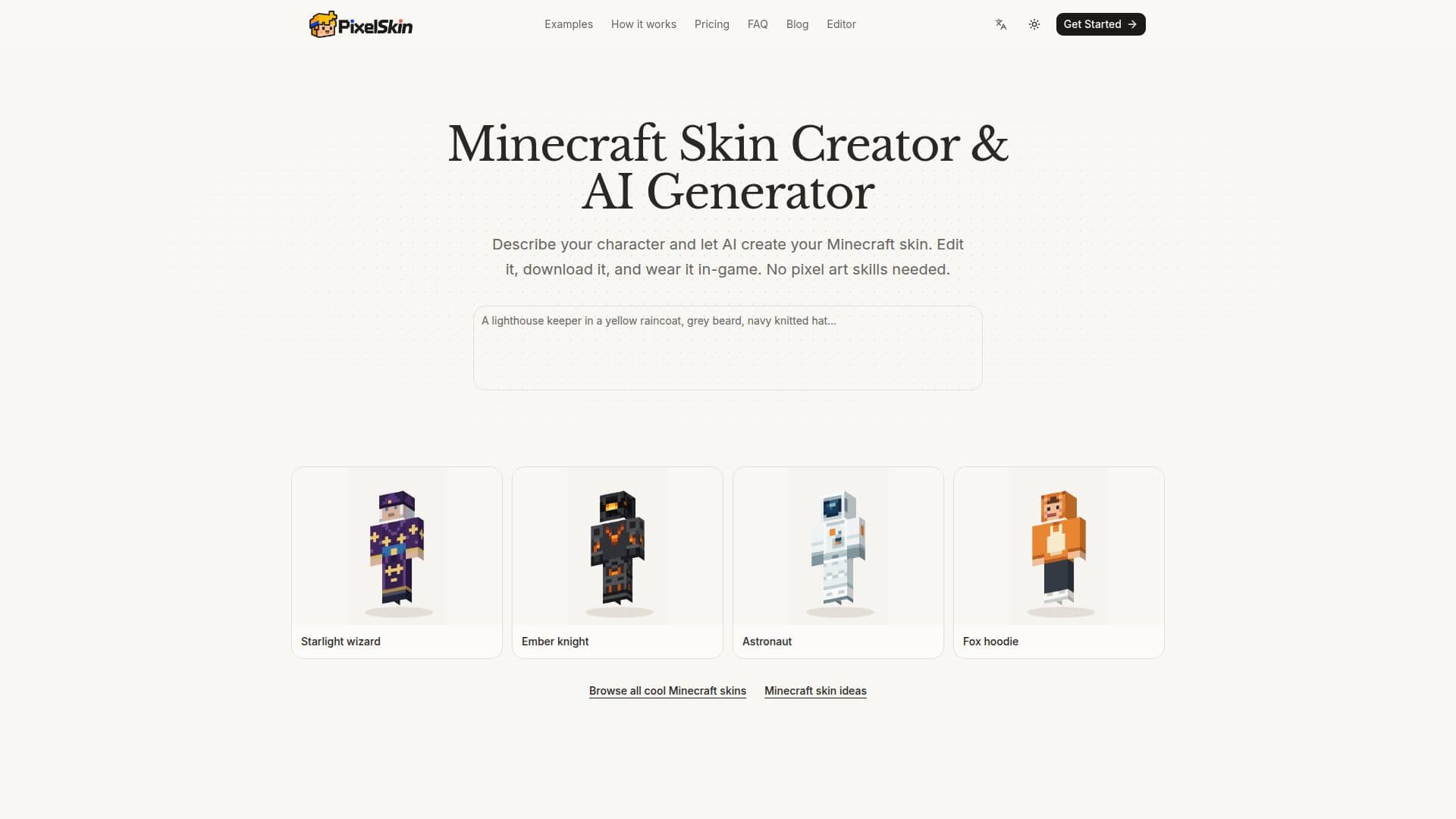
PixelSkin offers a comprehensive web-based workspace for creating and editing Minecraft skins. It leverages AI to generate 64x64 PNG skins from simple text descriptions or uploaded reference images, making it accessible even for users without prior pixel art experience. The platform allows for detailed refinement of these AI-generated skins within a 3D editor, where users can rotate the character model to inspect all angles—front, back, and sides.
Read More
The editing interface provides both AI-guided and manual tools. Users can describe desired changes in plain English, such as altering colors or adding specific details, and the AI will apply these modifications. For fine-tuning, manual tools like brushes, fill, and color pickers are available, enabling pixel-level adjustments. The editor supports a base layer for the character's body and underlying outfit, and an outer layer for elements like hair, hats, jackets, or boots, offering flexibility in design.
PixelSkin focuses on the Classic (Steve) model with four-pixel-wide arms, ensuring compatibility with Java Edition and Bedrock devices that support custom PNG imports. While it does not support the Slim (Alex) model or automatic model conversion, users can import existing Classic 64x64 PNG skins for editing. The platform saves projects in the browser session, allowing users to work without an account for manual editing, importing, and exporting. However, AI generation and AI-powered edits require an account and consume credits.
Credits are purchased in packs (Starter, Creator, Studio) and do not expire, providing a flexible payment model for AI features. Manual editing and PNG export remain free. The tool simplifies the process of getting skins into the game by exporting standard 64x64 PNG files, which can then be uploaded through the Minecraft Launcher for Java or the Dressing Room for supported Bedrock devices. PixelSkin is an independent product and is not affiliated with Mojang or Microsoft.
- CategoryAI Game Development Tools
- Pricing ModelFreemium
- DeploymentCloud
- PlatformsWeb
PixelSkin's Core Features
AI Minecraft Skin Generation from Text
AI Minecraft Skin Generation from Reference Images
3D Skin Editor with Rotation and Preview
Manual Pixel Editing Tools (Brush, Fill, Eraser, Color Picker)
Base and Outer Layer Editing
AI-Powered Skin Refinement and Edits
Export Classic 64x64 PNG Skins
Import Existing Classic 64x64 PNG Skins
Walk Preview Mode for Skins
Undo and Redo Functionality
Session Saving in Browser
Support for Java Edition Skin Upload
Support for Bedrock (compatible devices) Skin Import
Credit-Based System for AI Features
Free Manual Editing and Export
How to use PixelSkin?
Describe Character: Provide a text description of your desired Minecraft character, including outfit, colors, and details, or upload a reference image.
Generate Skin: Let the AI create an initial 64x64 Minecraft skin based on your input.
Preview and Refine: Spin the 3D character model to view from all angles. Use manual tools or ask the AI for specific edits to refine details.
Download Skin: Export the finished design as a standard 64x64 PNG file.
Upload to Minecraft: Import the PNG into the Minecraft Launcher (Java) or Dressing Room (Bedrock on supported devices) and apply it to your character.
PixelSkin's Use Cases
- Custom Character Creation
- Skin Modification
- Creative Design Exploration
- Game Personalization
- No-Skill Skin Design