Description
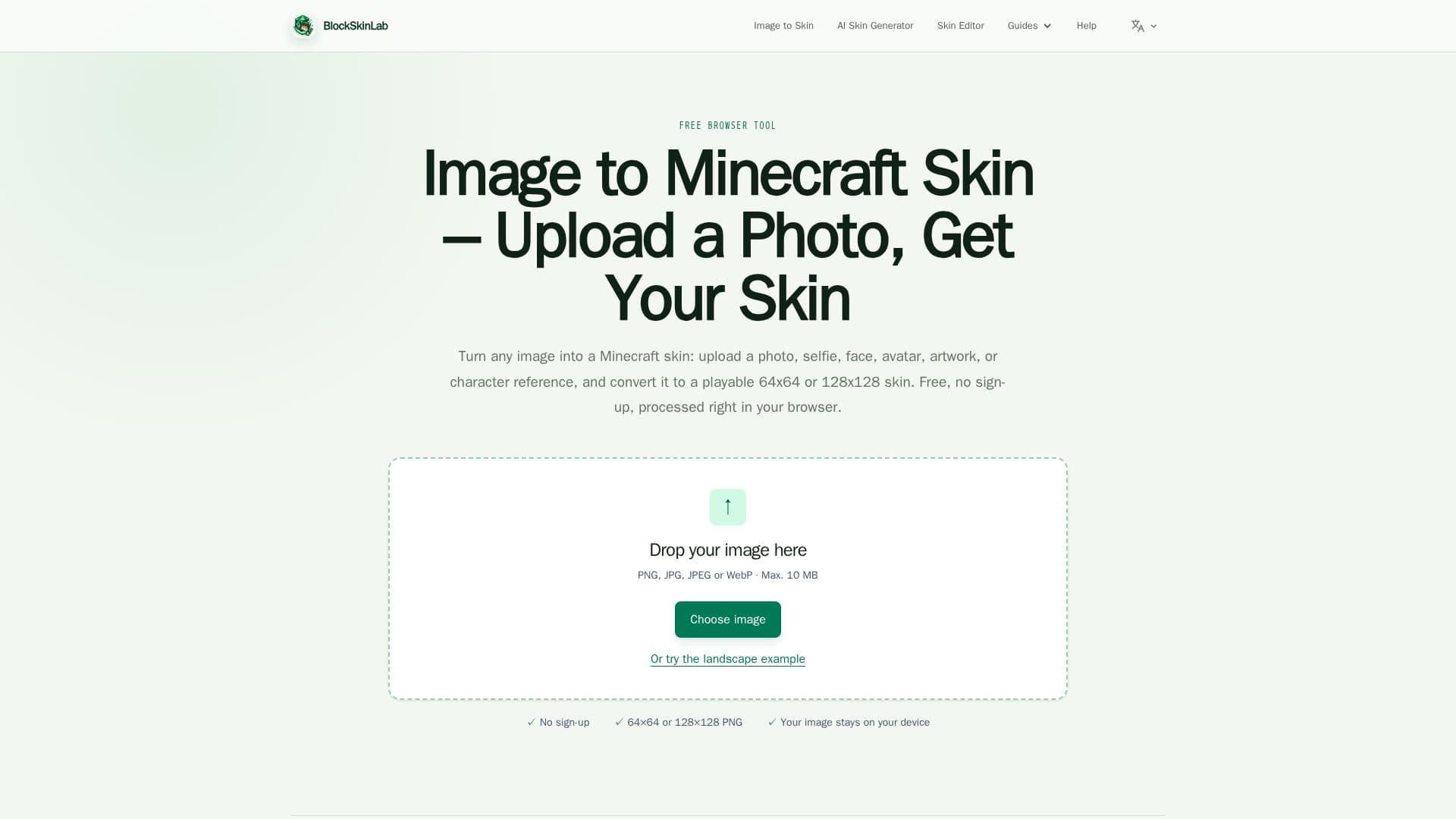
BlockSkinLab offers a suite of independent, browser-based tools designed to simplify the creation and customization of Minecraft skins. The primary tool, the Image to Minecraft Skin Converter, allows users to transform any image, photo, selfie, avatar, or character artwork into a playable Minecraft skin. This deterministic mapping tool places the source image onto a Minecraft body guide, sampling nearby colors and details to complete the sides and back of the character. It supports PNG, JPEG, and WebP formats up to 10 MB and processes images locally in the user's browser, ensuring privacy as images never leave the device.
Read More
Users can choose between 64x64 Standard or 128x128 HD resolutions and select Classic (four-pixel-wide) or Slim (three-pixel-wide) arm models to match their in-game preference. The converter includes a 3D preview feature, allowing users to inspect their skin before downloading. For images that don't naturally form a clear face, a simple 8x8 face editor is available, offering presets for eyes and mouths, along with basic pixel editing tools like pencil, color picker, undo, and redo. This tool does not apply filters or change the image style, but rather maps the existing details onto the skin layout.
In addition to the image converter, BlockSkinLab also features an AI Minecraft Skin Generator. This separate tool creates random 64x64 skins directly in the browser using a compact ONNX model. Importantly, this AI generator does not accept text or image prompts; it produces random designs that users can regenerate until they find a suitable starting point. Both tools are entirely free to use and do not require any account, login, or registration, making them accessible for quick skin creation and download. The platform is not affiliated with Mojang or Microsoft, focusing on providing practical and private tools for the Minecraft community.
- CategoryImage Generation & Editing
- Pricing ModelFree
- DeploymentBrowser-based
- PlatformsWeb
BlockSkinLab's Core Features
Image to Minecraft Skin Converter
Random AI Minecraft Skin Generator
Supports 64x64 and 128x128 skin resolutions
Accepts PNG, JPEG, and WebP image formats
Local browser-based image processing for privacy
3D skin preview before download
Simple 8x8 face editor with presets
Option for Classic or Slim arm models
Free to use with no sign-up required
Direct PNG download of generated skins
No image or text prompts for AI generator
Compatible with Java and Bedrock editions (64x64)
Tutorials and guides for skin creation and upload
Independent project, not affiliated with Mojang/Microsoft
Max image upload size of 10 MB
How to use BlockSkinLab?
Upload Image: Drop a PNG, JPG, or WebP image (up to 10 MB) into the converter.
Position Image: Drag and zoom your image over the front-facing Minecraft body guide.
Choose Options: Select 64x64 Standard or 128x128 HD resolution and Classic or Slim arm model.
Preview Skin: Check the 3D preview of your assembled character.
Edit Face (Optional): Use face presets or the 8x8 pixel editor to add or refine eyes and mouth.
Download Skin: Save the generated Minecraft skin as a PNG file for free.
BlockSkinLab's Use Cases
- Personalized Minecraft Skins
- Custom Character Design
- Random Skin Generation
- Minecraft Content Creation
- Game Customization
- Educational Tool