
Description
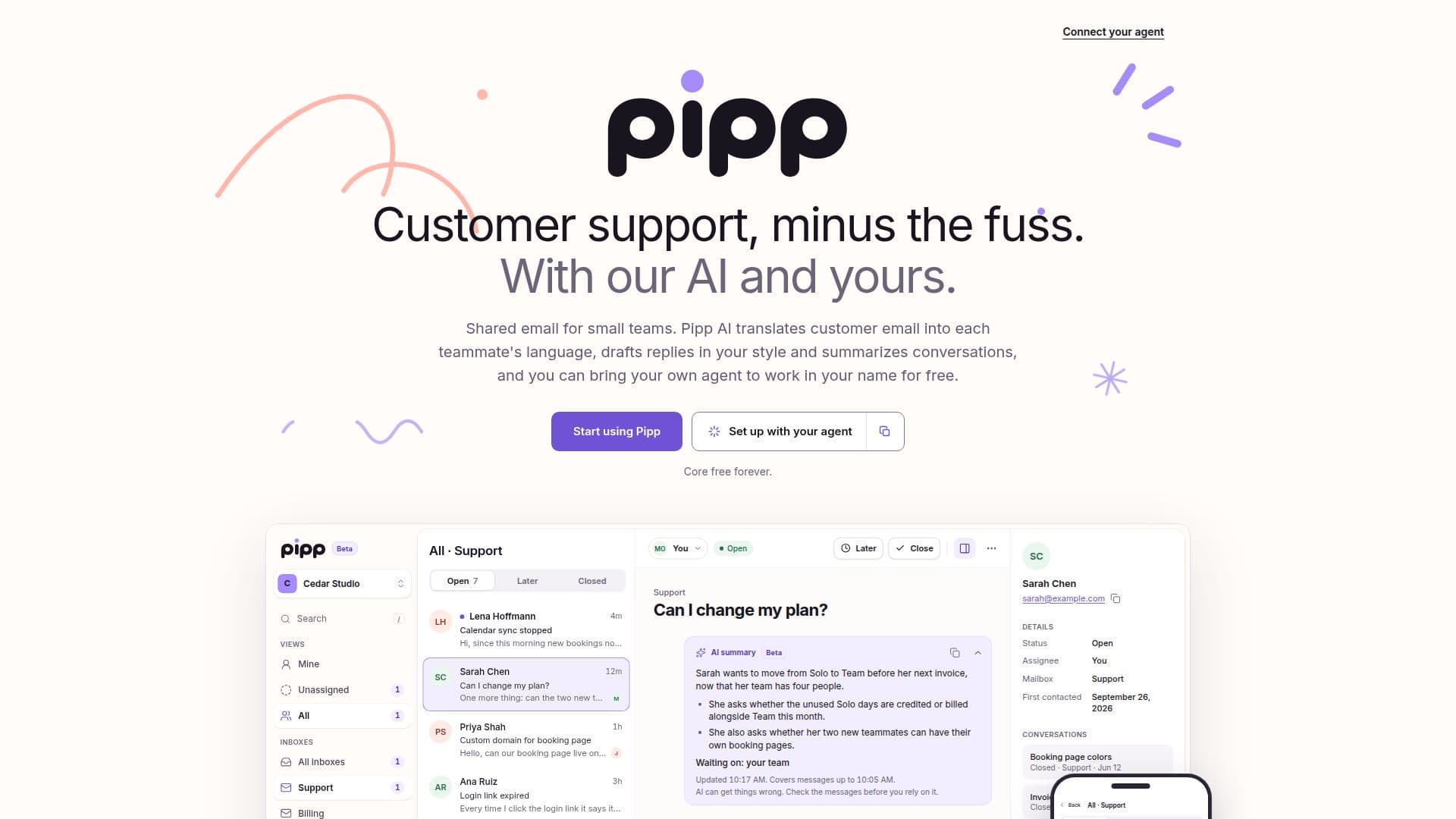
Pipp provides a simple and elegant team inbox solution specifically tailored for small teams managing customer support. It aims to reduce the fuss associated with shared email management by leveraging AI capabilities, both built-in and user-provided.
Read More
The platform allows teams to work collaboratively on customer emails. Key features include the ability for each teammate to read customer emails in their preferred language, with Pipp AI translating incoming messages and sending replies in the customer's language. Pipp AI also drafts replies in a style consistent with your brand and provides concise conversation summaries, keeping everyone informed without extensive reading.
A significant advantage of Pipp is its support for bringing your own AI agent. Users can connect any MCP (Multi-Client Protocol) agent, such as Claude, ChatGPT (Dots), Codex, or Grok Bot, to work within the inbox. This agent can be activated by an @mention in a note or automatically when a customer replies, if enabled. It can read conversations, check other tools, and leave notes or draft replies under its own name, with permissions approved by the user. Connecting your own agent is free, though its runs count against your plan with its respective provider.
Pipp's core inbox functionality, including shared email, conversation assignment, internal notes, and teammate presence indicators, is free forever. Pipp AI features, such as translation, drafting, and summarization, are free during their beta phase and will be fairly priced afterward. The platform also offers essential tools like a command palette, single-key shortcuts, and a 10-second undo window for sent replies. The entire application is available in 30 languages.
To send replies to customers, users need to verify their own sending domain by adding DNS records. Each workspace can connect one sending domain and has a daily limit of 100 recipient deliveries. Pipp is currently focused on email support, with chat functionality planned for future development. The platform emphasizes clear ownership of conversations, using states like Open, Later, and Closed to manage workflow and ensure timely follow-ups.
- CategoryAI Help Desk Tools
- Pricing ModelFreemium
- DeploymentCloud
- PlatformsWeb
Pipp's Core Features
Shared email inbox for small teams
Pipp AI for email translation and summarization
Pipp AI drafts replies in your team's style
Bring your own AI agent (MCP compatible)
Agent activation via @mention or customer reply
Conversation assignment and internal notes
Teammate viewing and typing indicators
Multi-language support for teammates and customers
Command palette and single-key shortcuts
10-second undo for sent replies
Domain verification for sending replies
Support for Open, Later, and Closed conversation states
Email notifications for assignments and mentions
Developer tools for custom agent integrations
How to use Pipp?
Create Account: Set up an account and create an inbox to receive, read, and draft emails.
Verify Domain: Add DNS records to verify your sending domain to enable replying to customers.
Enable Pipp AI: An owner or admin can turn on Pipp AI in settings to enable translation, drafting, and summarization.
Connect Your Agent: Add Pipp's MCP server to your existing AI agent (e.g., Claude, ChatGPT) and sign in, approving necessary permissions.
Configure Agent Triggers: Choose when your agent activates, such as on @mention in a note or when a customer replies.
Manage Conversations: Assign conversations, leave internal notes, and use states (Open, Later, Closed) to organize customer interactions.
Draft and Send Replies: Utilize Pipp AI or your connected agent to draft replies, review them, and send to customers.
Invite Team: Invite teammates to your workspace to collaborate on customer support.
Pipp's Use Cases
- Customer Support Management
- Multilingual Communication
- Team Collaboration
- AI Agent Integration
- Conversation Summarization
- Reply Drafting Assistance
- Workflow Organization
- Founder Support