
Description
Help Scout is a customer service software that empowers businesses to provide exceptional support while keeping costs manageable. Founded in 2011, Help Scout has grown to serve over 12,000 customer-facing teams, facilitating more than 950 million conversations. The platform is designed with a people-first approach, ensuring that customers are treated as individuals rather than mere transactions.
Read More
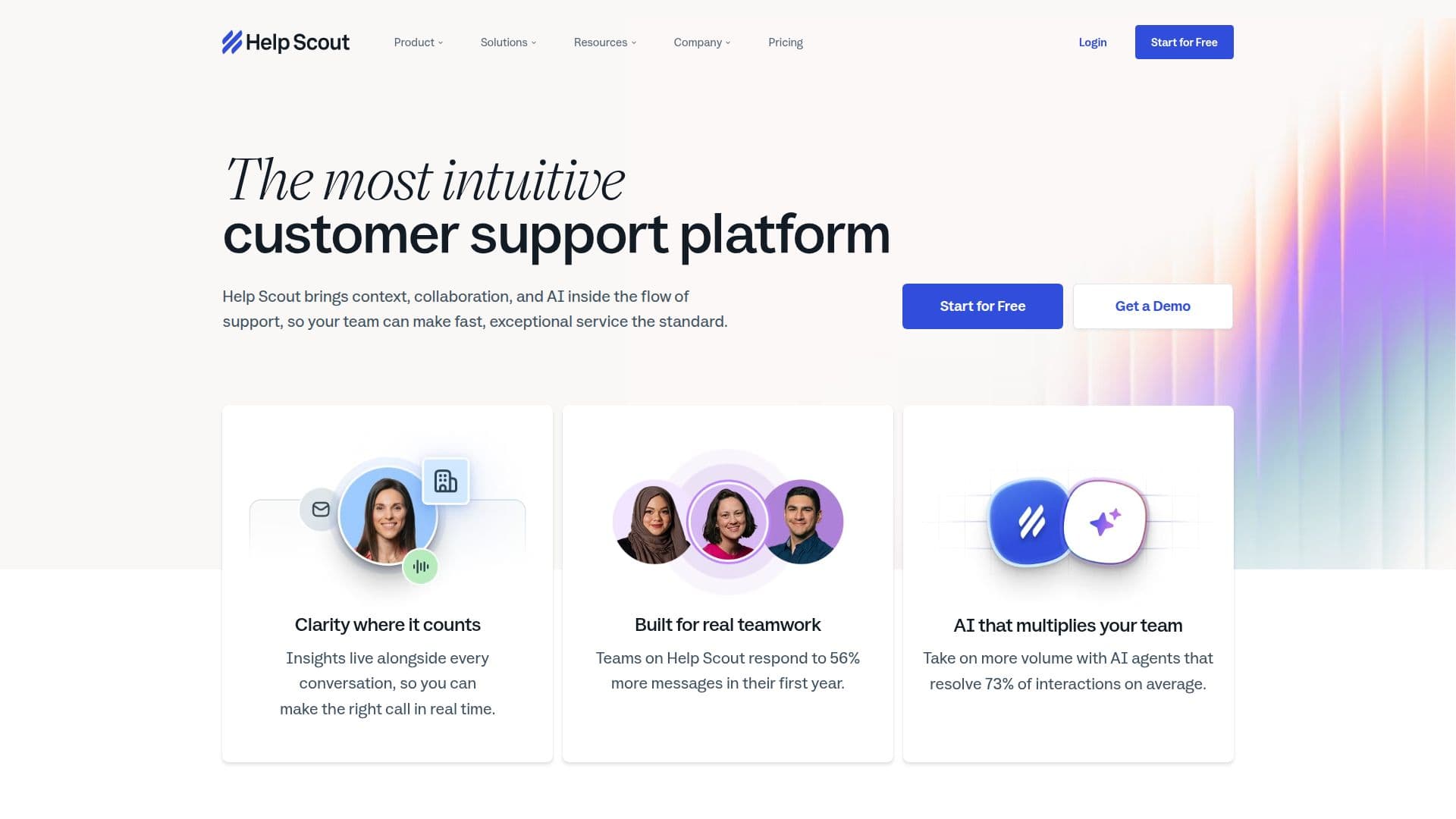
The software integrates context, collaboration, and AI into the support workflow, allowing teams to respond to inquiries quickly and effectively. With features like AI agents that resolve an average of 73% of interactions, Help Scout enables teams to handle increased volumes without sacrificing quality. The platform's intuitive design helps teams respond to 56% more messages in their first year, making it a valuable tool for growing businesses.
Help Scout's capabilities include a shared inbox for all support conversations, customizable workflows, and the ability to manage multiple channels, including live chat, email, and social media. The platform also offers tools for scheduling replies, snoozing conversations, and creating saved replies to streamline communication. Additionally, Help Scout provides reporting features that help teams understand their performance and customer satisfaction metrics.
With over 100 integrations available, Help Scout can easily fit into existing workflows and tools, enhancing productivity without disrupting established processes. The platform is built to scale, ensuring that as businesses grow, their customer support capabilities can expand seamlessly. Help Scout also offers a free plan for small teams, making it accessible for businesses at any stage of growth. Overall, Help Scout is dedicated to helping businesses delight their customers through effective and empathetic support.
- CategoryAI Help Desk Tools
- Pricing ModelFreemium
- DeploymentCloud
- PlatformsWeb, iOS, Android
Help Scout's Core Features
AI Inbox assistant
Multiple Inboxes
Advanced workflows
Live chat and SMS
Custom Views
Saved replies
Reporting tools
Integration with 100+ apps
How to use Help Scout?
Configure: Set up your Help Scout account and customize your inbox.
Integrate: Connect Help Scout with your existing tools and apps.
Manage: Use workflows to automate responses and organize conversations.
Engage: Utilize AI features to assist with customer inquiries.
Analyze: Review reporting tools to measure team performance and customer satisfaction.
Help Scout's Use Cases
- Customer Support
- Team Collaboration
- Performance Tracking
- Multi-Channel Management
- AI Assistance