
Description
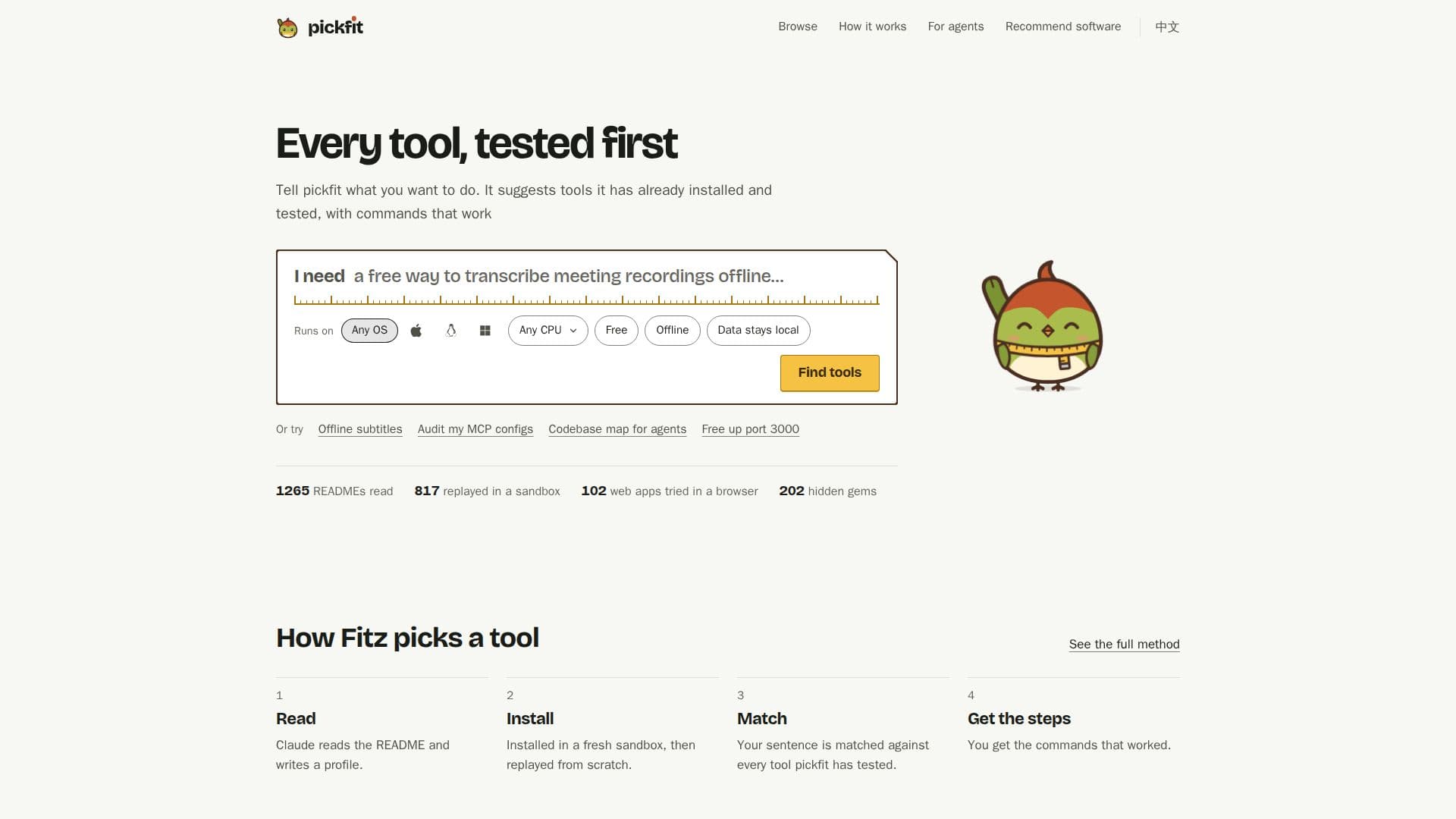
pickfit offers a curated directory of software tools, distinguishing itself by thoroughly testing each recommendation before listing it. The platform covers a wide array of categories, including developer command-line interface (CLI) tools, local AI applications, Model Context Protocol (MCP) servers, desktop applications, and web-based tools.
Read More
The core of pickfit's value proposition lies in its "Fitz" verification process. This involves a four-step methodology to check each tool, ensuring that every recommendation is robust and functional. For web apps, verification means they open and function correctly in a browser across any operating system. For other tools, it involves specific installation and usage tests on various operating systems like macOS, Linux, and Windows.
pickfit aims to simplify the tool selection process for developers and AI enthusiasts by providing clear, evidence-backed insights. Each tool card includes labels indicating its type (e.g., Developer CLI, Local AI, Web app, MCP server), a concise description of its function, and the operating systems on which it has been verified. This detailed approach helps users understand exactly what a tool does and where it can be used effectively.
The platform highlights both popular and niche tools, ensuring that users discover valuable resources they might not find elsewhere. By focusing on tested and verified solutions, pickfit helps users avoid unreliable software, saving time and effort in their projects. It serves as a trusted guide for anyone looking to integrate new tools into their workflow, particularly in the rapidly evolving fields of AI and software development.
- CategoryCoding & Development
- Pricing ModelFree
- DeploymentWeb-based
- PlatformsmacOS, Linux, Windows, Any OS (Browser)
pickfit's Core Features
Verified Tool Recommendations
Developer CLI Tools
Local AI Tools
MCP Servers
Desktop Applications
Web Applications
Evidence-Based Testing
Operating System Compatibility Labels
Detailed Tool Cards
Curated Directory
Focus on Lesser-Known Tools
Four-Step Verification Process
Supports macOS, Linux, Windows
Free Tools Highlighted
Tool Comparison
How to use pickfit?
Browse Tools: Explore the directory of verified tools by category or type.
Review Tool Cards: Read detailed descriptions, verification status, and supported platforms for each tool.
Understand Labels: Interpret labels like 'Developer CLI', 'Local AI', 'Web app', and 'MCP server' to find relevant tools.
Check Verification: See which operating systems a tool has been verified on (macOS, Linux, Windows, Any OS for web apps).
Compare Options: Use the comparison feature to evaluate multiple tools side-by-side.
Implement Tools: Follow the provided evidence and steps to successfully use the recommended tools.
pickfit's Use Cases
- Discovering Developer CLI Tools
- Finding Local AI Solutions
- Selecting MCP Servers
- Identifying Desktop Applications
- Exploring Web Applications
- Setting Up AI Coding Agents
- Enhancing Productivity with AI
- Managing AI Agent Memory