
Description
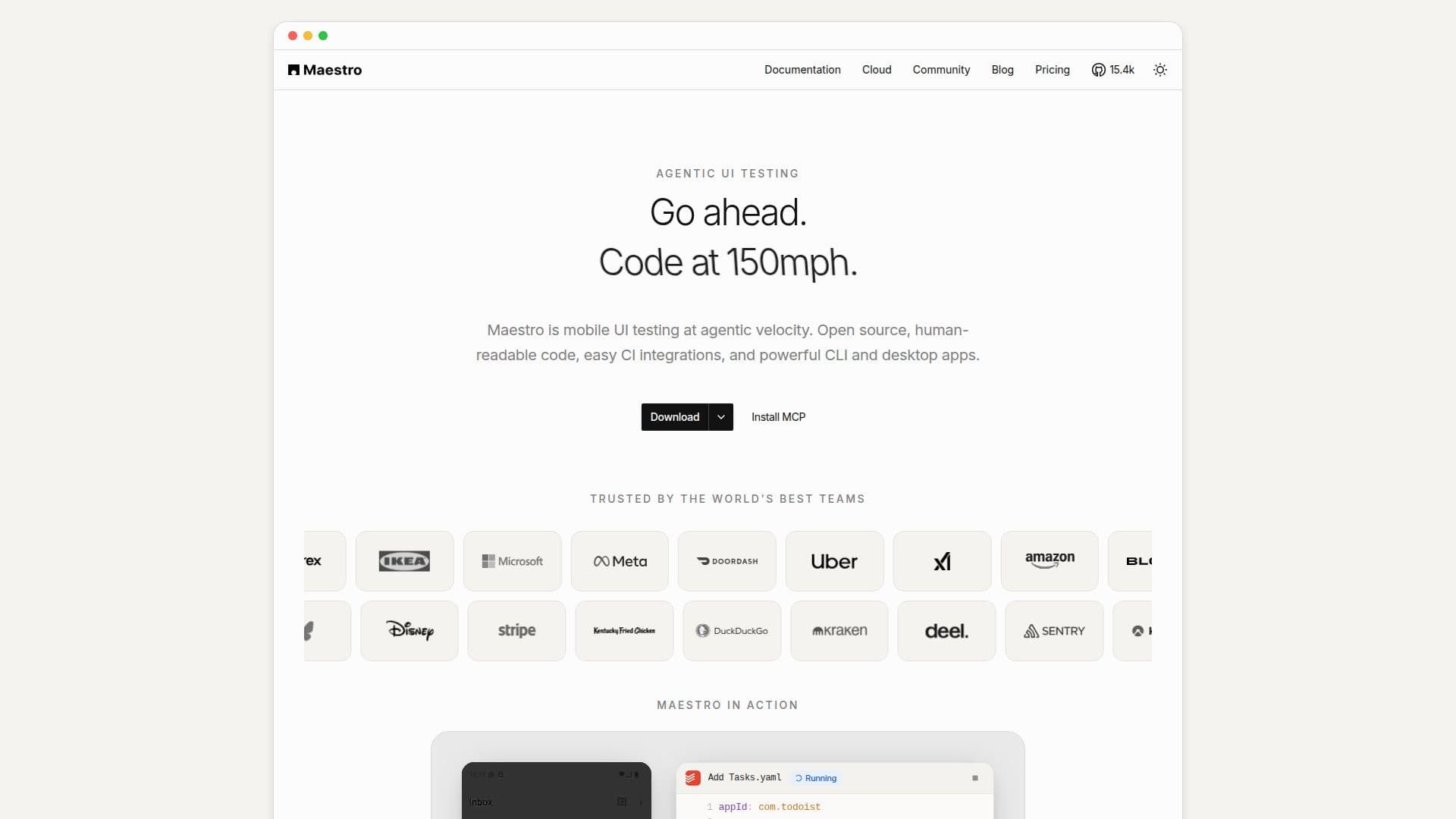
Maestro is an end-to-end UI testing framework for iOS, Android, and web applications. Tests are written as human-readable YAML flows that describe user actions such as launching an app, tapping elements, entering text, and asserting what is visible, making them repeatable, auditable, and free of black-box behavior.
Read More
Maestro is open source with no vendor lock-in, and it is built to work with both humans and AI agents. Its official MCP server gives coding agents the ability to inspect a live screen hierarchy, write and run Maestro tests, and verify end-to-end coverage locally before a pull request is opened. Guarded runFlow steps let tests handle clean or warm app state, permission prompts, and one-time popups deterministically.
Teams can write and manage tests wherever they prefer, running them free locally on the CLI or Maestro Studio and then scaling on Maestro Cloud, with easy CI integrations. Paid cloud usage starts from $125 per month.
- CategoryAI Code Review & Testing
- Pricing ModelFreemium
- DeploymentCloud, Self-hosted
- PlatformsWeb, macOS, Windows
Maestro's Core Features
End-to-end UI testing for iOS, Android, and web
Human-readable YAML test flows that are auditable and repeatable
Open source with no vendor lock-in
Official MCP server for AI agents to write and verify tests
Free local runs via CLI and Maestro Studio
Maestro Cloud for scaling test execution
Easy CI integrations
Guarded runFlow steps to handle permissions, popups, and app state
How to use Maestro?
Install Maestro: Set up the CLI or Maestro Studio to run tests locally for free.
Write a flow: Create a human-readable YAML flow describing app actions and assertions.
Run locally: Execute the flow against an emulator or device from the CLI or Studio.
Add AI assistance: Connect the Maestro MCP server so agents can inspect the screen and write tests.
Scale in the cloud: Run tests at scale on Maestro Cloud and integrate with your CI pipeline.
Maestro's Use Cases
- Mobile UI testing
- Web UI testing
- Agentic test authoring
- CI integration
- Scaling test runs