
Description
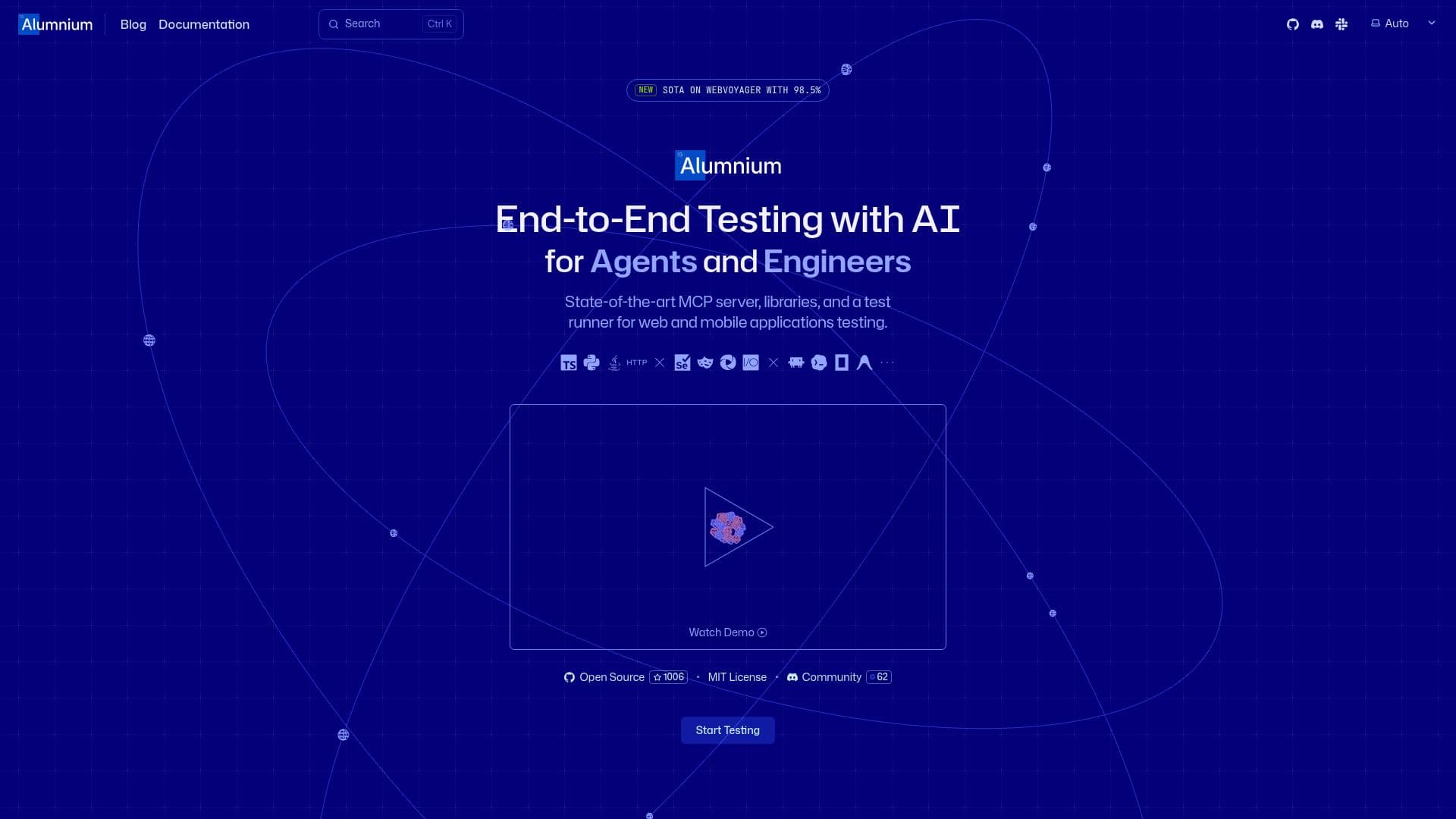
Alumnium is an innovative AI-powered tool designed for end-to-end testing of web and mobile applications. It offers a state-of-the-art MCP server, libraries, and a test runner, enabling seamless integration with existing automation frameworks like Selenium, Playwright, and Appium. By connecting Alumnium to a coding agent through MCP or adding its Java, Python, or TypeScript client to existing tests, users can automate testing processes efficiently.
The tool allows users to describe user flows and expected results in plain language, which the coding agent uses to drive and verify applications. Alumnium supports web, iOS, and Android platforms, allowing for the reuse of plain-language instructions across different platforms with necessary adjustments.
Alumnium is designed for smaller, lower-cost models, offering flexibility in choosing supported models based on speed, cost, and capability requirements. It reduces context growth by performing detailed UI work and returning concise change summaries, ensuring the coding agent receives only the necessary context.
The tool is open-source and available under the MIT license, allowing for personal and commercial use without a license fee. It supports integration with various AI providers, including Anthropic, OpenAI, Google, xAI, Meta, DeepSeek, and Mistral, or local models through Ollama.
Alumnium's features include a single binary distribution, HTTP API for programmatic control, and a multi-level cache to reuse model responses and element decisions. It also offers deep browser integration, supporting advanced workflows like tab navigation, shadow DOM, and file uploads. With its robust capabilities, Alumnium is ideal for QA engineers and developers looking to enhance their testing processes with AI.
Alumnium AI Testing Tool's Core Features
End-to-end testing for web and mobile applications
Integration with Selenium, Playwright, and Appium
Natural-language test automation
Supports web, iOS, and Android platforms
Open-source under MIT license
Multi-level cache for efficient testing
Deep browser integration
Supports multiple AI providers and local models
How to use Alumnium AI Testing Tool?
Install: Add MCP Server and Alumnium binary
Set Up: Configure AI provider and connect to MCP agent
Test: Describe user flow and expected result
Run: Execute test suite with Alumnium handling natural-language steps
Alumnium AI Testing Tool's Use Cases
- Web Application Testing
- Mobile Application Testing
- Cross-Platform Testing
- Natural Language Testing
- AI Model Integration