Description
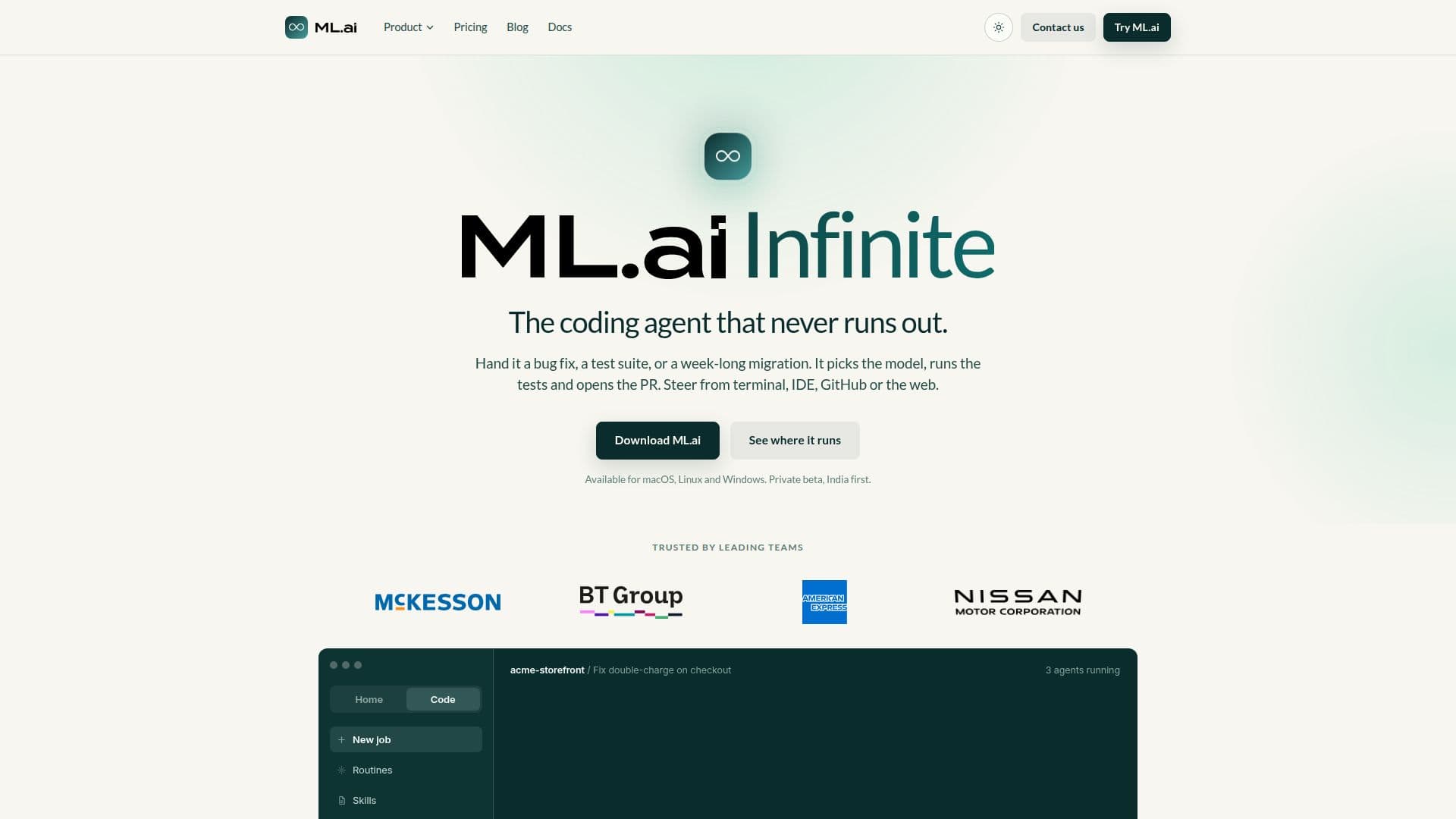
ML.ai is a sophisticated coding agent designed to streamline software development tasks by intelligently selecting the appropriate model for each step. It reads your repository, executes tasks such as bug fixes, test suite runs, and migrations, and presents a diff for review before any changes are made. This ensures that nothing is written to disk without your approval, providing a controlled and precise development environment.
Read More
Available for macOS, Linux, and Windows, ML.ai integrates seamlessly with terminals, IDEs, GitHub, and web interfaces, making it accessible from various platforms. It is currently in private beta, with initial availability in India.
ML.ai offers several plans, including Infinite, Pro, Max, Team, and Enterprise, each catering to different levels of concurrency and team needs. Infinite allows two jobs in parallel, Pro supports six, and Max handles up to twenty. The Team plan includes Pro-level concurrency for every seat, along with shared skills and routines, while the Enterprise plan offers self-hosted deployment and custom model policies.
The platform is designed for real engineering work, from routine pull requests to complex migrations, and adapts to your team's standards over time. It supports parallel agents, allowing multiple jobs to run simultaneously across projects, each in its own sandbox.
ML.ai emphasizes a fair-use pricing model, with no visible token budget, ensuring that the agent continues working until the job is verified. This approach eliminates the need for token budgets and credit balances, focusing instead on task completion.
The platform is backed by Pixis.ai and supported by SoftBank Vision Fund and General Atlantic, ensuring robust development and support. ML.ai is designed to reduce model spend by routing tasks that do not require frontier models, offering typical savings of 30 to 45 percent.
- CategoryCoding & Development
- Pricing ModelFlat Rate
- DeploymentCloud, Self-hosted
- PlatformsmacOS, Linux, Windows
ML.ai's Core Features
Auto model routing
Diff review before changes
Multi-platform support
Parallel job execution
No token budget
Fair-use pricing
Custom model policies
Shared skills and routines
How to use ML.ai?
Configure: Set up ML.ai with your repository
Use: Assign tasks and review diffs
Optimize: Adjust concurrency and model routing
Deploy: Use across platforms and environments
ML.ai's Use Cases
- Bug Fixing
- Test Suite Execution
- Code Migrations
- Parallel Processing
- Team Collaboration