
Description
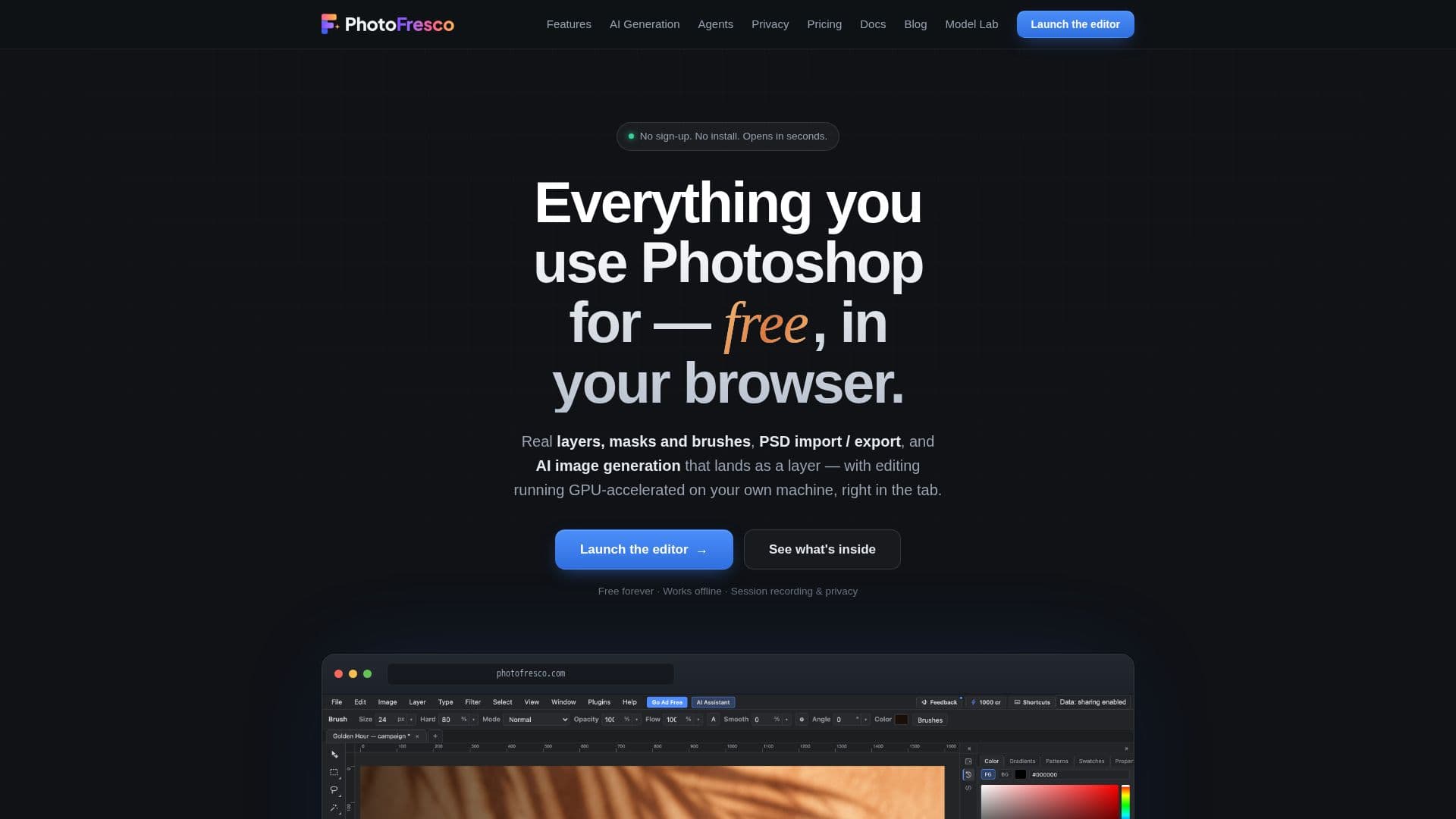
PhotoFresco is a comprehensive, browser-based image editor designed as a free alternative to Adobe Photoshop. It offers a wide range of professional-grade features, including real layers, masks, brushes, and PSD import/export capabilities. Users can open and edit existing PSD files, making it a seamless transition for those familiar with Photoshop. The editor runs directly in your browser, eliminating the need for installation and allowing for offline use once loaded.
Read More
One of PhotoFresco's standout features is its integration with AI tools. Users can generate images directly onto their canvas as editable layers by typing a prompt and selecting a model. This feature supports multiple AI models, allowing users to compare results and choose the best fit for their project. The editor also supports batch generation for more extensive creative needs.
PhotoFresco is designed to work with AI agents, enabling structured operations that an AI model can call. This allows for collaborative editing, where an AI agent can build a layered design step by step, and users can inspect, undo, or refine every move. The editor's API and command line interface further enhance its capabilities, making it suitable for both individual users and AI-driven workflows.
The platform is free forever, supported by unobtrusive ads, with an option to go ad-free for a small monthly subscription. This subscription also includes cloud storage, ensuring that users' files are never held hostage. AI credits are available for purchase separately, allowing users to pay per use for AI generation without a subscription.
PhotoFresco prioritizes user privacy and control, with local editing running on the user's device and data sharing options that can be adjusted according to user preference. This makes it a versatile tool for both personal and professional use, offering a powerful editing experience without the need for a subscription or installation.
- CategoryAI Photo Editors
- Pricing ModelFreemium
- DeploymentBrowser
- PlatformsWeb
PhotoFresco's Core Features
Free browser-based image editor
Real layers, masks, and brushes
PSD import/export capabilities
AI image generation as editable layers
Supports multiple AI models
Collaborative editing with AI agents
Local editing on user's device
Ad-supported with optional ad-free subscription
How to use PhotoFresco?
Open: Access PhotoFresco in your browser
Edit: Use layers, masks, and brushes for editing
Generate: Create images with AI models
Collaborate: Work with AI agents for design
PhotoFresco's Use Cases
- Image Editing
- AI Image Generation
- Collaborative Design
- PSD File Management
- Offline Editing