Description
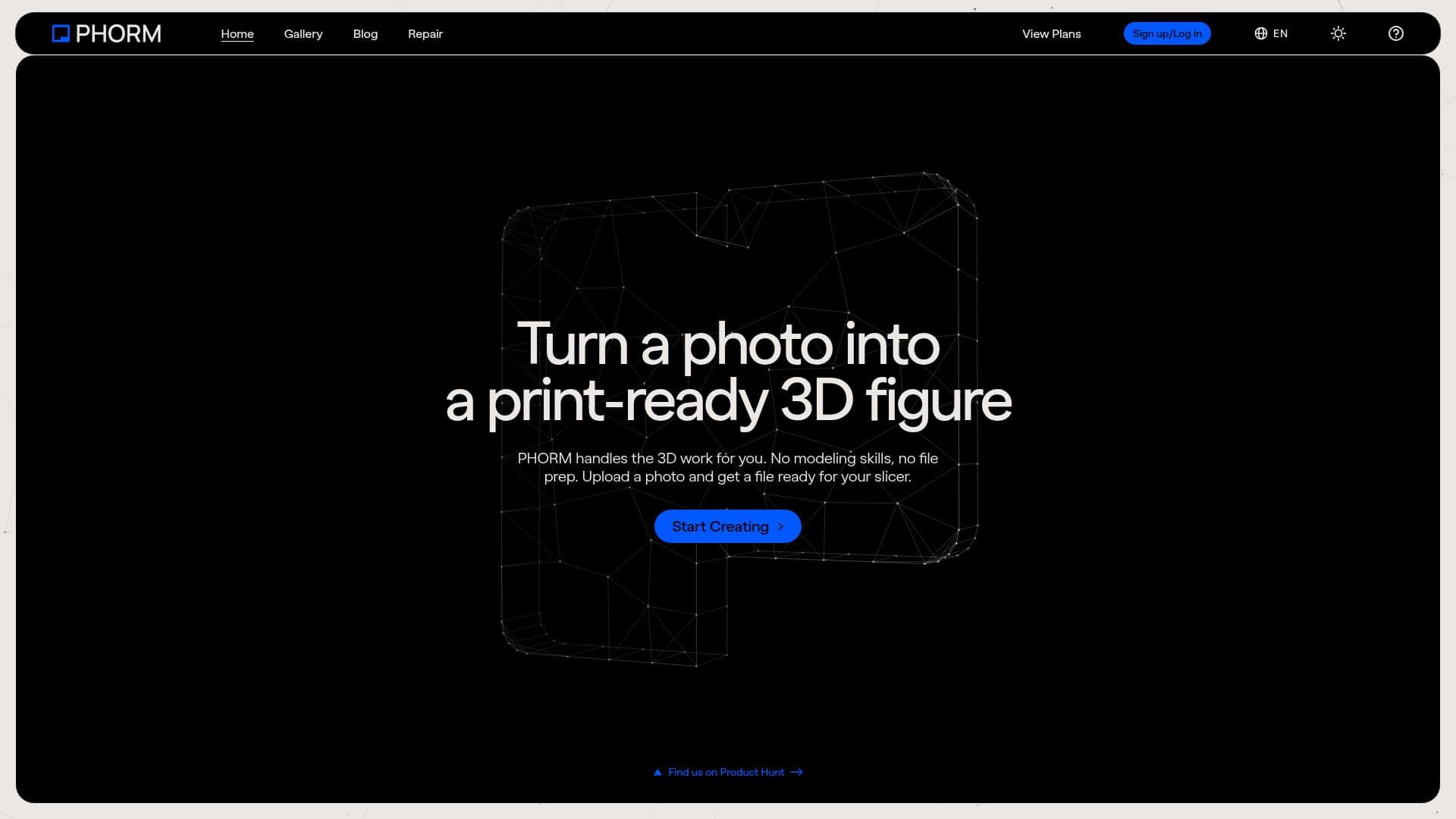
PHORM is a web service designed to simplify 3D model creation for 3D printing, particularly for Bambu Lab users. It allows individuals to convert a single photo or a text prompt into a print-ready 3D model, eliminating the need for complex 3D modeling skills or file preparation. The platform handles the entire 3D workflow, from image conversion to mesh repair and export.
Read More
The core functionality involves uploading a photo of an object, character, or figure, or generating an image from a text prompt. PHORM then reconstructs the full 3D geometry from the image within minutes. A crucial step in this process is the automatic mesh repair and printability check, which ensures the model is watertight by closing holes, fixing normals, and resolving non-manifold geometry. This guarantees that the exported files are compatible with popular slicers like Bambu Studio, Cura, PrusaSlicer, and Orca Slicer, preventing common printing failures.
PHORM offers versatile export options, including STL and 3MF formats. For Bambu Lab users, 3MF files come with a pre-configured print profile, optimizing the model for Bambu Lab printers and AMS for multicolor printing. The service also supports text and logo engraving, allowing for further customization. Beyond photo-to-3D conversion, PHORM provides a repair tool for existing STL, GLB, and 3MF files, ensuring they are watertight and printable.
The platform is built by a team in Almaty, Kazakhstan, with every feature tested on Bambu Lab P2S printers to ensure reliability. PHORM aims to make 3D creation accessible to a wide audience, from hobbyists making tabletop miniatures and personalized gifts to creators developing product prototypes. It offers a free plan with initial models and AI photos, with paid plans providing more generations, commercial use rights, and extended file storage.
- Category3D Model Generators
- Pricing ModelFreemium
- DeploymentCloud
- PlatformsWeb
PHORM's Core Features
Photo to 3D Model Conversion
AI Photo Generation from Text Prompt
Automatic Mesh Repair and Printability Check
Multicolor 3MF Export for Bambu Lab AMS
Text and Logo Engraving
STL and 3MF Export with Bambu Lab Print Profile
Repair of Existing STL, GLB, and 3MF Files
Interactive 3D Viewer for Progress and Results
High Quality Model Generation with Colors
Editor for QR Codes, Colors, and Painting
Private Model Storage
Commercial Use Rights on Paid Plans
Priority Queue for Studio Plan Users
Model Return Policy for Studio Plan
How to use PHORM?
Upload Photo or Generate: Start by uploading a clear photo of an object or generate an image using a text prompt within PHORM.
Reconstruct 3D Geometry: PHORM automatically reconstructs the 3D model from the image and performs mesh repair to ensure it is watertight.
Customize Model: Use the editor to add engraving, QR codes, or adjust colors and painting on your 3D model.
Download Print-Ready File: Download your model as an STL or 3MF file, with an optional Bambu Lab print profile for 3MF.
Send to Slicer: Import the downloaded file into your preferred 3D slicer (Bambu Studio, Cura, PrusaSlicer, Orca Slicer) and prepare for printing.
PHORM's Use Cases
- Creating Tabletop Miniatures
- Personalized Gifts
- Product Prototypes
- Replacement Parts
- Custom Ornaments and Desk Toys
- Repairing Existing 3D Files
- Educational 3D Printing Projects