Description
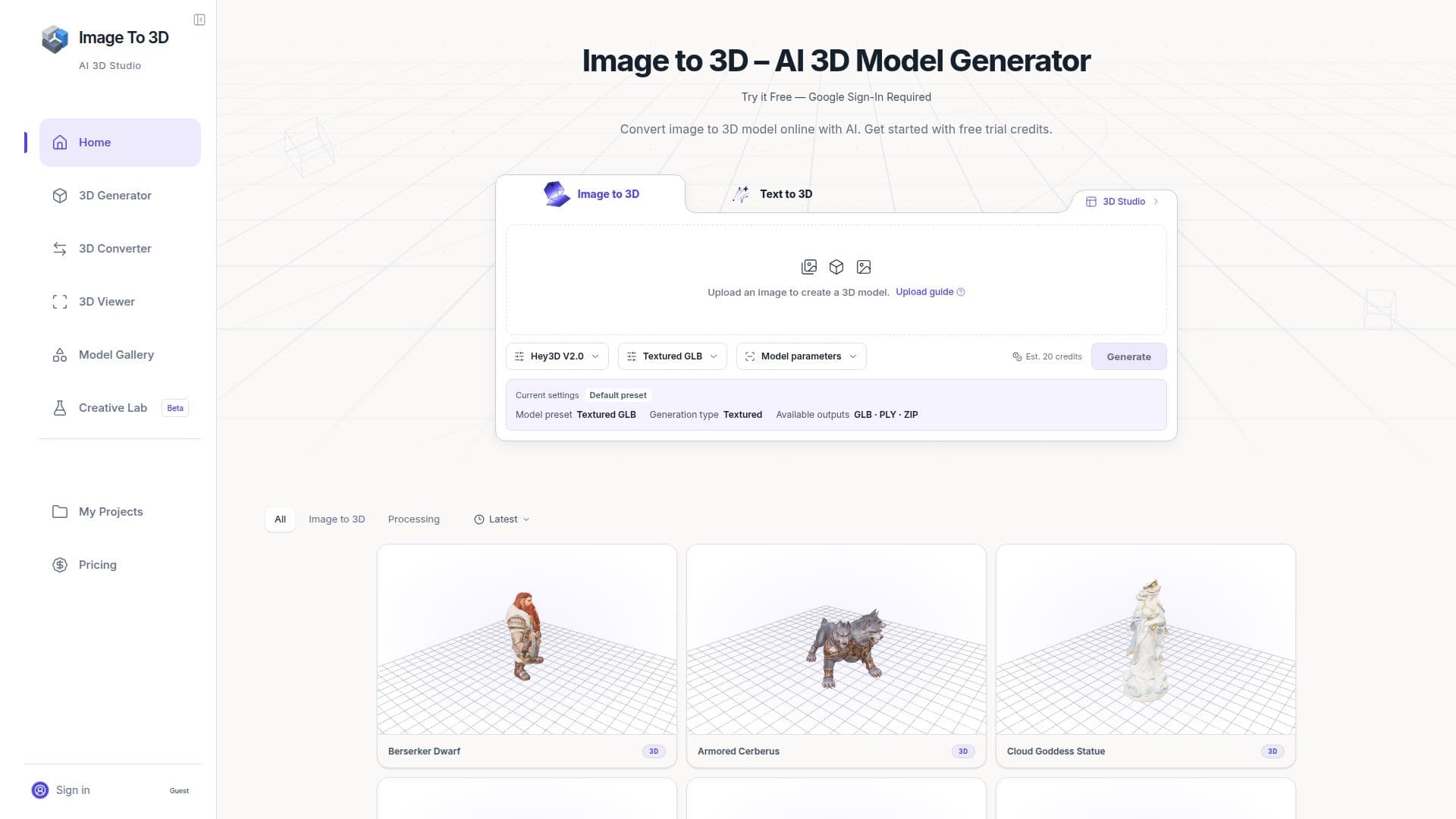
Image to 3D Studio is a browser-based application designed to transform 2D images into 3D models. This tool is particularly useful for artists, designers, and developers who need a starting point for creative work, prototyping, or visualization. Users can upload a clear reference image, and the AI-powered system will generate a 3D model that can be downloaded in formats such as GLB, OBJ, STL, FBX, or USDZ.
Read More
The platform supports various generation models, allowing users to choose the quality and settings that best fit their needs. It is important to note that the tool infers unseen areas of the object, which means the output may not be a perfect replica of the original image. Users are encouraged to inspect and edit the generated models in software like Blender to refine topology, UVs, and materials.
Image to 3D Studio offers a range of subscription plans, each providing a different number of generation credits per month. These credits are used to submit generation jobs, and any unused credits roll over and never expire. The platform is suitable for different user levels, from hobbyists to professional teams, with plans like Starter, Maker, Creator, Pro, Studio, and Business.
The tool is versatile, supporting applications in game development, product visualization, 3D printing, and augmented reality. Users can create models for game assets, product catalogs, or AR experiences. However, for 3D printing, additional checks and preparations are necessary to ensure the model is printable.
Overall, Image to 3D Studio provides a comprehensive solution for converting images into 3D models, offering flexibility and control over the generation process, making it a valuable tool for various industries and applications.
- Category3D Model Generators
- Pricing ModelFreemium
- DeploymentCloud
- PlatformsWeb
Image to 3D Studio's Core Features
AI-powered image to 3D conversion
Supports GLB, OBJ, STL, FBX, USDZ formats
Multiple generation models
Subscription plans with rollover credits
Interactive 3D preview
Model editing compatibility
Suitable for 3D printing
Versatile for various industries
How to use Image to 3D Studio?
Upload: Choose a clear reference image
Generate: Select a model and submit the job
Inspect: Review the generated 3D model
Download: Export the model in desired format
Image to 3D Studio's Use Cases
- Game Development
- Product Visualization
- 3D Printing
- Augmented Reality
- Concept Art