Description
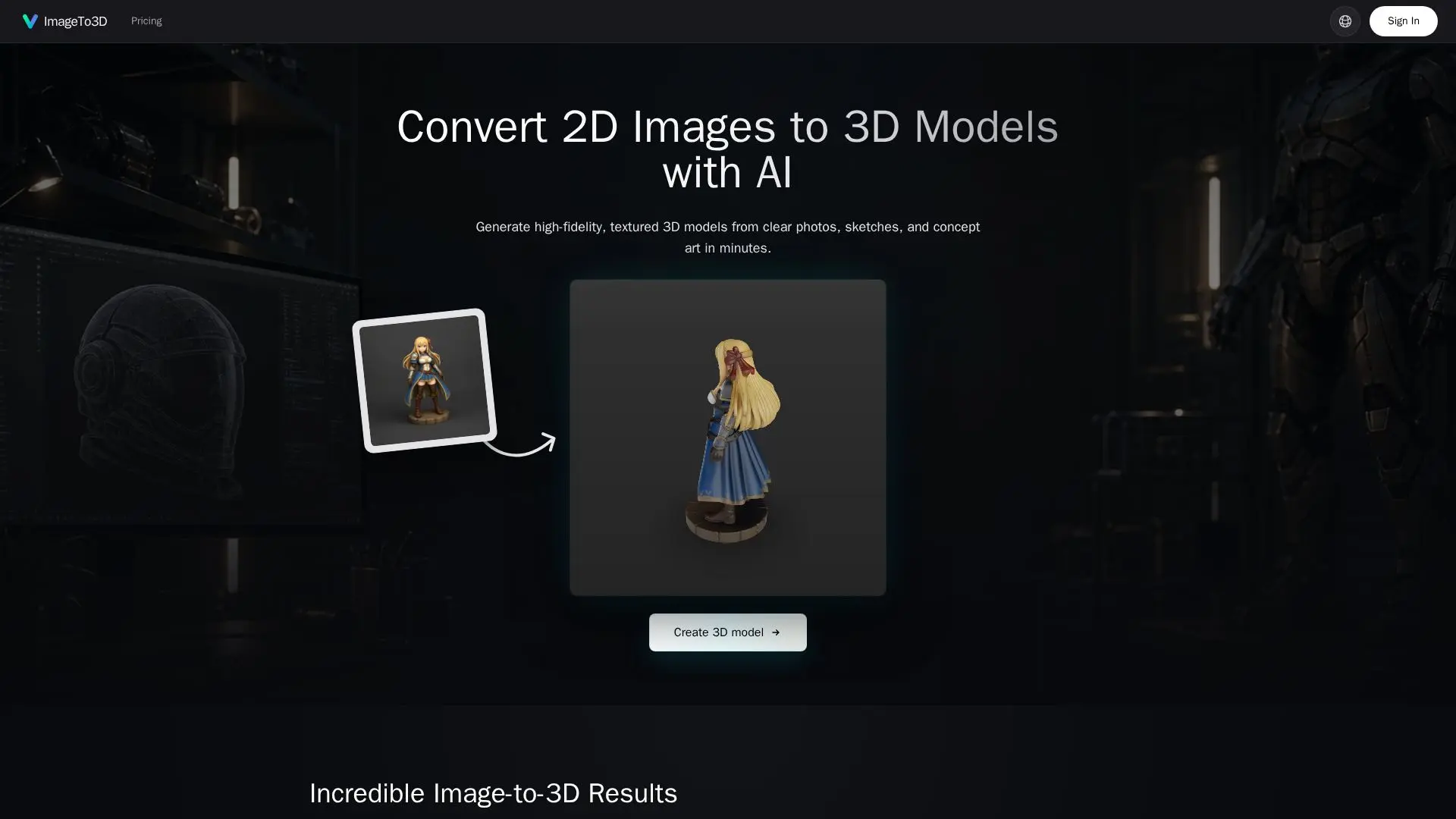
ImageTo3D is an advanced tool that transforms 2D images into detailed 3D models using AI technology. It is designed to convert clear photos, sketches, and concept art into production-ready 3D assets quickly and efficiently. The tool supports a variety of export formats, including GLB, STL, PLY, and USDZ, allowing seamless integration into popular platforms like Blender, Unity, and Unreal Engine.
Read More
The conversion process is straightforward and fast, typically taking between 30 to 90 seconds to generate a fully textured 3D model. This makes it ideal for rapid prototyping and creative workflows in game development, product design, and AR/VR experiences. Users can upload images of single objects or characters with good lighting and a plain background to achieve the best results.
ImageTo3D offers flexible pricing plans with credit packs that cater to different usage needs. These plans include commercial usage rights, enabling users to incorporate generated models into games, animations, and marketing materials. The tool is accessible to users of all skill levels, requiring no prior 3D modeling experience. Advanced users can further refine the exported models using professional tools like Blender, Maya, and ZBrush.
The AI technology behind ImageTo3D differs from traditional photogrammetry by using a single image to predict the full 3D shape, making it faster and more accessible. However, it may not capture the finer surface details that photogrammetry can achieve in large-scale projects. Overall, ImageTo3D provides a powerful solution for converting 2D images into versatile 3D models, enhancing creative and professional workflows across various industries.
- Category3D Model Generators
- Pricing ModelCredit-based
- DeploymentWeb
- PlatformsBlender, Unity, Unreal
ImageTo3D's Core Features
AI-powered 2D to 3D conversion
Supports GLB, STL, PLY, USDZ formats
Fast processing time (30-90 seconds)
Commercial usage rights included
No 3D modeling experience required
Compatible with Blender, Unity, Unreal
Flexible credit-based pricing plans
High-fidelity texturing and geometry
How to use ImageTo3D?
Upload: Select your 2D image
Convert: AI generates the 3D model
Export: Choose your desired format
Integrate: Use in your preferred tools
ImageTo3D's Use Cases
- Game Development
- 3D Printing
- Product Design
- AR/VR Experiences
- Rapid Prototyping