Description
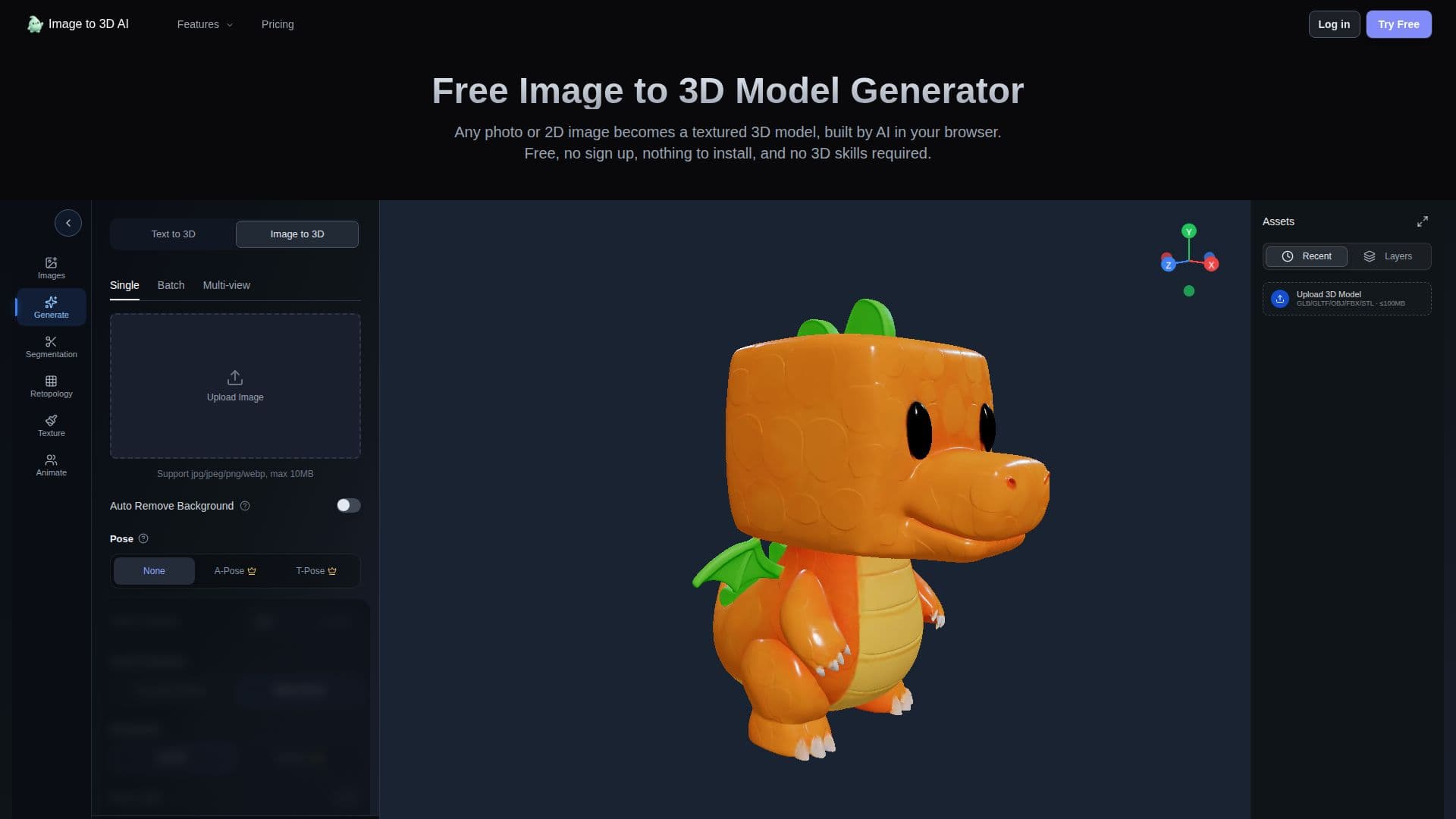
Image to 3D AI is a web-based tool that transforms images into 3D models without requiring any sign-up or installation. Users can upload JPG or PNG images and generate models at resolutions up to 1536, with options for batch processing up to ten images simultaneously. The platform supports GLB and STL outputs, making it suitable for 3D printing and game development.
Read More
The tool offers features such as multi-view image processing, allowing users to combine four different angles of a subject into a single model. It also provides capabilities for model refinement, including topology rebuilding, texture repainting, and auto-rigging for animation. Users can segment models into parts, facilitating easier editing and printing.
Pricing plans include a free tier with limited features and credits, as well as Pro and Max plans offering more extensive capabilities and storage options. The Max plan includes unlimited generations, high-definition models, and commercial use rights.
Image to 3D AI is ideal for various applications, including product visualization, concept art, and game asset creation. It simplifies the process of converting 2D images into 3D models, making it accessible to users without 3D modeling experience.
- Category3D Model Generators
- Pricing ModelFreemium
- DeploymentCloud
- PlatformsWeb
Image to 3D AI's Core Features
Free image to 3D model conversion
Batch processing up to 10 images
High-resolution generation at 1536
GLB and STL output formats
Multi-view image processing
Model segmentation into parts
Topology rebuilding
Auto-rigging for animation
Texture repainting
Browser-based operation
How to use Image to 3D AI?
Upload your image: Drag a JPG or PNG into the workspace.
Pick your output: Choose white mesh or textured model.
Generate and refine: Create the model and make adjustments.
Download: Export the model in GLB or STL format.
Image to 3D AI's Use Cases
- 3D Printing
- Game Development
- Product Visualization
- Concept Art
- Animation