Description
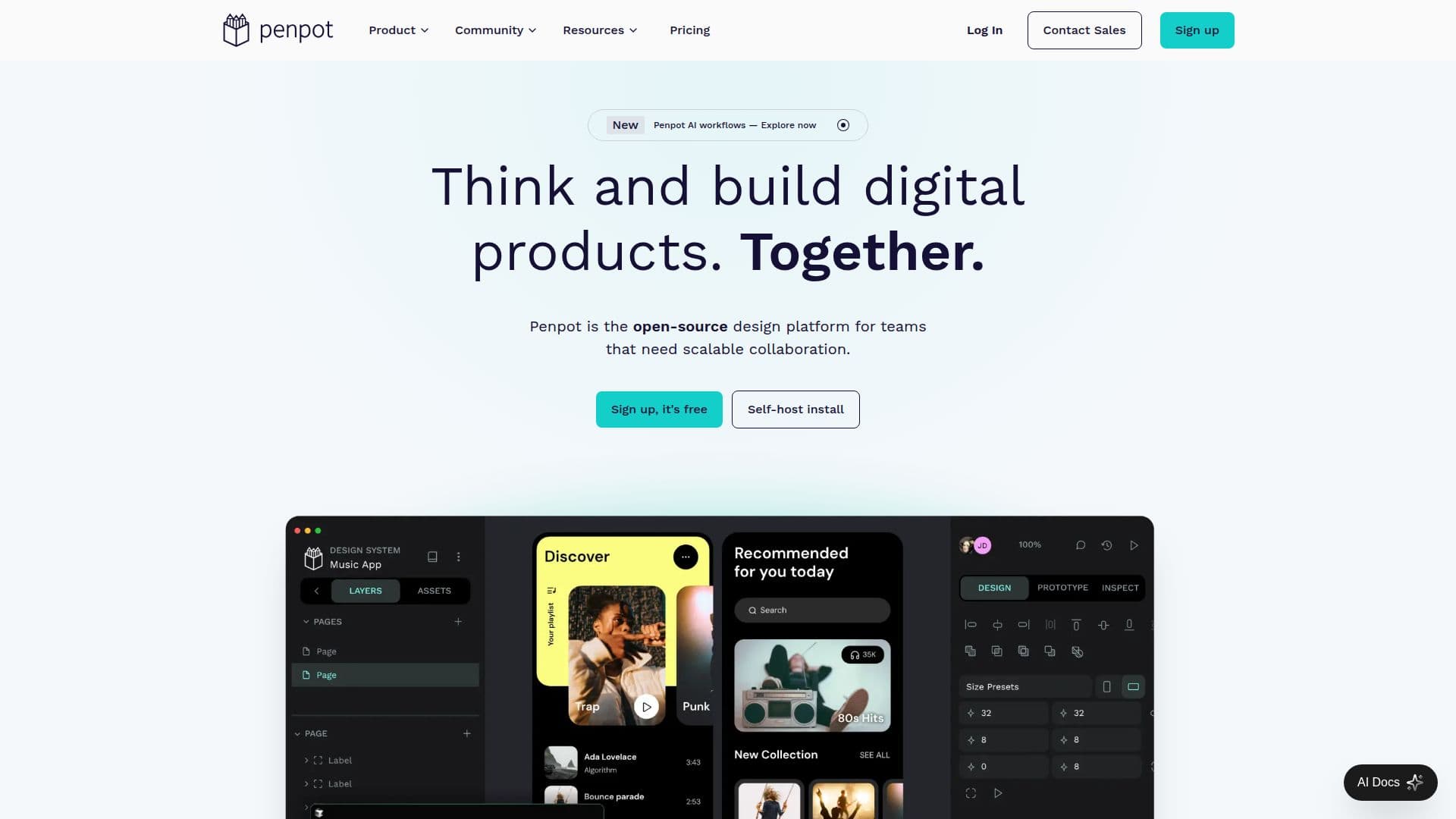
Penpot is an open-source design platform tailored for teams building digital products at scale. It facilitates deeper collaboration across design, code, and AI workflows, making it an ideal choice for organizations seeking an interoperable design infrastructure. Penpot supports web-based and self-hosted deployments, allowing teams to connect design systems, code, and AI workflows seamlessly.
The platform offers a comprehensive suite of tools for design, prototyping, and developer handoff, all in one place. It supports full SVG standards, vector design, and interactive prototyping, ensuring that designers can create and collaborate on visuals, prototypes, and UX efficiently. Penpot's design systems feature components, variants, design tokens, and shared libraries, providing a single source of truth for product teams.
Penpot is free forever for individuals and small teams, with advanced features available for USD 7 per month, capped at USD 175 per month regardless of team size. Enterprise plans offer additional features like SSO, audit logs, and SCIM, starting at USD 950 per month. The platform is venture-backed, ensuring a sustainable revenue model through cloud and enterprise subscriptions.
Penpot's target audience includes designers, developers, and organizations looking for an open-source design tool that bridges the gap between design and development. It offers a transparent pricing model, with discounts available for non-profit, education, and open-source projects. Penpot's commitment to open standards and open-source principles ensures that users are not locked into proprietary formats, providing flexibility and continuity even if the platform discontinues.
Penpot's Core Features
Open-source design platform
Web-based and self-hosted
Interactive prototyping
Design systems with components
Real-time collaboration
Developer handoff
SVG standards support
AI workflows integration
MCP Server integration
Free forever for individuals
Advanced features for USD 7/month
Enterprise features for USD 950/month
GDPR compliance
SOC2 and HIPAA certifications
Open API
How to use Penpot?
Configure: Set up design systems and workflows
Use: Create and collaborate on designs
Optimise: Integrate with development tools
Deploy: Choose web-based or self-hosted options
Penpot's Use Cases
- UI Design
- Prototyping
- Design Systems
- Developer Collaboration
- Self-hosting