Description
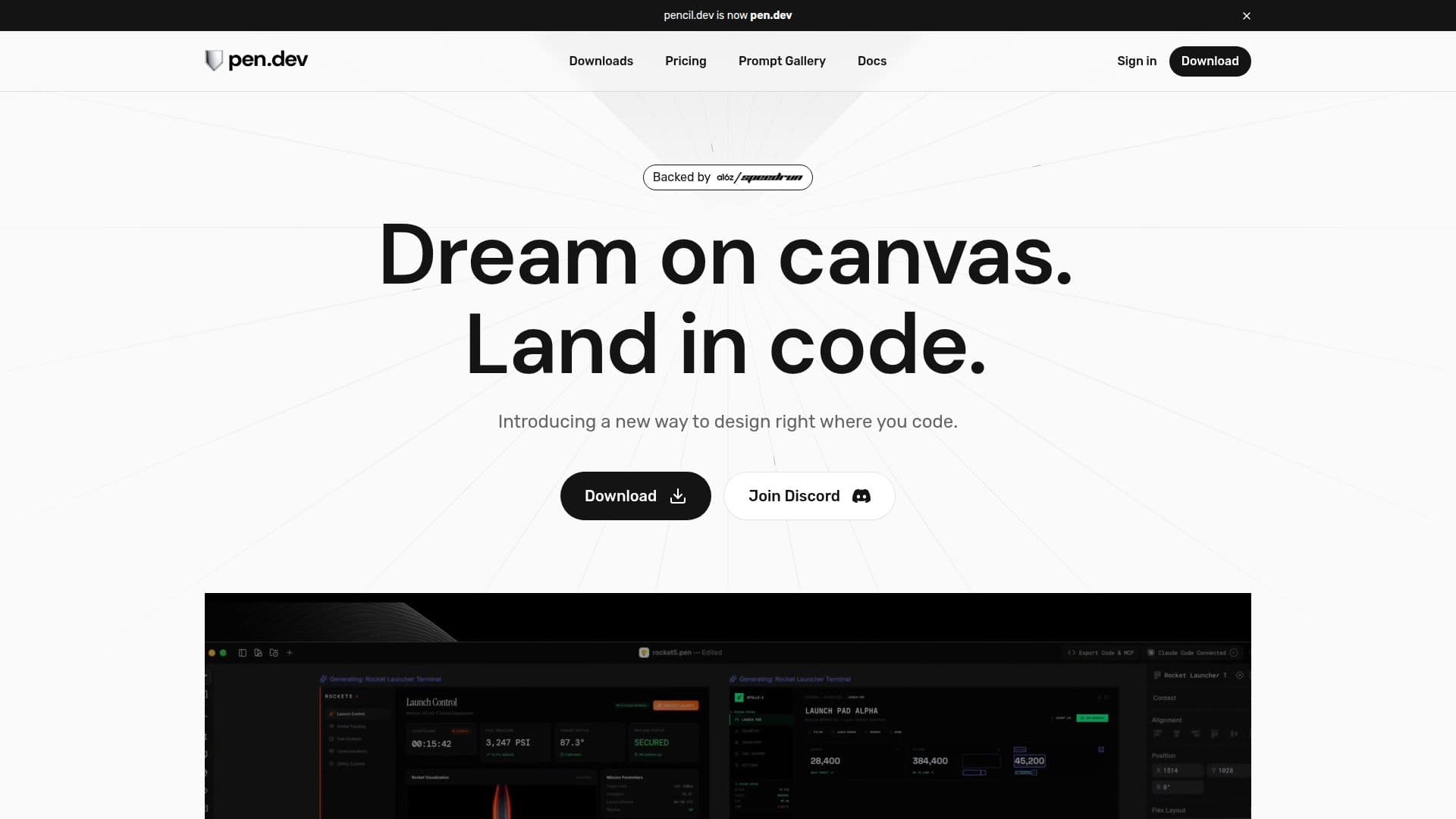
Pencil is a revolutionary tool that integrates design directly into your preferred IDE, fundamentally increasing engineering speed by eliminating the need for design handoffs. With Pencil, you can design your products with pixel-perfect precision without ever leaving your IDE. The tool offers an infinite design canvas where design and code are always just one tab-click apart, ensuring that your code stays true to the design.
Pencil is built around an open design format that lives in your codebase, allowing you to prompt entire screens or specific parts directly in context. You can use curated actions optimized for speed and quality or write your own from scratch. The tool also supports bringing over designs from Figma, ensuring that vectors, text, and styles come over intact.
One of the standout features of Pencil is its fully open file format, which allows you to read, debug, or extend design files with your own tools, ensuring no black box or lock-in. Additionally, Pencil provides a bi-directional MCP vector canvas, offering full write access and the ability to plug in data from other sources like databases, APIs, and more.
Pencil is distributed as a desktop application, IDE extensions, and a command-line tool, making it versatile for various development environments. It supports platforms like macOS, Windows, and Linux, and is available through third-party registries like Open VSX and npm.
While Pencil is currently free, there may be paid features or plans introduced in the future. The tool is ideal for developers and designers looking to streamline their workflow and maintain a seamless integration between design and code.
Pencil's Core Features
Design directly in IDE
Infinite design canvas
Pixel-perfect precision
Open design format
Figma integration
Curated design kits
Fully open file format
Bi-directional MCP canvas
Desktop app and IDE extensions
Command-line tool
How to use Pencil?
Install: Download and install the desktop app or IDE extension
Configure: Set up your design environment within your IDE
Design: Use the infinite canvas to create pixel-perfect designs
Integrate: Seamlessly integrate designs into your codebase
Pencil's Use Cases
- Integrated Design
- Seamless Code Integration
- Figma Design Import
- Open Format Design
- Bi-directional Canvas