Description
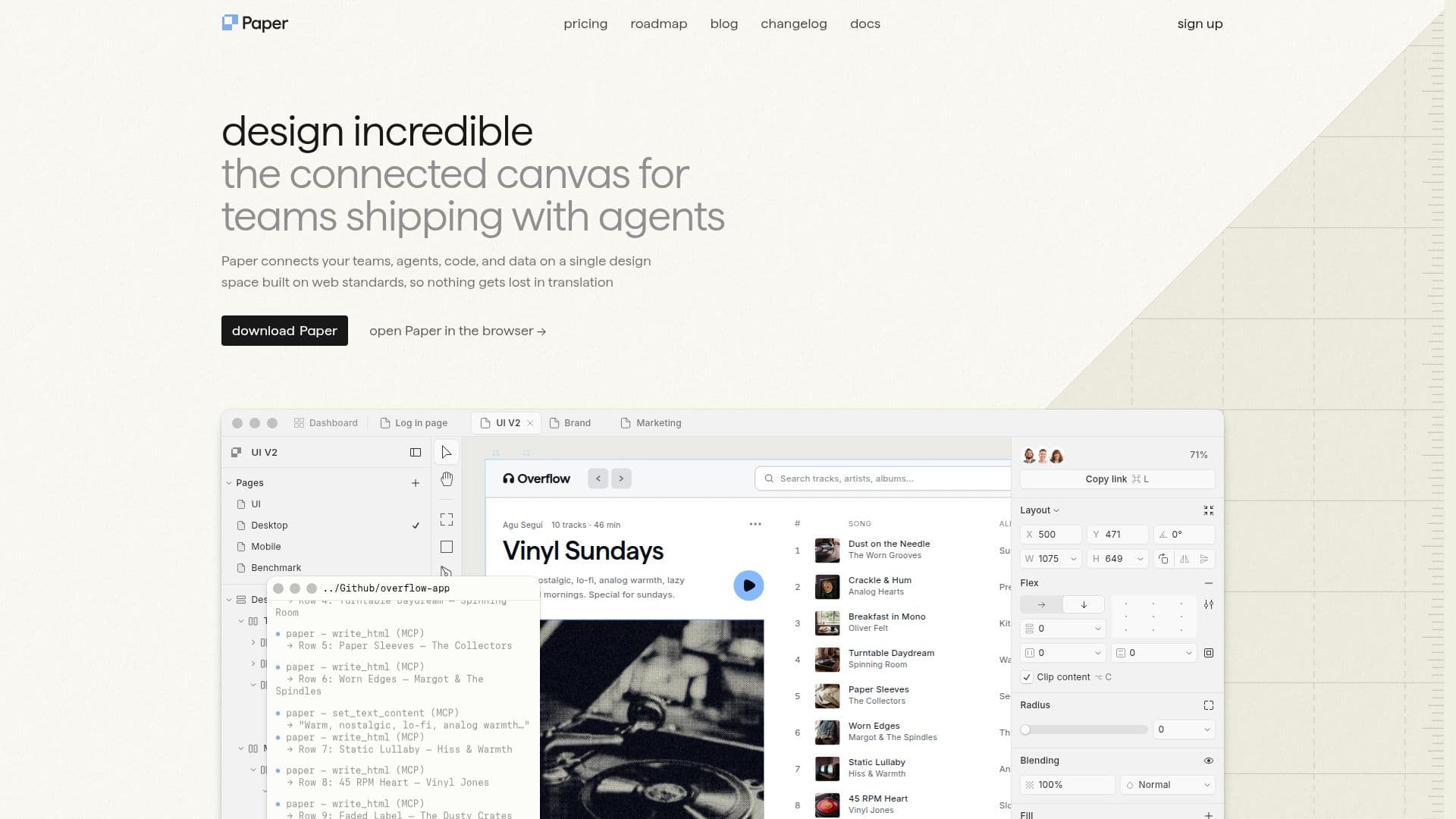
Paper is a cutting-edge design tool that facilitates the creation, sharing, and shipping of design projects. It offers a connected canvas that integrates with various apps, agents, and repositories, allowing for a seamless design-to-code workflow. This tool is built on web standards, ensuring that designs can be exported as code without any loss in translation. Paper is particularly beneficial for teams, as it allows for real-time collaboration and synchronization of design tokens, styles, and components between the codebase and the design canvas.
One of the standout features of Paper is its ability to connect any IDE or CLI agent, enabling users to work in a shared layer that transitions smoothly from code to design and back. This ensures that the design process is always current and consistent. Additionally, Paper supports the integration of real content and data from various sources, allowing designers to work with actual data rather than placeholders.
Paper offers a freemium pricing model, with a free plan that allows for team collaboration at no cost. Editor seats become paid only when upgrading to the Pro plan, while viewer seats remain free. This makes it an accessible option for teams of all sizes.
The tool is designed for a wide range of users, including designers, developers, and creative teams who require a robust platform for managing design projects. Its integration with Tailwind CSS and the ability to fetch live data from APIs or Google Sheets further enhance its capabilities.
Overall, Paper provides a comprehensive solution for modern design workflows, combining powerful features with a user-friendly interface. It is ideal for those looking to streamline their design processes and ensure that their projects are production-ready.
Paper's Core Features
Connected canvas for seamless design-to-code workflow
Integration with IDEs and CLI agents
Real-time collaboration and synchronization
Support for real content and data integration
Freemium pricing model with free team collaboration
Integration with Tailwind CSS
Fetch live data from APIs or Google Sheets
Export designs as code
How to use Paper?
Configure: Set up your design environment
Use: Create and collaborate on design projects
Optimise: Integrate real data and streamline workflows
Paper's Use Cases
- Team Collaboration
- Design-to-Code Workflow
- Real Content Integration
- Live Data Fetching
- Tailwind CSS Integration