
Description
PaintPlanner is an innovative AI-powered application designed to revolutionize how users estimate paint quantities for their projects. Leveraging advanced LiDAR scanning capabilities, the app eliminates the need for manual measurements or tedious data entry. Users can simply scan their rooms using a LiDAR-enabled device, and PaintPlanner will generate an accurate paint calculation.
Read More
The core functionality of PaintPlanner lies in its intelligent room scanning. By utilizing LiDAR technology, the app can precisely map the dimensions of a space. Crucially, it automatically identifies and subtracts areas like doors, windows, and other openings, ensuring that the paint calculation is as accurate as possible. This feature significantly reduces the risk of over or under-purchasing paint, saving both time and money.
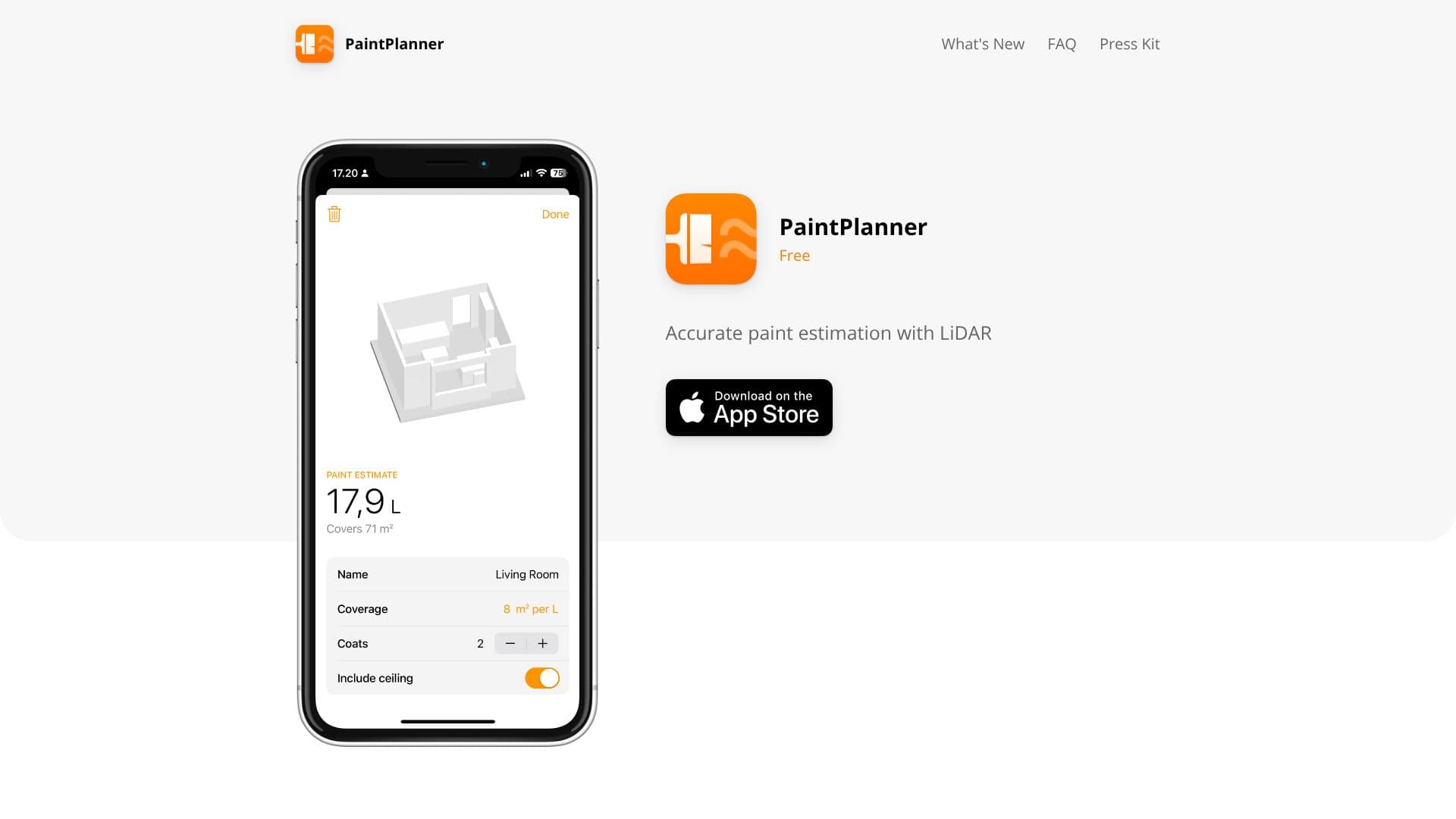
Beyond initial calculation, PaintPlanner empowers users to plan and manage their painting projects effectively. The application allows for saving multiple estimates, providing a convenient way to track different rooms or projects. Users can also adjust the number of paint coats required and input the specific coverage rate of their chosen paint. This level of customization ensures that the final estimate aligns perfectly with project specifications and material properties.
The target audience for PaintPlanner includes homeowners undertaking DIY painting projects, professional painters, interior designers, and contractors who require efficient and precise estimation tools. By automating the measurement and calculation process, PaintPlanner frees up valuable time that can be dedicated to other aspects of the project. The app's intuitive interface makes it accessible to users of all technical skill levels, providing a straightforward solution for a common project challenge.
- CategoryAI Interior & Architecture Design
- Pricing ModelFree
- DeploymentCloud
- PlatformsiOS (LiDAR required)
PaintPlanner's Core Features
Accurate paint estimation using LiDAR scanning
Automatic subtraction of doors, windows, and openings
Room scanning with LiDAR-supported devices
No manual measuring or data entry required
Save project estimates
Adjustable number of paint coats
Configurable paint coverage rates
Streamlined project planning
Eliminates guesswork in paint quantity calculation
Provides precise material requirements
How to use PaintPlanner?
Scan Room: Use a LiDAR-enabled device to scan the room you intend to paint.
Automatic Calculation: The app processes the scan, calculating surface area and subtracting openings.
Adjust Settings: Refine the estimate by setting the number of coats and paint coverage.
Save Estimate: Store your project estimate for future reference or modification.
Plan Project: Use saved estimates to manage paint purchasing and project timelines.
PaintPlanner's Use Cases
- DIY Home Painting
- Professional Painting Estimates
- Interior Design Planning
- Contractor Project Management
- Renovation Material Calculation