Description
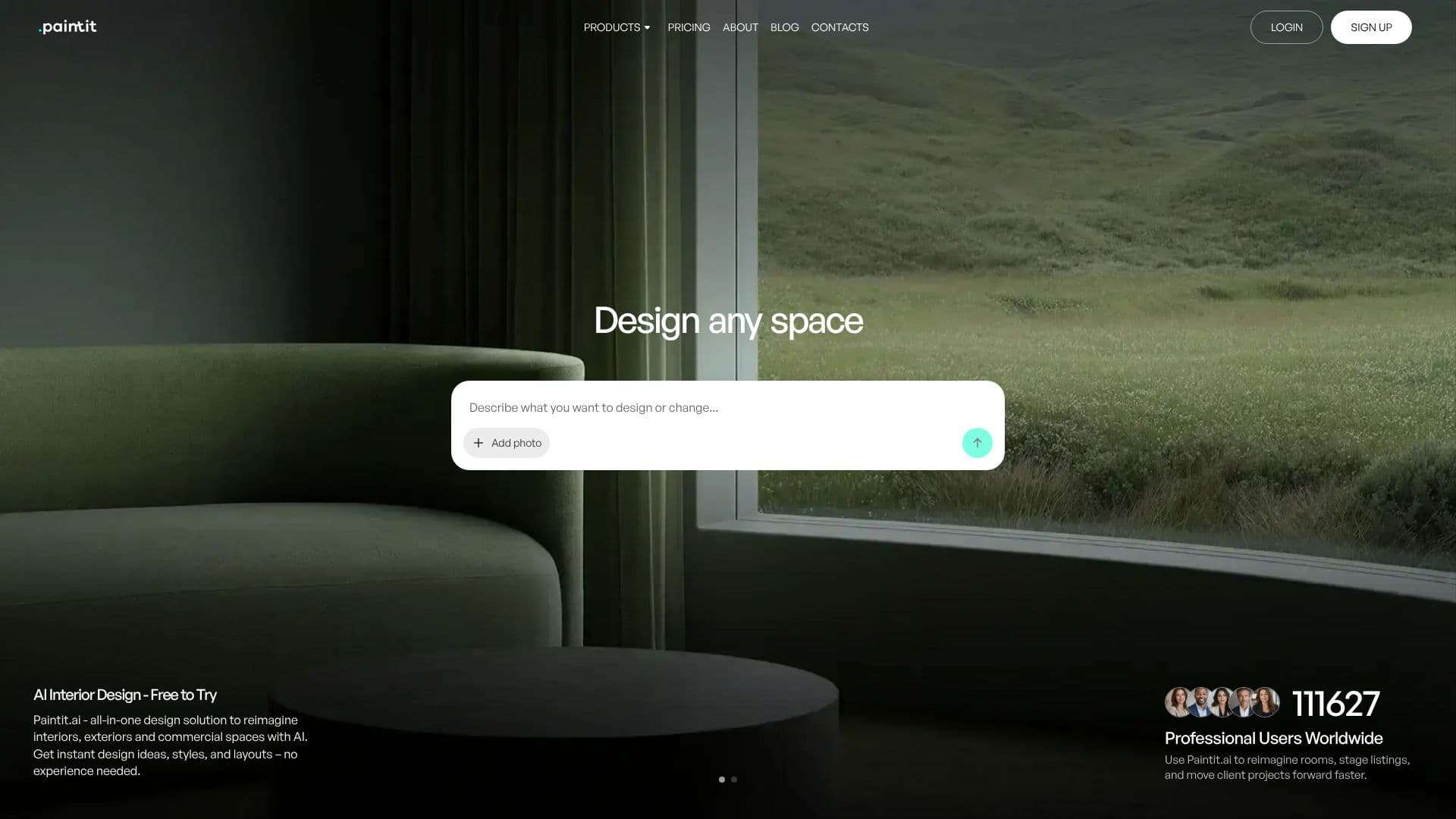
Paintit.ai offers an all-in-one AI-powered solution for reimagining interiors, exteriors, and commercial spaces. The tool provides instant design ideas, styles, and layouts, making interior design accessible to users with no prior experience. Users can start by uploading an image, selecting a preset, or using a text prompt to redesign, repaint, or stage spaces like a professional.
Read More
Designed for both design professionals and homeowners, Paintit.ai enables users to visualize rooms faster, test ideas, and refine layouts without the need for complex software. Design professionals can create client-ready concepts more rapidly, exploring multiple directions and iterating designs in minutes rather than hours, streamlining the workflow from mood board to final presentation.
Real estate agents and stagers can produce compelling listing visuals that highlight a property's potential, quickly generating variations for different audiences and creating marketing-ready images. Short-term rental owners can refresh spaces for better photography and bookings by testing quick updates like colors and furniture. Homeowners and DIY enthusiasts can test interior design ideas before committing to purchases, comparing options and reducing guesswork.
Commercial spaces like cafes, restaurants, hotels, and offices can benefit from mock-ups for approvals and brand consistency. Creators and marketers can generate content-ready visuals for campaigns and social media, building consistent scenes and testing creative directions efficiently. Paintit.ai emphasizes data privacy with encrypted storage and secure cloud infrastructure, ensuring user photos and projects remain private.
- CategoryAI Interior & Architecture Design
- Pricing ModelFreemium
- DeploymentCloud
- PlatformsWeb
Paintit.ai Interior Design Tool's Core Features
AI-powered interior, exterior, and commercial space redesign
Upload room photos for instant design ideas
Explore various styles and layouts
No design experience required
Redesign, repaint, and stage spaces
Targeted editing tools for specific modifications
Real furniture suggestions from trusted retailers
High-resolution 4K exports available
Private Mode for enhanced data privacy on paid plans
Free tier available with initial credits
Commercial Usage License included in Max Plan
Supports JPG, PNG, WebP, and HEIC image formats
How to use Paintit.ai Interior Design Tool?
Upload Image: Start by uploading a photo of your room, exterior, or commercial space.
Describe Changes: Use text prompts or select options to describe the desired design changes.
Explore Designs: AI generates multiple design concepts based on your input.
Refine and Iterate: Use targeted editing tools to make specific adjustments or regenerate options.
Save and Export: Save your preferred designs and export them in high resolution.
Paintit.ai Interior Design Tool's Use Cases
- Interior Redesign
- Exterior Design
- Commercial Space Design
- Real Estate Staging
- Home Renovation Planning
- Content Creation
- Furniture Visualization