
Description
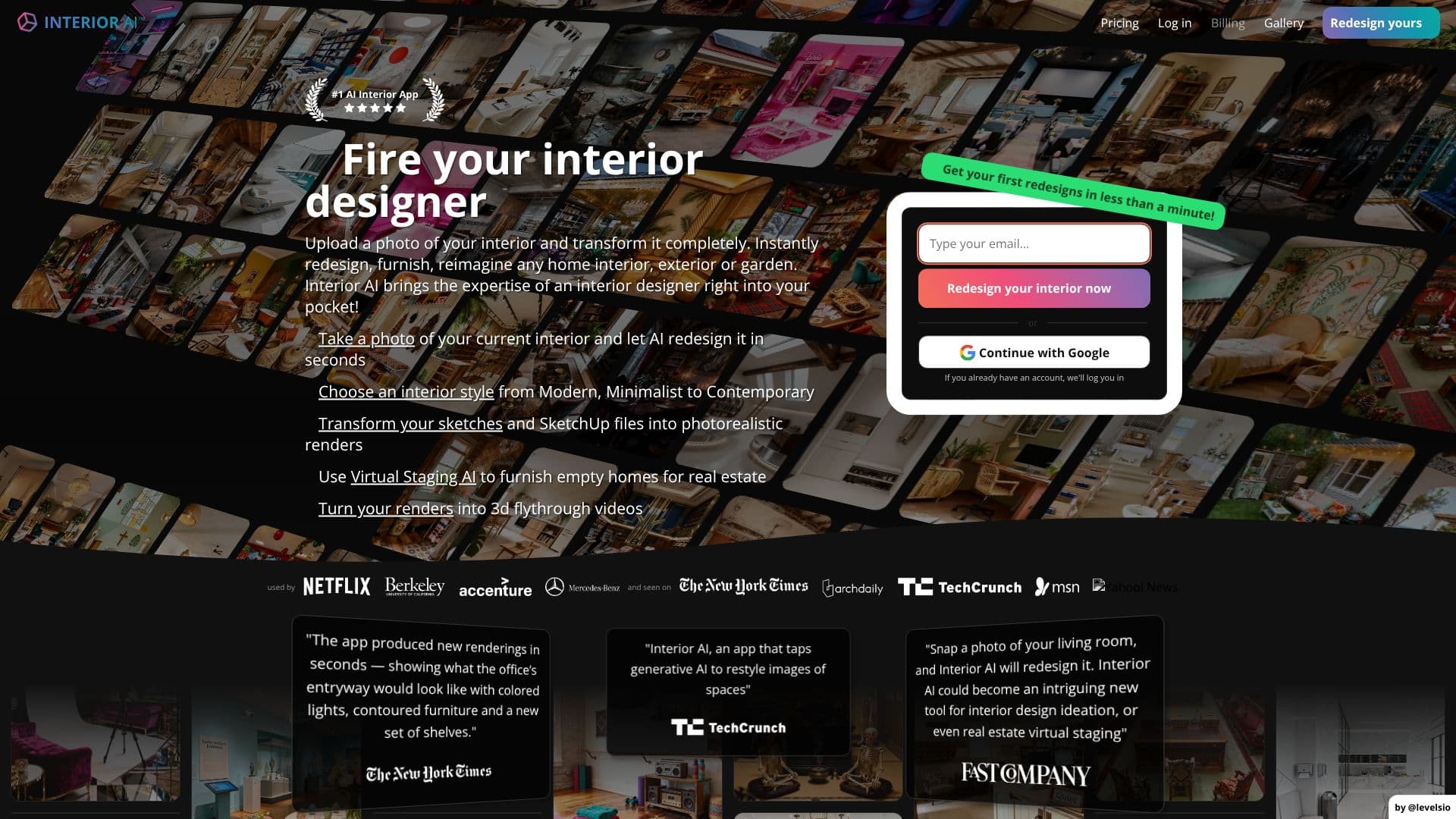
Interior AI leverages artificial intelligence to revolutionize interior design and virtual staging. Users can upload a photo of their existing interior, select from over 55 diverse styles, and receive photorealistic redesigns in seconds. This tool brings the expertise of an interior designer directly to users' pockets, enabling them to reimagine homes, exteriors, or gardens with ease.
Read More
Beyond simple redesigns, Interior AI offers powerful features for professionals and homeowners alike. Its Virtual Staging AI mode is specifically designed to furnish empty real estate listings, helping properties sell faster and for higher prices. The platform also excels at transforming sketches and SketchUp files into high-resolution, photorealistic renders, providing a clear visualization of design concepts. For an even more immersive experience, users can convert their AI-generated designs into 3D flythrough videos, offering a virtual walkthrough of the proposed space.
The tool supports a wide range of room types and design modes, including interior design, style transfer, virtual staging, sketch-to-image conversion, and SketchUp rendering. Users can also experiment with custom styles by uploading reference photos. Interior AI aims to democratize interior design, offering a cost-effective alternative to traditional designers and providing rapid ideation and visualization capabilities.
Interior AI is built on state-of-the-art AI technology, ensuring high detail and photorealism in its outputs. It competes favorably against other AI interior design tools by maintaining construction integrity, producing clear and sharp images, and utilizing actual furniture styles. The platform is continuously improving its models to reduce AI artifacts and enhance user experience. It is ideal for interior designers, real estate agents, homeowners, and anyone looking to explore design possibilities quickly and affordably.
- CategoryAI Interior & Architecture Design
- Pricing ModelSubscription
- DeploymentCloud
- PlatformsWeb
Interior AI's Core Features
AI-powered interior redesign from uploaded photos
Virtual staging for real estate listings
Transform sketches and SketchUp files into photorealistic renders
Generate 3D flythrough videos from interior designs
Supports over 55 interior design styles
Wide range of room types supported
Multiple design modes including Interior Design, Style Transfer, and Sketch2Image
Custom style creation via reference photos
High detail and photorealism in generated designs
Maintains construction integrity in redesigns
Uses actual furniture styles in virtual staging
Continuous model improvement for reduced artifacts
How to use Interior AI?
Upload Photo: Take or upload a photo of your current interior space.
Select Options: Choose a room type, an interior design style, and a mode (e.g., Interior Design, Virtual Staging).
Generate Designs: Click 'Create design' to let the AI generate multiple design options.
Review and Download: View the generated designs, download them, or create 3D flythrough videos.
Upgrade for More: Access advanced features like editing, virtual staging, and higher quality renders by upgrading your plan.
Interior AI's Use Cases
- Interior Design Ideation
- Virtual Staging
- Sketch Visualization
- 3D Walkthroughs
- Real Estate Marketing
- Homeowner Redesign
- Architectural Visualization
- Exterior and Garden Design