
Description
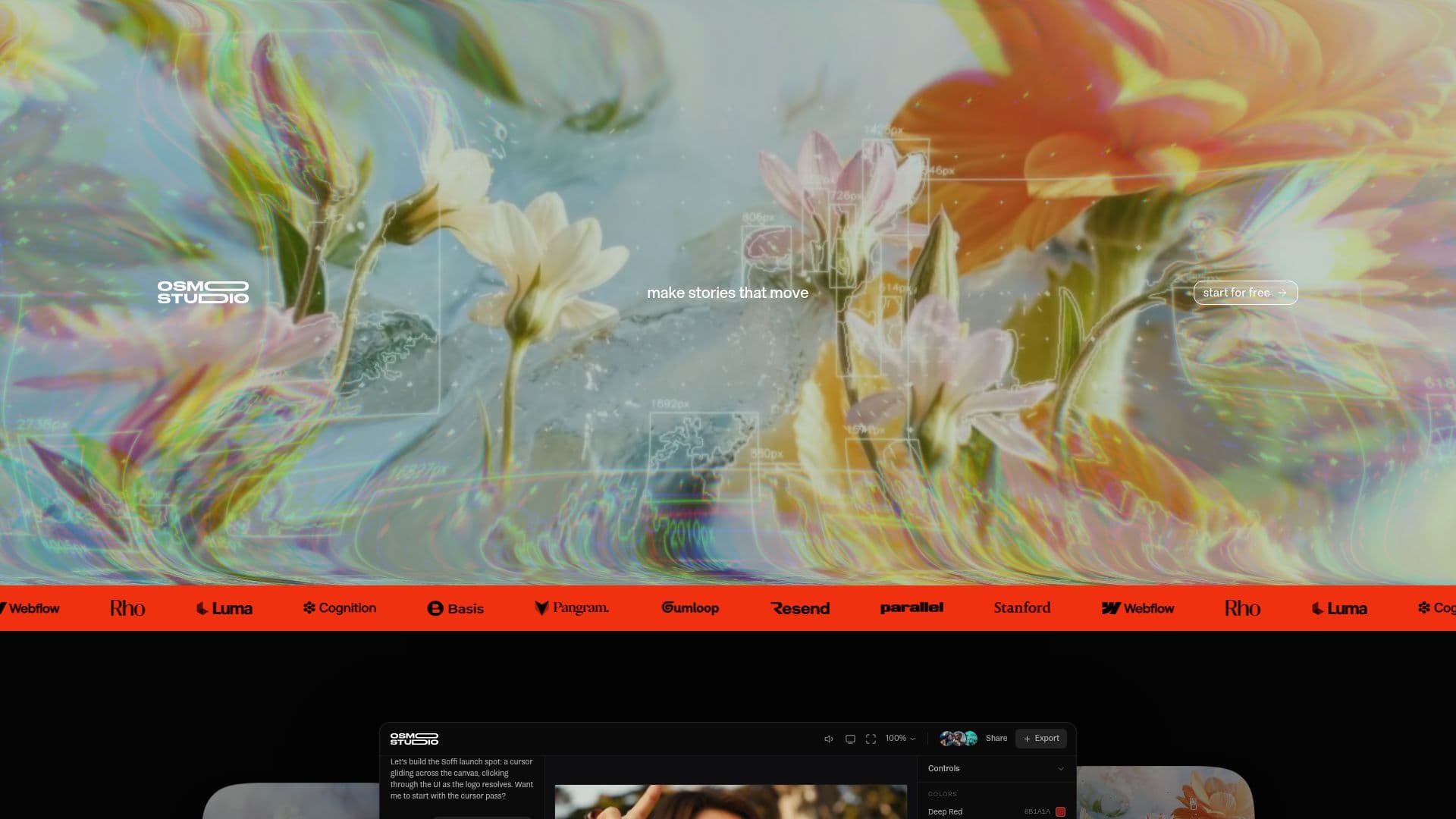
Osmo Studio is a cutting-edge AI-native video editor that revolutionizes the way product launch videos and motion graphics are created. Based in San Francisco, Osmo Studio caters to tech companies and go-to-market teams, offering a browser-based platform that builds animations as editable code rather than fixed AI output. This ensures that every frame remains on-brand and fully editable, providing users with unparalleled control over their creative projects.
Read More
The platform combines the accessibility of tools like Canva with the power and precision of Adobe, making it an ideal choice for brand designers and creative professionals who demand meticulous control over every aspect of their work. Osmo Studio supports a wide range of features, including timeline editing, keyframes, easing, and a comprehensive library of shaders, 3D models, and film effects.
Osmo Studio offers a flexible pricing model with a free tier for trying out initial ideas, and various paid plans for personal projects, regular client work, and high-volume production. Each plan includes monthly credits that can be used to generate videos, access to a rich library of resources, and integrations with popular tools like Figma and Claude Code.
The platform is designed for storytellers who want to create compelling narratives through video. It supports a variety of formats, including MP4, WebM, and 4K ProRes, and allows for local GPU rendering and transparent backgrounds. Osmo Studio is backed by top investors and has been featured in leading publications, highlighting its impact on the creative industry.
- CategoryAI Video Editors
- Pricing ModelFreemium
- DeploymentCloud
- PlatformsBrowser
Osmo Studio's Core Features
AI-native video editing
Editable code animations
Browser-based platform
Figma integration
Timeline and keyframe editing
3D models and shaders
Local GPU rendering
Transparent backgrounds
How to use Osmo Studio?
Sign up: Create an account on Osmo Studio
Log in: Access your dashboard
Import: Upload Figma files and footage
Edit: Use the timeline and keyframes
Export: Render videos in desired formats
Osmo Studio's Use Cases
- Product Launch Videos
- Motion Graphics
- Brand Films
- Social Media Clips
- TV Advertisements