
Description
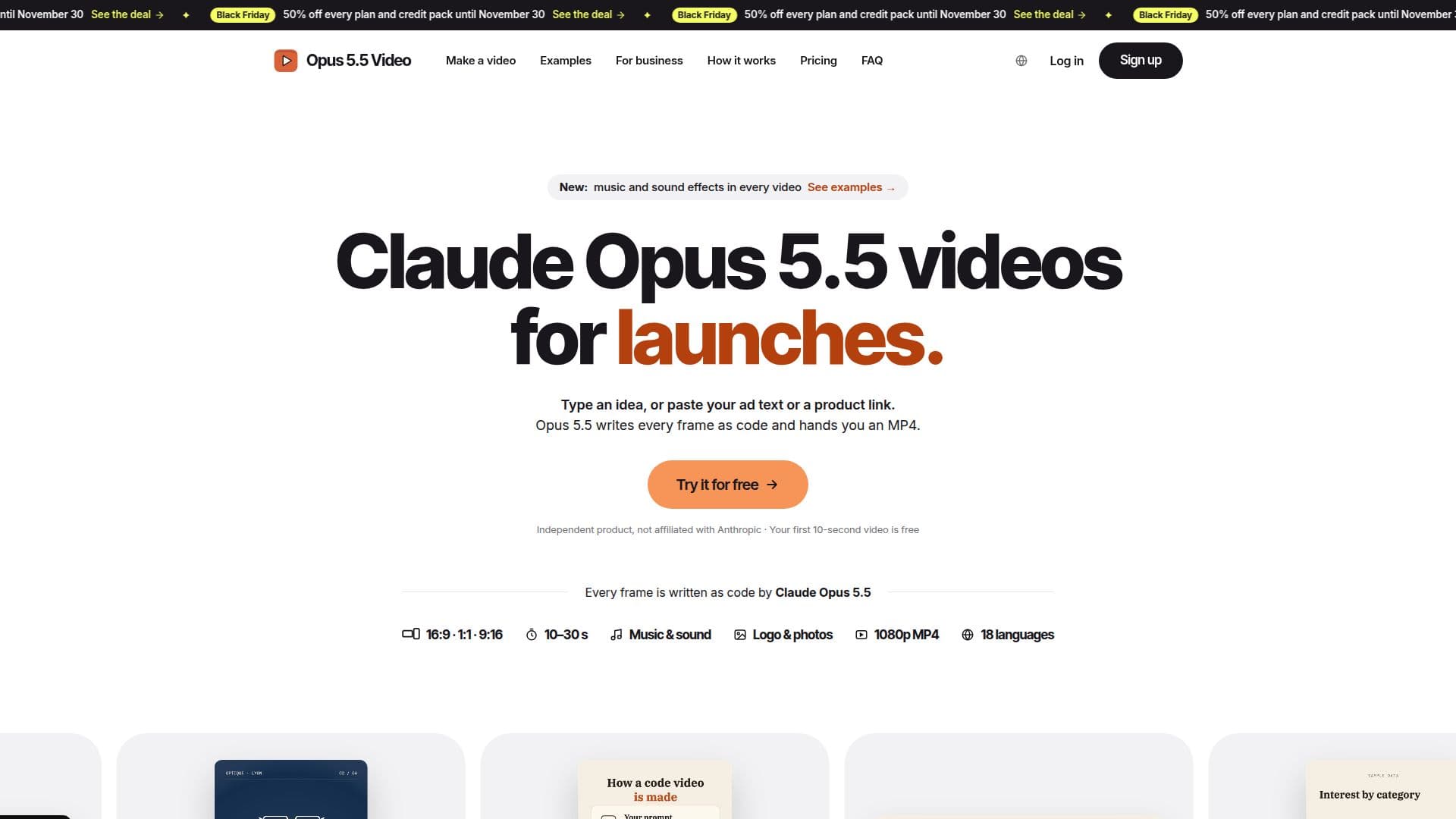
Opus 5.5 Video is an innovative AI video generator that simplifies the creation of short promotional and launch videos. Users can initiate video generation by simply pasting a product URL or providing a text prompt. The platform then produces either motion graphics or a hand-drawn (Sketch) style video, which can be further refined through a chat-based editing interface.
Read More
This tool is designed to be user-friendly, requiring no coding or prior video editing experience. It leverages the Claude Opus 5.5 model to write animation as code, which is then rendered by the user's browser into a high-quality MP4 file. This code-based approach ensures that text remains sharp and colors are precise, avoiding common issues like warping or pixelation.
Opus 5.5 Video supports a variety of video types, including promo and sale ads, explainers, product launches, kinetic typography, charts, and playful 2D animations. Videos can range from 10 to 30 seconds in length and are available in common aspect ratios like 16:9, 1:1, and 9:16, making them suitable for websites, social media feeds, and stories. Each video comes with music and sound effects, and users can incorporate their own logos and up to six photos.
The platform operates independently and does not require users to have a separate Claude subscription; Opus 5.5 Video manages the Claude Opus 5.5 model internally. Video generation typically takes 1 to 5 minutes, though more detailed 30-second videos might take up to 10 minutes. Users can close their browser tab while a video is being processed, and it will appear in their 'My videos' section when complete. MP4 downloads are rendered on the user's device, making the process quicker on faster computers.
While powerful, Opus 5.5 Video has specific limitations: it cannot create 3D scenes, playable games, realistic people or filmed footage, or videos longer than 30 seconds. It focuses on animations using type, shapes, charts, and user-provided photos. A free trial is available, offering a 10-second watermarked video without requiring a credit card. Paid plans and credit packs unlock watermark-free 1080p MP4 downloads and additional features.
- CategoryAI Video Generators
- Pricing ModelPaid
- DeploymentCloud
- PlatformsWeb
Opus 5.5 Video's Core Features
Generate videos from URL or prompt
Motion graphics style videos
Hand-drawn (Sketch) style videos
Chat-based video editing
MP4 download capability
Supports 10-30 second video lengths
Multiple aspect ratios (16:9, 1:1, 9:16)
Includes music and sound effects
Add logos and up to 6 photos
No Claude subscription required
Code-based animation for sharp text and colors
Commercial use rights included
Credits returned for failed videos
Free 10-second trial video
How to use Opus 5.5 Video?
Input Content: Paste a product URL or type a detailed prompt describing your desired video.
Select Style and Length: Choose between 'Sketch' (hand-drawn) or 'Motion' (kinetic typography) styles and specify a video length between 10 and 30 seconds.
Generate Video: Click 'Make video' and wait 1 to 5 minutes for the AI to write the animation code and render your preview.
Edit by Chat: Describe any desired changes, such as "make the price bigger," and preview the updated version.
Download MP4: Once satisfied, download your 1080p, watermark-free MP4 video to your device.
Opus 5.5 Video's Use Cases
- Product Launch Videos
- Promotional Ads
- Explainer Videos
- Kinetic Typography
- Animated Charts & Numbers
- Social Media Content
- ChatGPT Ad Text Animation
- Internal Communications