Description
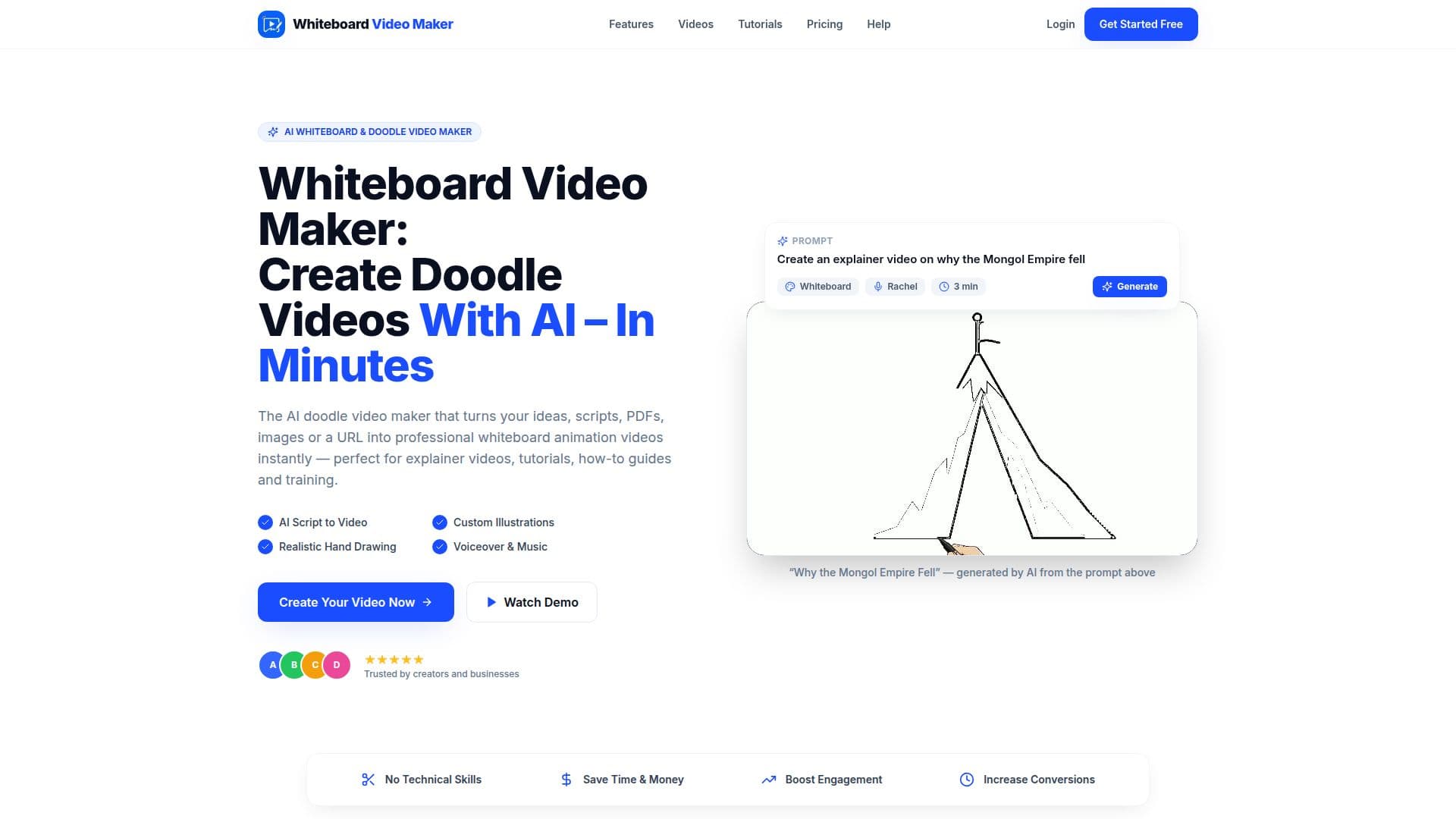
Whiteboard Video Maker is a tool designed to simplify the creation of whiteboard animation videos. It allows users to transform various inputs such as prompts, PDFs, Word documents, images, and URLs into engaging explainer videos. The platform automates the entire process, including scriptwriting, hand-drawn illustrations, and voiceover, eliminating the need for any design or animation skills.
Read More
The tool is particularly beneficial for educators, marketers, and content creators who need to produce videos quickly and efficiently. Users can create videos in over 30 languages, with the AI automatically detecting or adapting to the language of the input text. The platform supports both classic black-and-white and colored doodle styles, catering to different branding needs.
Whiteboard Video Maker offers a free tier that includes one AI-generated video up to one minute long and five free studio videos daily, which users can create by writing their own scripts and adding images. Paid plans provide additional features such as AI-generated scripts, premium voices, and the ability to keep videos indefinitely.
The tool exports videos in HD 1080p, suitable for platforms like YouTube, TikTok, and Instagram Reels. It supports both landscape and vertical formats, making it versatile for various digital platforms. The ease of use and automation make it a valuable tool for anyone looking to create professional-quality whiteboard videos without the hassle of manual editing.
- CategoryAI Video Generators
- Pricing ModelFreemium
- DeploymentCloud
- PlatformsWeb
Whiteboard Video Maker's Core Features
AI script generation
Hand-drawn illustrations
Natural AI voiceover
Supports 30+ languages
Exports in HD 1080p
Free tier available
No design skills required
Commercial use allowed
Multiple video formats
Automated video creation
How to use Whiteboard Video Maker?
Input Your Content: Type a prompt, paste a URL, or upload a PDF, Word doc, or image.
AI Creates Your Video: The AI generates the script, illustrations, and voiceover.
Download & Share: Preview, download, and share your video anywhere.
Optimize: Adjust settings and styles to fit your brand and audience.
Whiteboard Video Maker's Use Cases
- Education
- Marketing
- Sales
- Training
- Social Media