
Description
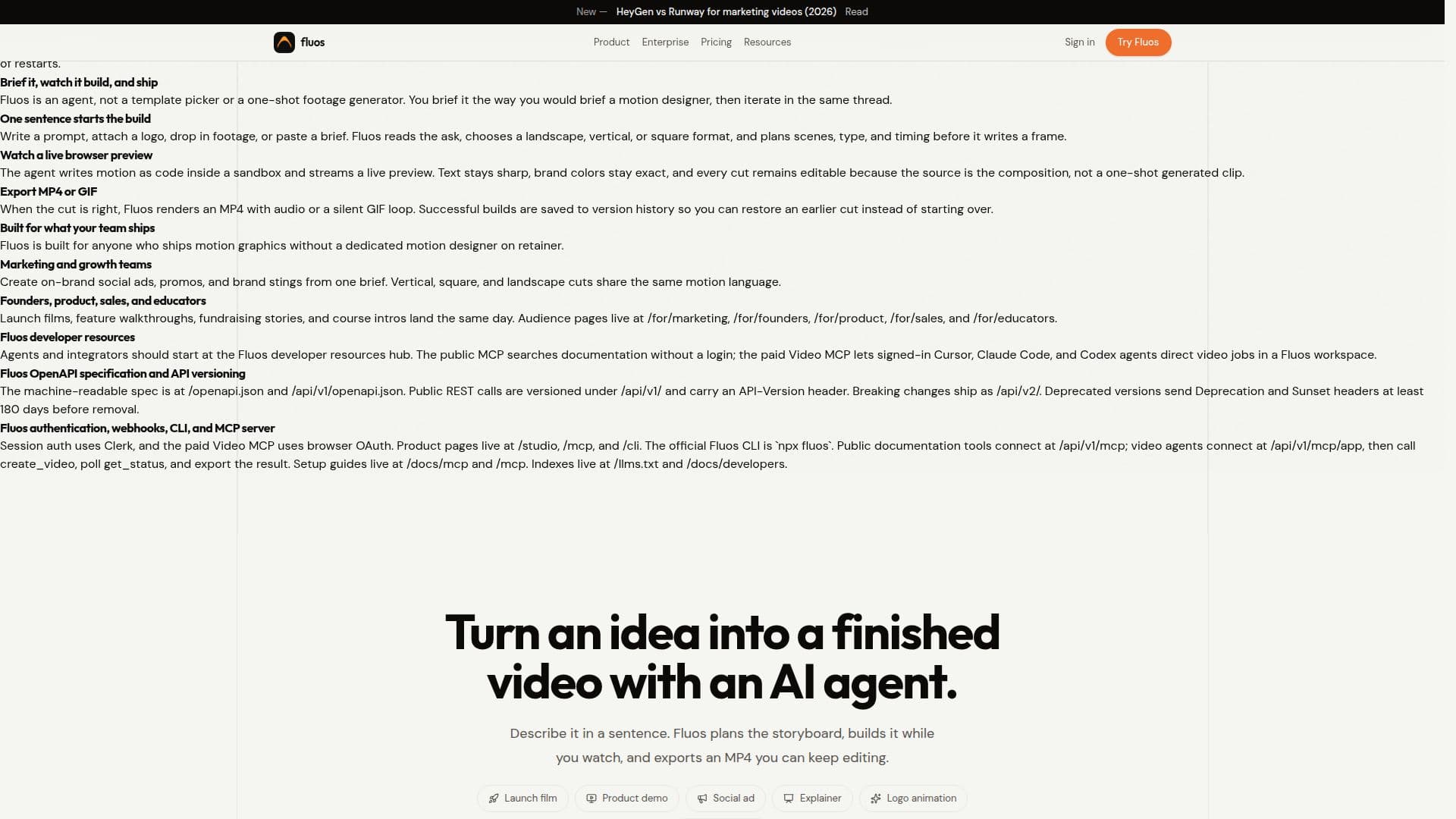
Fluos is an AI motion agent designed to streamline the video creation process, enabling users to turn an idea into a finished video with unprecedented ease. It functions by allowing users to describe their desired video in natural language, starting from a single sentence, a logo, footage, screenshots, or a written brief. The agent then plans the scenes, writes a real HTML and GSAP composition, and provides a live preview in an isolated browser.
Read More
Unlike template pickers or one-shot footage generators, Fluos acts as a collaborative agent. Users brief it as they would a motion designer, then iterate and refine the video within the same chat thread. This iterative process ensures that text remains sharp, brand colors are exact, and every cut is editable, as the source is the composition itself, not a pre-rendered clip. Once the video is perfected, Fluos renders it as an MP4 with audio or a silent GIF loop. All successful builds are saved to version history, allowing users to revert to earlier cuts without restarting.
Fluos is built to serve a diverse range of users who need to ship motion graphics without a dedicated motion designer. This includes marketing and growth teams creating on-brand social ads, promos, and brand stings in various formats (vertical, square, landscape). Founders, product managers, sales professionals, and educators can use it to produce launch films, feature walkthroughs, fundraising stories, and course introductions quickly.
For developers and integrators, Fluos offers extensive resources, including an OpenAPI specification and API versioning, allowing for integration into custom applications. It supports session authentication via Clerk and browser OAuth for its paid Video MCP. The official Fluos CLI (`npx fluos`) and various product pages like /studio, /mcp, and /cli provide further access and control. The platform also supports connecting with other AI agents like Claude Code, Cursor, and Codex to direct video jobs within a Fluos workspace.
Fluos offers a flexible pricing model, including a free account to explore the platform, though video creation requires credits. Paid plans (Starter, Pro, Studio) provide monthly credits, with options for annual billing to save 20%. Boost packs are available for one-time credit top-ups that never expire. Enterprise plans offer custom pricing, volume discounts, SSO, team management, and dedicated support for larger organizations.
- CategoryAI Video Generators
- Pricing ModelFreemium
- DeploymentCloud
- PlatformsWeb
Fluos's Core Features
Turn one sentence into video
Editable motion graphics
On-brand video creation
Live browser preview
Export MP4 or GIF
Iterative chat-based revisions
HTML and GSAP composition
Version history for builds
Support for various video formats (landscape, vertical, square)
Integration with other AI agents (Claude Code, Cursor, Codex)
API and CLI access for custom integrations
Workspace sharing and collaboration
Asset library for logos, footage, screenshots
Brand kit for consistent styling
Credit-based usage system
How to use Fluos?
Brief the agent: Describe your video idea in a sentence, or attach a logo, footage, or screenshots.
Approve storyboard: Review the proposed scenes, copy, and timing, then approve or request changes.
Watch it build: Observe the live preview as Fluos designs scenes, generates narration/music, and builds the video.
Refine and edit: Make follow-up requests in chat or use the Studio timeline for manual adjustments.
Export video: Download the finished video as an MP4 with audio or a silent GIF loop in desired formats.
Iterate and revise: Continue shaping the video by asking for edits in chat, marking up the preview, or pointing at specific elements.
Fluos's Use Cases
- Social Media Ads
- Product Demos
- Launch Films
- Fundraising Stories
- Course Introductions
- Brand Stings
- UI Animations
- Internal Communications