
Description
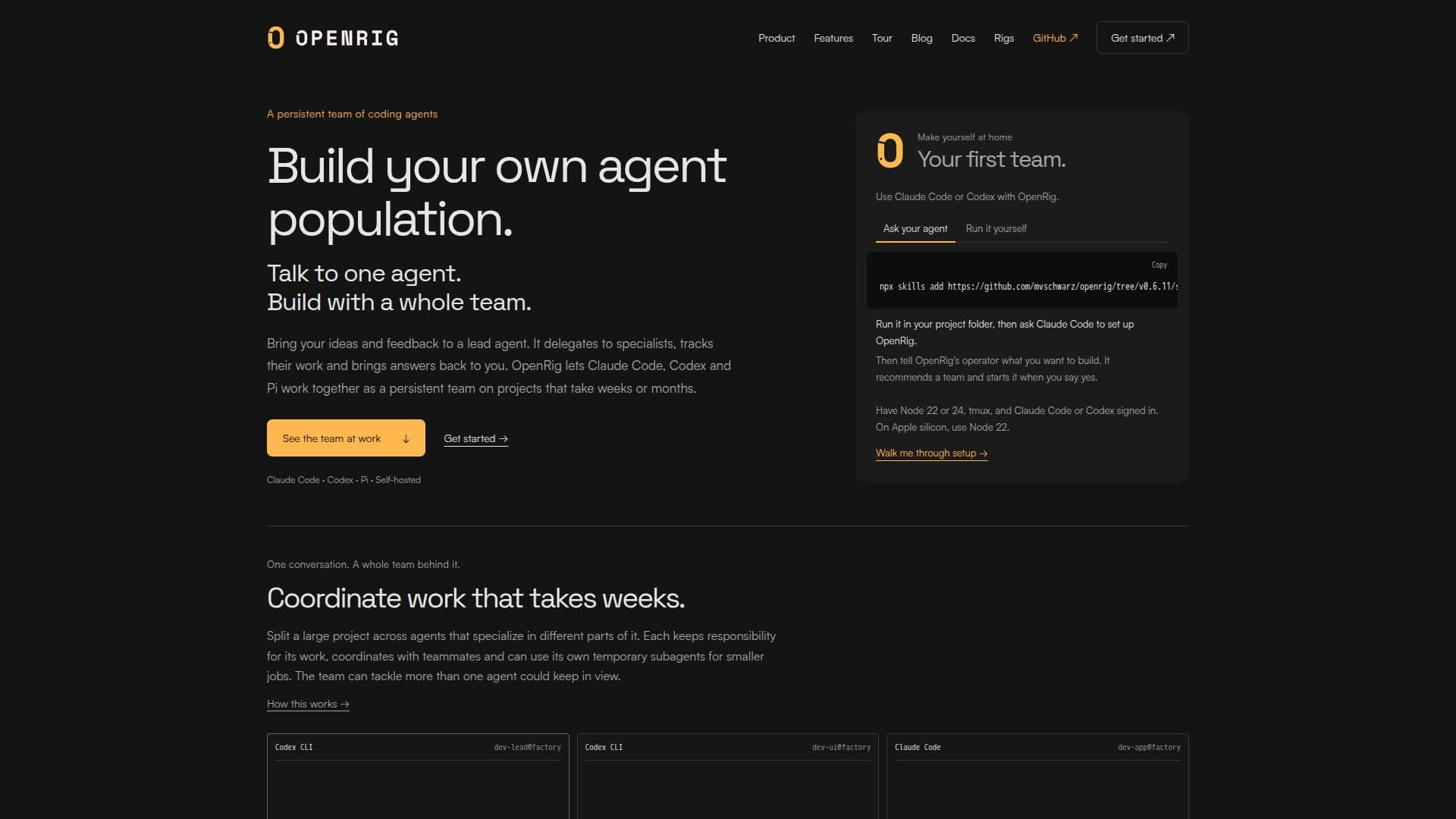
OpenRig is a platform designed to manage and coordinate teams of coding agents such as Claude Code, Codex, and Pi. It enables users to communicate with a lead agent, which then delegates tasks to specialized agents, ensuring that projects are managed efficiently over extended periods. This setup allows for the division of large projects into manageable tasks, with each agent responsible for specific parts of the project. The platform supports self-hosting and allows users to build their own agent population, providing a persistent team that can handle complex projects.
Read More
OpenRig offers a variety of features to enhance project management. Users can define teams of coding agents, assign roles, and delegate tasks using a YAML file. The platform supports mixed-harness teams, allowing different agents to work together seamlessly. It also provides tools for managing long-running agents, ensuring that they can recover from restarts and maintain context over time.
The platform's terminal user interface (TUI) provides a comprehensive view of the team's activities, allowing users to monitor progress and identify areas that require attention. OpenRig also facilitates communication between agents, enabling them to send messages, read each other's screens, and participate in group chats. This ensures that all team members are informed and can collaborate effectively.
OpenRig is open-source and self-hosted, meaning it does not require an OpenRig account and can be run using existing Claude Code and Codex logins. It is designed to be flexible and scalable, allowing users to start with a small team and expand as needed. The platform is particularly useful for managing large, complex projects that require coordination across multiple agents and teams.
- CategoryAI Agent Builders
- Pricing ModelOpen source
- DeploymentSelf-hosted
- PlatformsmacOS, Linux
OpenRig's Core Features
Coordinate teams of coding agents
Self-hosted platform
Define agent roles and tasks
Mixed-harness team support
Long-running agent management
Comprehensive terminal UI
Agent communication tools
Open-source and scalable
How to use OpenRig?
Install: Use the provided script to install OpenRig on macOS or Linux.
Configure: Define your team and roles using a YAML file.
Launch: Start your team of agents using the rig command.
Monitor: Use the terminal UI to track progress and manage tasks.
OpenRig's Use Cases
- Project Management
- Team Collaboration
- Task Delegation
- Long-term Projects
- Self-hosted Solutions