
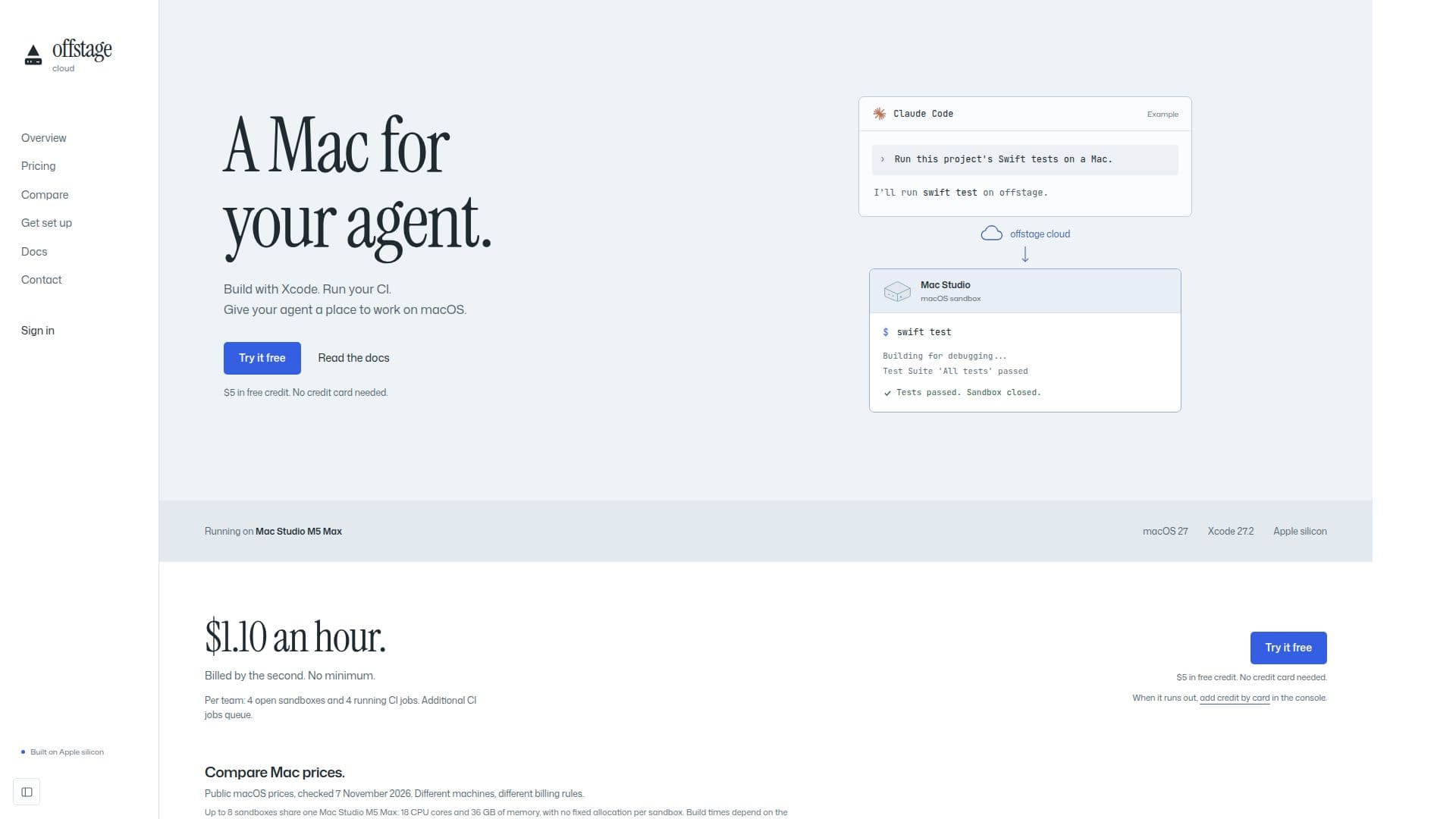
Description
Offstage Cloud offers real macOS sandboxes running on Apple silicon Mac Studio machines, specifically designed for AI agents and Continuous Integration (CI) processes. This service allows users to programmatically create, manage, and interact with macOS user accounts through an HTTP API. Each sandbox provides a full macOS environment where users can execute commands, read and write files, and perform builds and tests using Xcode.
Read More
The platform supports both headless sandboxes for command-line operations and GUI sandboxes for applications requiring a desktop interface, screenshots, or screen-agent runs. GUI sandboxes can be driven by AI agents, such as Claude, to carry out goals directly on the Mac's desktop, returning verdicts, steps, and screenshots.
Offstage Cloud integrates seamlessly with GitHub Actions, allowing users to run their CI workflows on Apple silicon by simply changing the `runs-on` setting to `offstage-macos` or `offstage-macos-gui`. Each job receives a fresh macOS sandbox, which is wiped clean after the job concludes. The service is billed by the second at $1.10 an hour, with no minimum charge, offering a flexible and cost-efficient alternative to other macOS runner providers.
New accounts receive $5 in free credit, with no credit card required to start. Teams can manage up to 4 open sandboxes and 4 running CI jobs concurrently, with additional jobs queuing. The underlying hardware consists of Mac Studio M5 Max machines with 18 CPU cores and 36 GB of memory, shared among up to 8 sandboxes without fixed allocation per sandbox. This setup ensures efficient resource utilization while providing a powerful environment for demanding tasks.
The platform includes a comprehensive SDK for Node.js, Bun, and Deno, facilitating easy integration into existing development workflows. It also provides detailed documentation on API usage, error handling, and available tools on the macOS environment, such as Xcode 27.2, iOS 27.2 simulator, Swift, SwiftPM, Apple clang, git, and make. Users can install additional tools into their project or home directory, as `sudo` and Homebrew are not available.
- CategoryAI DevOps & Cloud Tools
- Pricing ModelPay-as-you-go
- DeploymentCloud
- PlatformsmacOS
Offstage Cloud's Core Features
Real macOS Sandboxes on Apple Silicon
API-Driven Sandbox Creation and Management
Per-Second Billing with No Minimum
GitHub Actions Integration for macOS CI
Headless and GUI Sandbox Options
Xcode, Swift, and iOS Simulator Pre-installed
File Read/Write and Command Execution
AI Agent Integration for Desktop Automation
Screenshot and Screen Recording Capabilities
SDK for Node.js, Bun, and Deno
Free Credit for New Accounts
Concurrency Limits for Sandboxes and CI Jobs
Detailed Documentation and API Reference
Automatic Sandbox Wiping After Use
Support for Public Repository CI Workflows
How to use Offstage Cloud?
Create Account: Sign up for an Offstage Cloud account and receive $5 in free credit.
Generate API Key: Create an API key in the console under 'API keys' for programmatic access.
Install SDK: Install the Offstage Cloud SDK into your project using npm for Node.js, Bun, or Deno.
Create Sandbox: Use the SDK or API to create a new macOS sandbox, specifying 'headless' or 'gui' session.
Run Commands/Tasks: Execute commands, run builds with Xcode, or perform tests within the sandbox.
Integrate with CI: Connect your GitHub account and configure your workflow to use `offstage-macos` as a runner.
Drive with Agent: For GUI sandboxes, use `runAgent` with your Anthropic API key to give an AI agent a goal.
Monitor and Kill: Monitor sandbox activity and ensure to kill the sandbox when done to stop billing.
Offstage Cloud's Use Cases
- AI Agent Development
- Continuous Integration (CI)
- Xcode Build & Test
- Automated Desktop Tasks
- Software Development
- Cloud-Based macOS Access