Description
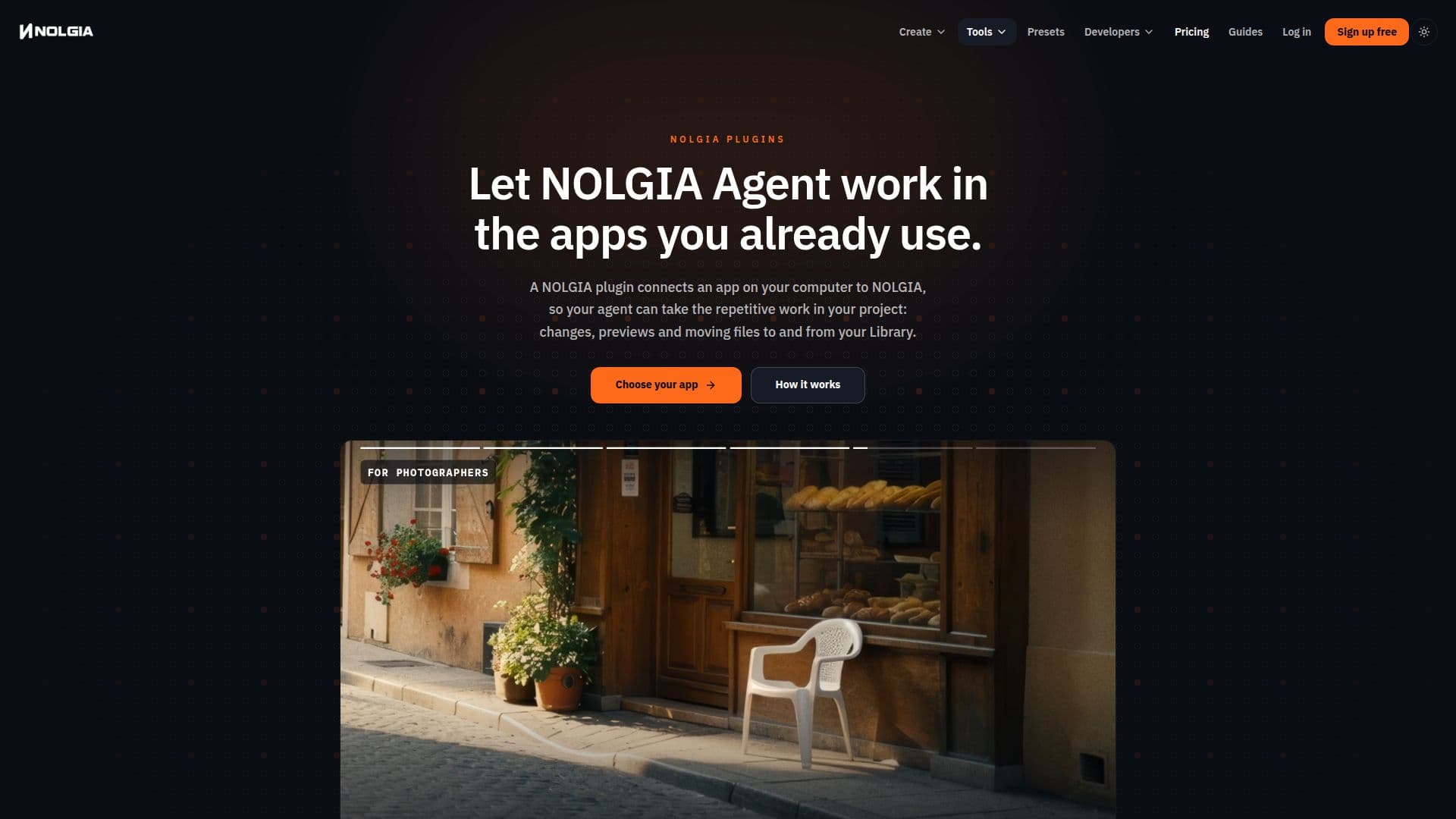
NOLGIA Plugins seamlessly integrate popular creative applications with the NOLGIA platform, enabling AI agents to operate directly within your preferred software environment. These plugins facilitate a powerful workflow where NOLGIA Agent, or third-party agents like Claude, Cursor, and Codex, can interact with your projects in real-time. Supported applications include Blender, Adobe After Effects, Adobe Premiere Pro, Adobe Illustrator, Adobe Photoshop, and DaVinci Resolve Studio.
Read More
The core functionality of NOLGIA Plugins revolves around enhancing creative processes. Agents can read project files, execute modifications, render previews, and transfer assets to your NOLGIA Library. This integration ensures that project files remain securely on your local computer, with only requested previews and exports being uploaded to the cloud. The plugins are designed to be user-controlled, allowing you to activate or deactivate agent access, monitor every command executed, and even approve code execution before it runs.
Installation is straightforward: add the NOLGIA plugin to your chosen application and sign in with your NOLGIA account. Once connected, you can instruct NOLGIA Agent using natural language commands or by initiating pre-defined plugin workflows. These workflows provide structured steps for common tasks, such as building scenes in Blender, compositing shots in After Effects, cutting behind-the-scenes edits in Premiere Pro, vectorizing images in Illustrator, grading photos in Photoshop, or color grading timelines in DaVinci Resolve Studio.
While the plugins themselves are free, the agent's operations within your apps consume NOLGIA credits, starting from 10 credits per turn depending on the chosen agent model. Additional credit costs apply for content generation, such as images or 3D models, with transparent pricing provided upfront. NOLGIA also offers a developer portal with guides, a CLI, SDKs for Python, JavaScript/TypeScript, Go, and Rust, and an Agent Sessions API, allowing for custom integrations and advanced automation.
- CategoryWorkflow Automation
- Pricing ModelFreemium
- DeploymentCloud, Desktop
- PlatformsWindows, macOS
NOLGIA Plugins's Core Features
Integrates with creative applications (Blender, Adobe Suite, DaVinci Resolve Studio)
Enables NOLGIA Agent to work directly within connected apps
Supports third-party agents like Claude, Cursor, and Codex
Reads project files and makes changes within applications
Renders previews and moves files to NOLGIA Library
Keeps project files on the user's local computer
Provides user control over agent activity and code execution
Offers pre-defined plugin workflows for common tasks
Free plugins with credit-based agent usage
Supports natural language commands for agent interaction
Offers a unified Adobe extension for After Effects, Premiere Pro, and Illustrator
Provides open-source plugins with GitHub repositories
Includes developer tools: CLI, SDKs (Python, JS/TS, Go, Rust), Agent Sessions API
Features a Studio timeline editor, Library, and project management
Offers various pricing plans including Free, Starter, Pro, Studio, and Enterprise
How to use NOLGIA Plugins?
Install Plugin: Add the NOLGIA plugin to your creative application and sign in with your NOLGIA account.
Connect Agent: Ensure the plugin is connected and 'Allow NOLGIA Agent' is switched on.
Instruct Agent: Tell NOLGIA Agent what to do in plain words or select a plugin workflow from within NOLGIA.
Monitor Activity: View every command your agent sends in the plugin's Activity list and pause if needed.
Approve Code (Optional): Turn on 'Ask before running code' to approve or deny code execution by the agent.
Utilize Workflows: Leverage pre-written steps for tasks like scene building, compositing, editing, or grading.
NOLGIA Plugins's Use Cases
- 3D Scene Creation
- Motion Graphics Design
- Video Editing & Production
- Vector Artwork Generation
- Image Retouching & Grading
- Color Grading
- Digital Asset Management
- Automated DIT Workflow
- Project Organization