Description
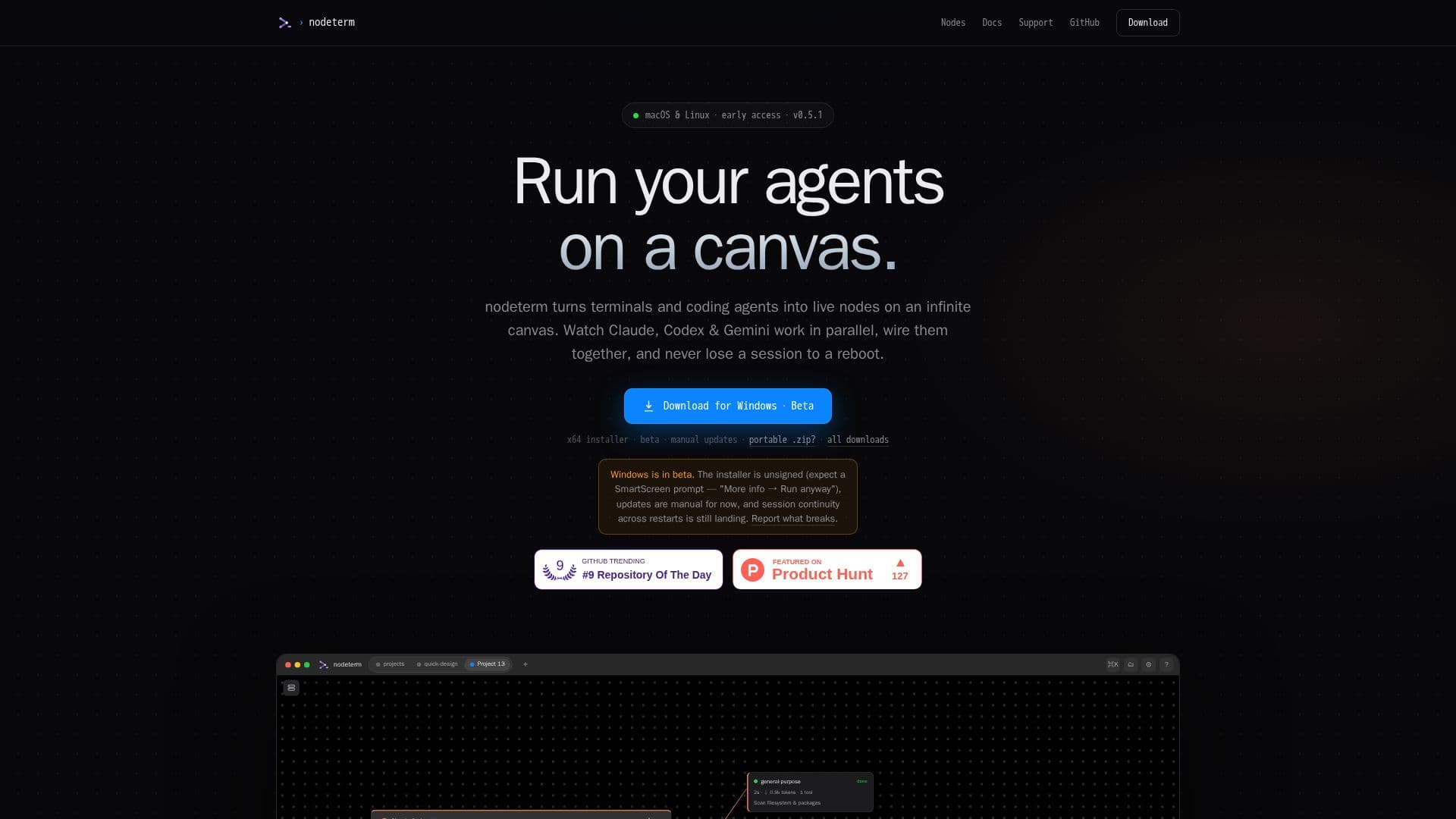
nodeterm revolutionizes how developers and power users interact with their terminals and coding agents by presenting them as live, interactive nodes on an infinite canvas. Available for macOS and Linux, this innovative manager moves beyond traditional tab-based interfaces, allowing users to organize their work spatially. Instead of losing track of sessions in stacked tabs, users can pan and zoom across a canvas, dragging terminals into place, grouping related tasks, and gaining an immediate overview of their entire project.
Read More
A core feature of nodeterm is its ability to integrate coding agents such as Claude, Codex, and Gemini directly into the canvas. These agents run as live nodes, with visual indicators like "RUNNING" or "NEEDS YOU" badges showing their status. When subagents spawn, they fan out on the canvas, providing a clear visual representation of ongoing processes. Users can wire agents together by drawing edges between nodes, enabling them to read each other's context on demand and branch conversations into new nodes without losing the original thread.
Persistence is a key advantage of nodeterm. Every terminal session lives within a persistent tmux session, meaning that closing the app, restarting the machine, or even rebooting your Mac will not result in lost work. Upon reopening nodeterm, all processes, scrollback history, and running agents are restored exactly as they were left. This ensures continuous productivity and eliminates the frustration of interrupted workflows.
Beyond just terminals and agents, the nodeterm canvas supports a variety of elements, including sticky notes, group frames, a Monaco code editor, and Git diff views. It also offers an iOS companion app, allowing users to attach to their live sessions from their phone, with E2E encryption over a relay. For enhanced accessibility, an on-device Whisper integration enables voice-to-text input directly into the terminal prompt, ensuring privacy as voice data never leaves the machine.
nodeterm is designed for individuals who manage multiple projects and agents simultaneously, offering a visual and persistent environment that enhances organization and oversight. It transforms the command-line experience into an intuitive, spatial workflow, making complex development tasks more manageable and resilient.
- CategoryAI DevOps & Cloud Tools
- DeploymentDesktop App, Server Edition
- PlatformsmacOS, Linux, iOS, Web
nodeterm's Core Features
Node-based terminal management on an infinite canvas
Live coding agents (Claude, Codex, Gemini) as interactive nodes
Spatial organization of terminals and agents
Visual status badges for running agents and input needs
Ability to wire agents together for context sharing
Persistent sessions that survive app closures and reboots
Support for sticky notes, group frames, Monaco code editor, and Git diffs
iOS companion app for mobile session access
End-to-end encrypted mobile session relay
On-device Whisper for voice-to-text terminal input
Branch conversations into new nodes without losing original thread
Notification pings for agent input requirements
Trello-like project boards for live sessions
Available for macOS and Linux desktop
Server Edition for headless Linux to browser access
How to use nodeterm?
Install nodeterm: Download and install the desktop application for macOS or Linux.
Launch the canvas: Open nodeterm to access your infinite canvas.
Add terminals and agents: Drag and drop real terminals and coding agents onto the canvas as live nodes.
Organize spatially: Arrange nodes, group related work, and zoom to manage your projects visually.
Monitor agent activity: Watch agents work with pulsing status badges and subagent fan-outs.
Wire agents: Draw connections between agent nodes to enable context sharing and collaborative workflows.
Access sessions remotely: Pair your phone with a QR code to continue live sessions on your iOS device.
Utilize voice input: Hold ⌘⌥ to speak commands directly into your terminal prompt.
nodeterm's Use Cases
- Managing Multiple Coding Projects
- Collaborative Agent Workflows
- Persistent Development Sessions
- Visualizing Agent Activity
- Mobile Session Access
- Voice-Controlled Terminal Input
- Spatial Task Organization
- Remote Development Environment