
Description
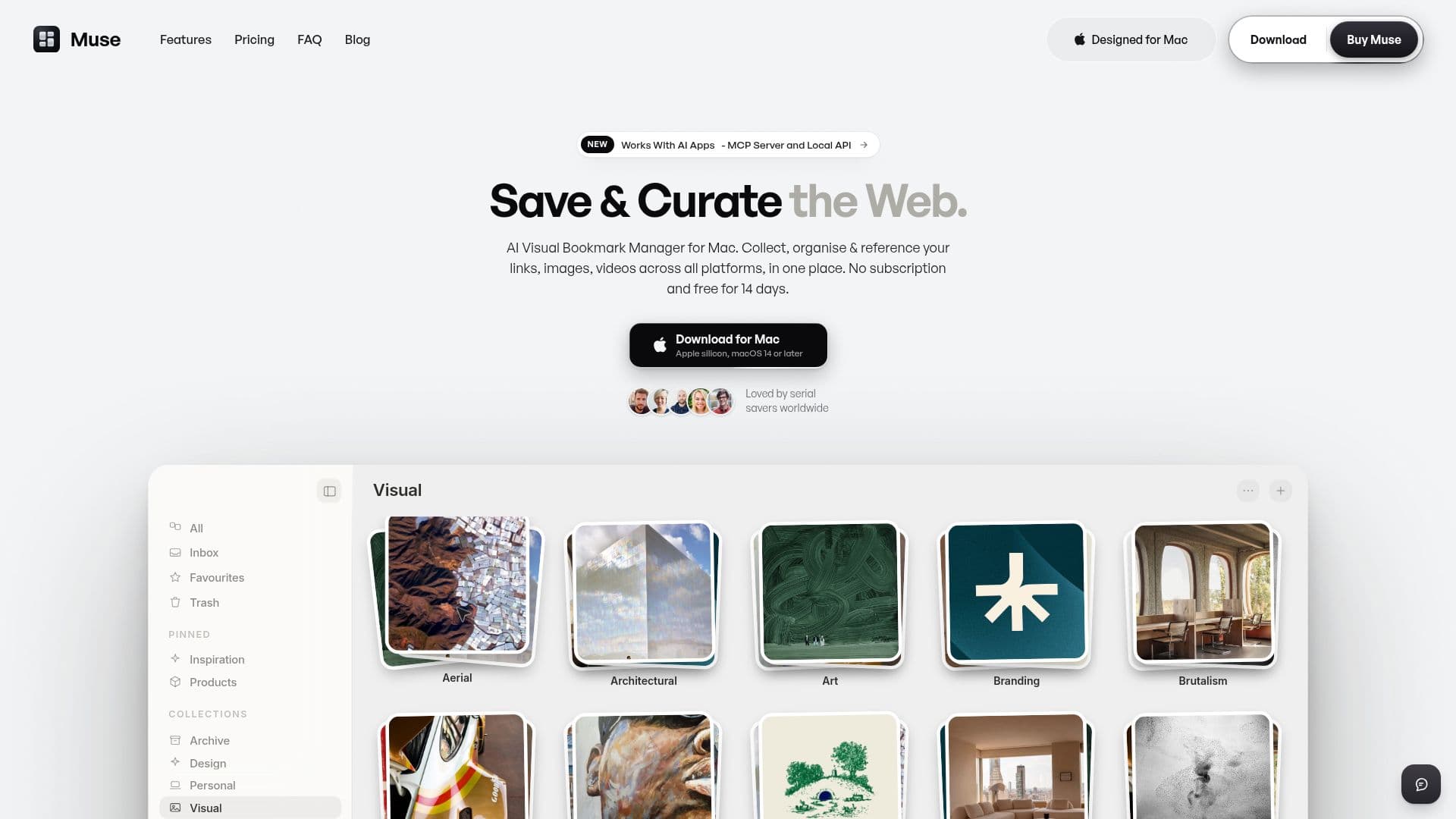
Muse is a native Mac application that serves as a visual bookmark manager, allowing users to collect and organize a wide array of digital content into a fast, private, and searchable library. This includes web links, images, screenshots, GIFs, videos, and text notes. Unlike many tools that specialize in one content type, Muse consolidates all these elements into a unified library, making it a comprehensive solution for managing digital inspiration and resources.
Read More
The application distinguishes itself by running its AI capabilities entirely on-device, ensuring user privacy and eliminating the need for subscriptions. Key AI features include suggesting tags, reading text within images for searchable content, and automatically identifying colors. An optional Pro AI pack enhances functionality with meaning-based visual search, enabling users to find items by describing what they remember, such as "dark moody UI."
Muse offers extensive import capabilities, supporting entire Eagle libraries, Raindrop or CSV exports, browser bookmarks from Chrome, Safari, and others, and Pinterest boards at full resolution. It also provides seamless integration with X (formerly Twitter) Bookmarks and Instagram Saves, automatically filing content into the library as pages load. A free iPhone companion app allows users to access and search their library on the go, with content syncing securely via iCloud without reaching Muse's servers.
For enhanced capture, Muse provides a browser extension for clipping content directly from web pages, a screenshot hotkey, and a global launcher. The application operates on a one-time purchase model of $29, offering a 14-day free trial with all features unlocked and no payment details required upfront. This purchase includes all future updates, and users retain full control over their library, which remains exportable.
Furthermore, Muse includes an MCP (Mac Control Protocol) server, enabling integration with other AI applications on the Mac, such as Claude, Codex, Gemini, Cursor, Raycast, and LM Studio. This allows connected AI apps to search, save, and organize content within the Muse library. Users maintain control over these integrations, with features like AI app access and script permissions being off by default. Muse prioritizes user privacy, ensuring that libraries are stored locally on the Mac or in the user's iCloud, with no accounts, advertising, or tracking.
- CategoryAI Knowledge Management
- Pricing ModelOne-time Purchase
- DeploymentOn-device
- PlatformsmacOS, iOS
Muse's Core Features
Collect links, images, video, and notes into one private library
On-device AI for organization and search
Free iPhone companion app with iCloud sync
One-time purchase, no subscription required
14-day free trial with all features unlocked
Capture content from anywhere via drag-and-drop, web clipper, or screenshot hotkey
Searchable library including text inside images and color names
Import from Eagle, Raindrop, CSV, browser bookmarks, and Pinterest
Live import of X Bookmarks and Instagram Saves
MCP server for integration with other Mac AI apps (Claude, Codex, Gemini, Cursor, Raycast, LM Studio)
Visual search and AI art prompts (with optional Pro AI pack)
The Canvas: freeform board for arranging saved items, exports to PDF
Scheduled backups and no vendor lock-in with exportable library
Notes on items and custom tags
Global launcher and Shelf for quick access and organization
How to use Muse?
Install Muse: Download and install the native Mac application.
Start Free Trial: Begin a 14-day free trial to access all features without payment details.
Capture Content: Drag and drop files, use the browser extension to clip web content, or use the screenshot hotkey (⇧⌘S) to save items.
Organize with AI: Utilize on-device AI for suggested tags, image text recognition, and automatic color finding. File items into collections.
Search Your Library: Use the global launcher (⇧⌘K from anywhere) to search titles, notes, tags, and text within images.
Connect AI Apps: Turn on the MCP Server in Settings > Intelligence to allow other Mac AI apps like Claude or Gemini to interact with your library.
Access on iPhone: Download the free Muse for iPhone app and enable iCloud Sync in Mac settings to access your library on your mobile device.
Muse's Use Cases
- Digital Content Curation
- Research and Reference
- Creative Inspiration Management
- Personal Knowledge Base
- Social Media Content Archiving
- Cross-App AI Integration
- Visual Search and Discovery
- Screenshot and Annotation Management