Description
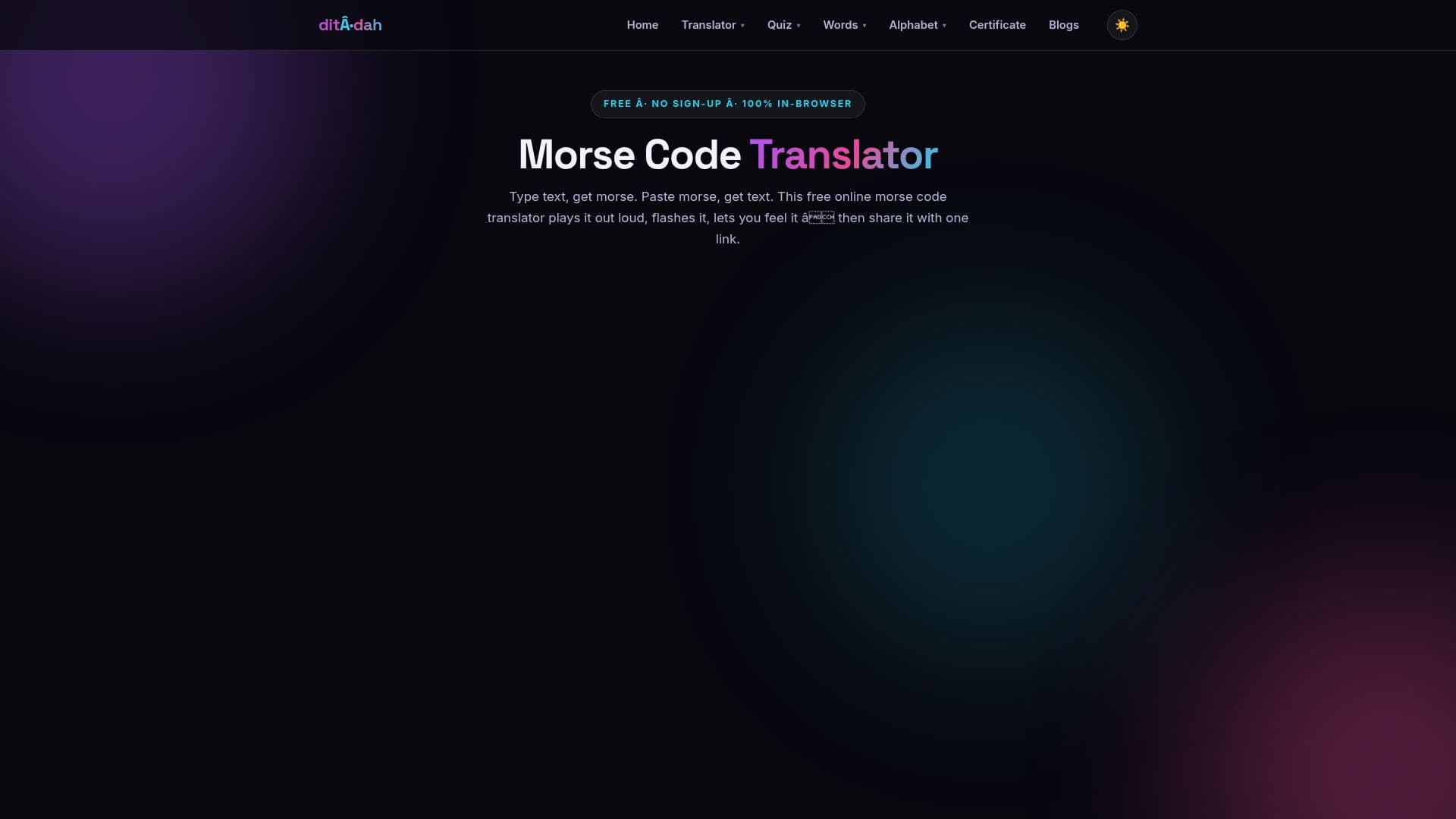
Morse Code Translator is a comprehensive online platform designed for converting text to Morse code and decoding Morse code into English text. This free tool ensures accurate translation by adhering to the strict 1-3-1-3-7 timing standard for dots, dashes, and gaps, providing an authentic experience for both learners and experienced operators. Users can type or paste text to instantly generate Morse code, or paste Morse code to receive its English translation.
Read More
The translator features audio playback with adjustable Words Per Minute (WPM) speed settings, allowing users to customize their listening experience. It also supports WAV audio downloads, enabling users to save and share their Morse code messages or even set them as ringtones. Beyond basic translation, the platform includes an image translator that decodes Morse code from photos and screenshots, making it useful for puzzles, memes, and hard-to-read tattoos. An emoji picker is available, which inserts the emoji's official CLDR short name for encoding, ensuring clarity.
For those interested in learning Morse code, the site offers a practice trainer and quizzes, promoting the effective Koch method of learning by sound at full character speed. It also provides extensive guides on how Morse speed works, common mistakes, and the differences between International and American Morse code. The platform supports all 26 letters, 10 digits, 18 punctuation marks, and 7 prosigns, flagging unsupported characters like accented letters or symbols rather than silently dropping them.
A key advantage of this translator is its accessibility and user-friendliness. It is completely free, requires no account or sign-up, and has no usage limits, allowing for translations of any length. The absence of ads ensures an uncluttered and focused user experience, addressing a common complaint in the niche of online translators. The tool is designed to work on any device, offering a zero-friction option for anyone needing to translate, learn, or practice Morse code.
- CategoryAI Translators
- Pricing ModelFree
- DeploymentCloud
- PlatformsWeb
Morse Code Translator's Core Features
Text to Morse Code Translation
Morse Code to English Translation
Audio Playback with Adjustable Speed (WPM)
WAV Audio Download for Messages
Image Translator for Decoding Morse from Photos/Screenshots
Emoji Picker for Text Encoding
Prosigns Insertion for Procedural Signals
Accurate 1-3-1-3-7 Timing Standard
Support for All 26 Letters, 10 Digits, 18 Punctuation Marks, 7 Prosigns
Morse Code Trainer for Learning
Interactive Quizzes for Practice
Learning Guides and Historical Information
No Account or Sign-up Required
Completely Free with No Ads
Works on Any Device
How to use Morse Code Translator?
Input Text: Type or paste English text into the translator to convert it to Morse code.
Input Morse: Paste dots, dashes, and spaces into the translator to decode it into English text.
Adjust Settings: Customize audio playback speed (WPM) and character timing for learning or specific needs.
Generate Audio: Listen to the Morse code output and download it as a WAV file for sharing or offline use.
Decode Images: Upload photos or screenshots containing Morse code to automatically translate them.
Practice & Learn: Utilize the integrated trainer and quizzes to improve Morse code recognition and sending skills.
Morse Code Translator's Use Cases
- Text to Morse Conversion
- Morse to English Decoding
- Learning Morse Code
- Emergency Signaling
- Amateur Radio Communication
- Decoding from Images
- Creating Audio Messages
- Accessibility Typing