Description
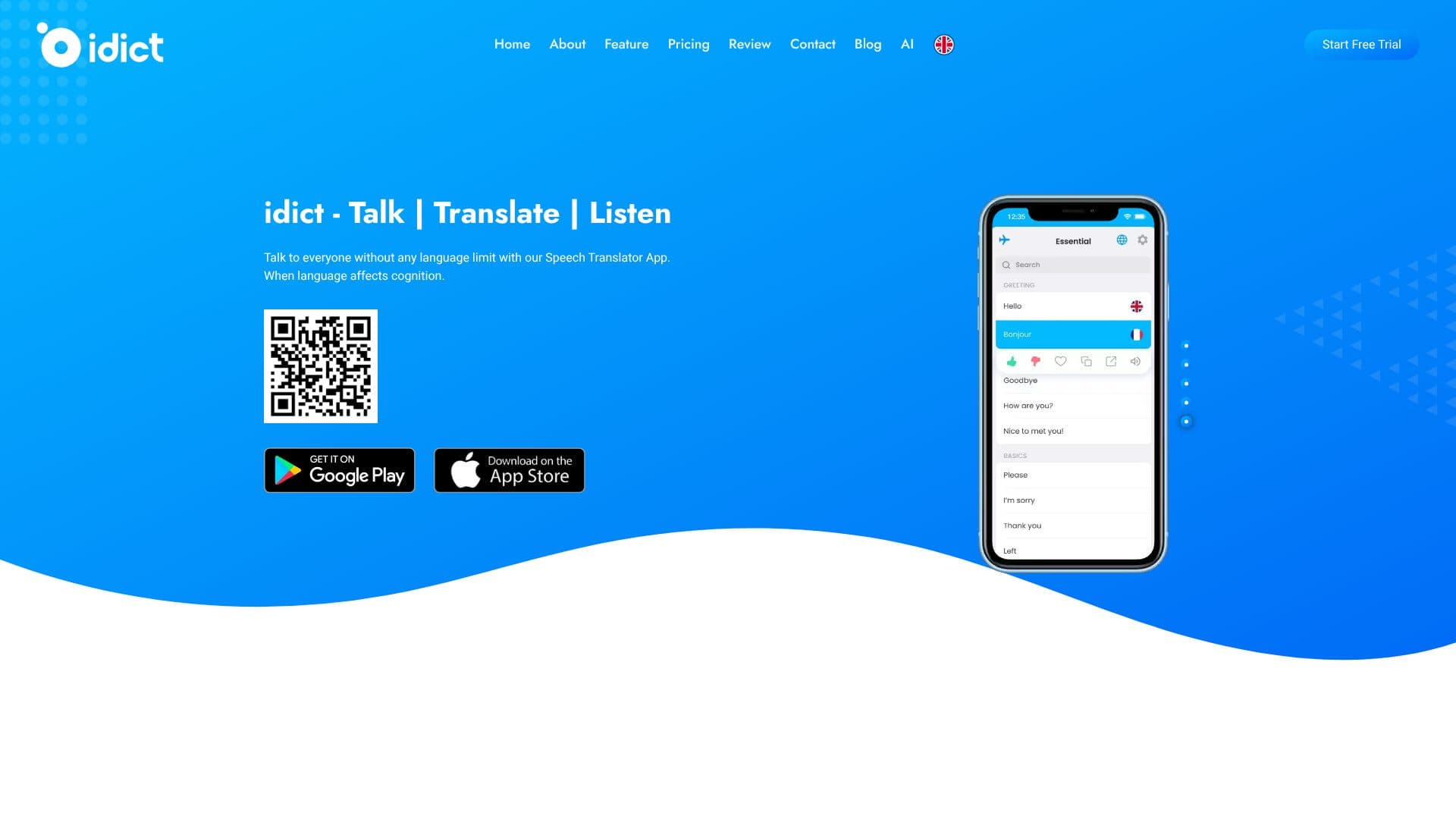
idict revolutionizes cross-lingual communication with its advanced AI-powered speech translator app. Designed to remove language barriers, idict provides accurate, natural-sounding translations in real time, fostering global connectivity. The app supports an extensive range of 137 languages, ensuring users can talk to anyone without limitations.
Read More
Key capabilities include voice cloning translation, allowing users to communicate in their own voice across different languages. The app also features powerful photo-text translation, enabling quick and easy translation of text found in images. Dialect and regional accent support ensures that translations are nuanced and accurate, recognizing the specific features of various speech patterns. For enhanced understanding, idict includes audio pronunciations so users can hear how words are spoken in different languages.
The idict Assistant acts as a personal AI companion, capable of answering questions in 72 languages, extending beyond simple text-based interactions. Offline translation functionality is also available, allowing users to download language packs before traveling, ensuring continuous communication even without an internet connection. The user interface is designed with a focus on user-centricity, featuring intuitive navigation, consistent design elements, and quick loading times for a seamless and satisfying experience.
Getting started with idict is a straightforward three-step process: install the app from your preferred app store, set up your user profile by customizing settings and language preferences, and then begin exploring the app's features. idict offers a free trial version and premium plans for enhanced functionality. The app is available on both the App Store and Google Play Store, bringing innovation and global communication tools directly to your fingertips.
- CategoryAI Translators
- Pricing ModelFreemium
- DeploymentCloud
- PlatformsiOS, Android
idict's Core Features
Voice cloning translation
Real-time speech translation
Supports 137 languages
Photo-text translation
Object detection
Dialect and regional accent support
Audio pronunciations
idict Assistant for AI-powered Q&A
Offline translation functionality
User-friendly interface
Handwriting translation
100% Ads Free (Premium)
How to use idict?
Install the App: Download and install idict from your app store.
Setup Your Profile: Personalize your experience by creating a user profile and setting language preferences.
Explore Features: Utilize voice cloning, photo translation, and the AI assistant.
Translate Voice: Effortlessly translate your voice into multiple languages.
Use Offline Mode: Download language packs for use without an internet connection.
idict's Use Cases
- Global Communication
- Travel Assistance
- Business Meetings
- Language Learning
- Content Translation
- Personal AI Assistant