Description
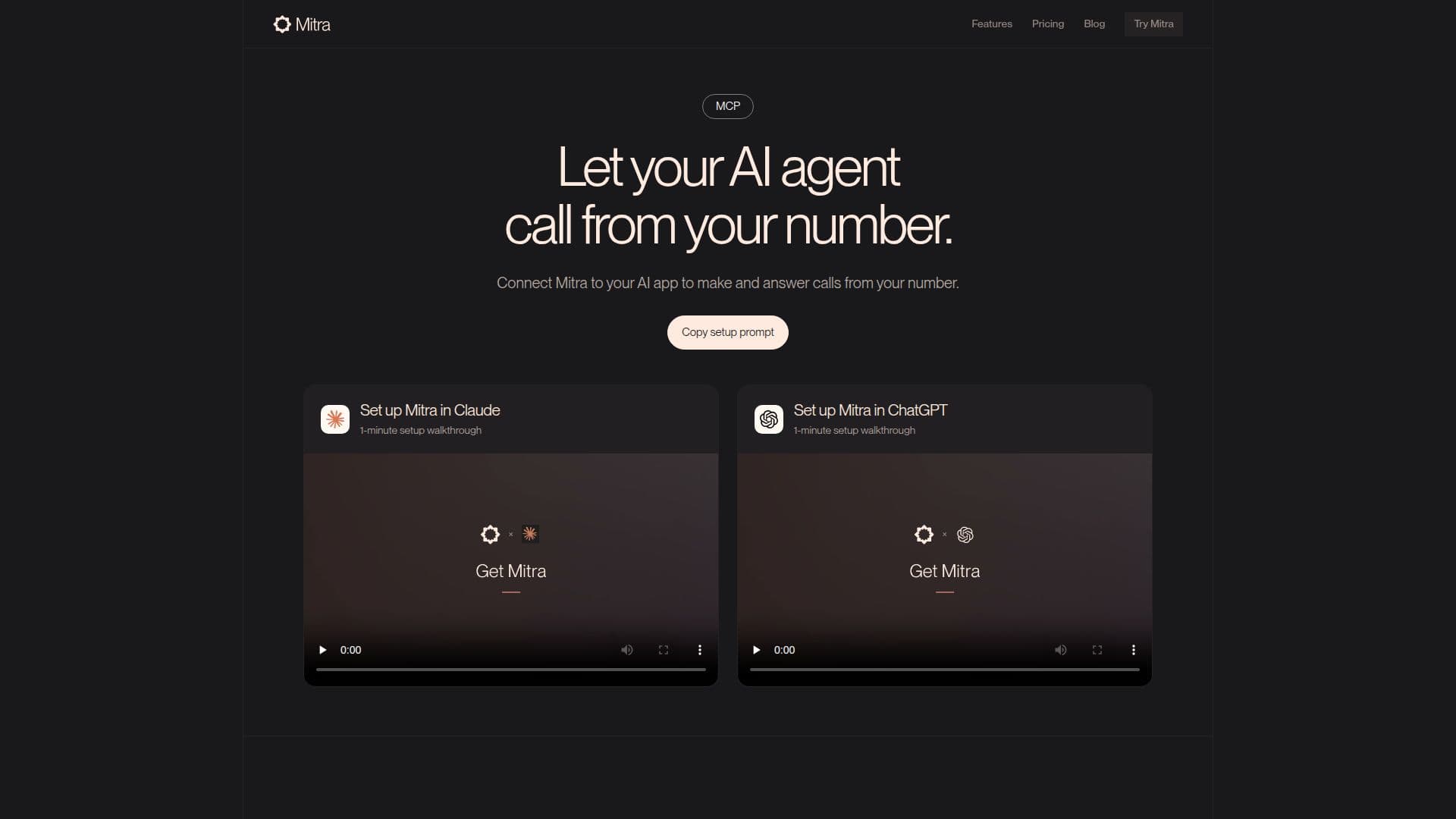
Mitra is an advanced AI phone assistant designed to manage your calls efficiently, operating directly from your existing phone number. It acts as a personal or team-based assistant, capable of both making and answering calls on your behalf. Mitra learns your preferences, contacts, and workflows over time, ensuring that interactions are handled precisely and empathetically, as if you were speaking yourself.
Read More
The platform integrates seamlessly with popular AI applications such as ChatGPT, Claude, and Grok through its custom MCP (Mitra Connector Protocol) server settings. This integration allows users to instruct their AI apps to initiate calls for various tasks, such as booking appointments, comparing service quotes, following up with clients, or checking on service statuses. For instance, you can ask Claude to call local plumbers for price comparisons or instruct ChatGPT to book a dentist appointment, with all details and outcomes reported back directly into your chat.
Key capabilities include answering calls when you're unavailable, moving conversations forward, and filtering spam. When making calls, Mitra navigates hold times and phone trees, only messaging you for essential input. It can retry calls, try alternative numbers, or leave voicemails if needed. For urgent matters, Mitra can transfer callers directly to you, either automatically or after seeking your permission. Users can also listen in on live calls, view real-time transcripts, and jump into the conversation at any point.
Beyond call handling, Mitra summarizes every call with recordings, transcripts, and next steps, helping you catch up quickly. It also keeps track of your daily tasks and updates, ensuring nothing is missed. The assistant works with your existing apps to send follow-up messages, update calendars, and manage files, maintaining workflow continuity. You can deploy a single assistant or create a team of specialized assistants for different aspects of your life, each with its own focus and conversations. Operating 24/7, Mitra proactively follows up on unfinished tasks and screens overnight calls, providing a comprehensive overview of activities when you wake up.
Mitra offers various pricing plans, including a 7-day free trial with 2 hours of calls. Paid plans like Pro, Premier, and Prime provide increasing call hours and chat usage, with an Enterprise option for custom needs and priority support. Security is a top priority, with certified encryption and compliance with industry best practices to protect user data. Mitra uses data only to improve its AI systems and accuracy, with an opt-out option available in settings.
- CategoryAI Voice Agents
- Pricing ModelFreemium
- DeploymentCloud
- PlatformsWeb
Mitra's Core Features
Make and answer calls from your own number
Integrates with AI apps like ChatGPT, Claude, and Grok via MCP
Automated appointment booking and reservation
Price comparison and quote gathering
Customer follow-ups and status checks
Handles hold times and phone trees
Screens and filters spam calls
Live call transfer for urgent matters
Real-time call transcription and listening
Ability to jump into live conversations
Automatic call summaries with recordings and next steps
Task management and daily updates
Integrates with other apps for follow-ups and calendar updates
Supports multiple assistants for different roles
Operates 24/7 for continuous support
How to use Mitra?
Create MCP Connector: Generate a custom MCP connector URL from Mitra and paste it into your AI app's custom MCP server settings.
Sign in to Mitra: Complete the sign-in process to connect your Mitra account.
Configure AI App: Use the provided setup prompt to guide your AI app (e.g., ChatGPT, Claude) in connecting to Mitra via OAuth.
Put Mitra to Work: Ask your connected AI app to make calls for tasks like booking appointments, comparing quotes, or checking statuses.
Monitor and Interact: View call details, transcripts, and summaries within your AI app's chat, or listen in and jump into live calls via Mitra.
Mitra's Use Cases
- Booking Appointments
- Comparing Quotes
- Customer Follow-ups
- Restaurant Reservations
- Service Status Checks
- Personal Errands
- Managing Inbound Calls
- Team Communication